Contact for Pricing
Overview
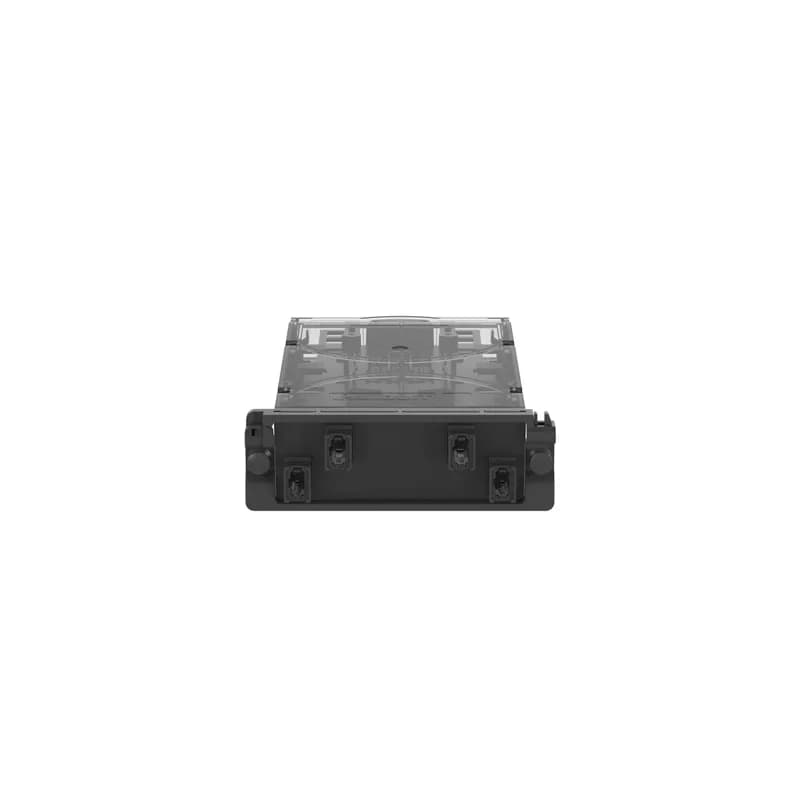
- 48 OS2 Ribbon Pigtails (250um)
- Opt IL for minimal insertion loss
- Removable bevel for simplified installation
- Preloaded MPO Male Splice Cassette
- Manufactured in the US
Specifications
Connection Type | MPO Male |
Material | Poly |
Material | Fiber Optic Components |
Series | Opticom |
Series | Opticom MPO Male Splice Cassette |
Size | 48 OS2 Ribbon Pigtails (250um) |
Package Dimensions (L x W x H) | 9.2 IN x 4.5 IN x 2.6 IN |
Package Dimensions (L x W x H) | 23.368 cm x 11.43 cm x 6.604 cm |
Package Weight (Imperial) | 0.3500 L |
Package Weight (Metric) | 0.1588 kg |
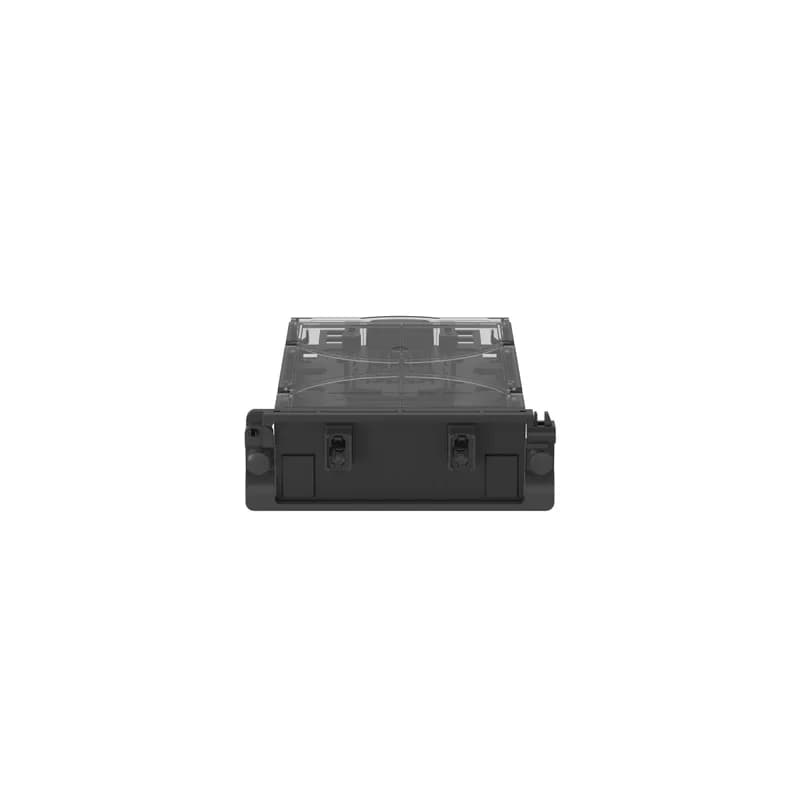
FCS29O-24-MPR
This Opticom MPO Male Splice Cassette is Preloaded with 24 OS2 Ribbon Pigtails (250um), Opt IL. Cassettes have removable bevel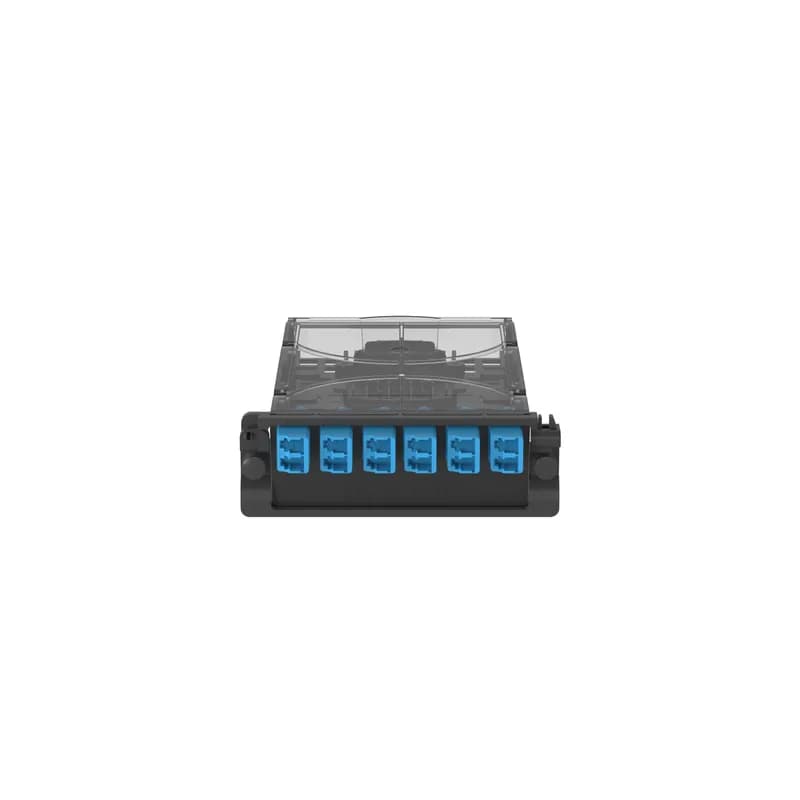
FCS29N-12-LSP
Opticom LC Splice Cassette is Preloaded with 12 OS2 Discrete Pigtails(250Um)and splice kit, and has standard IL. Cassettes have removable bevel.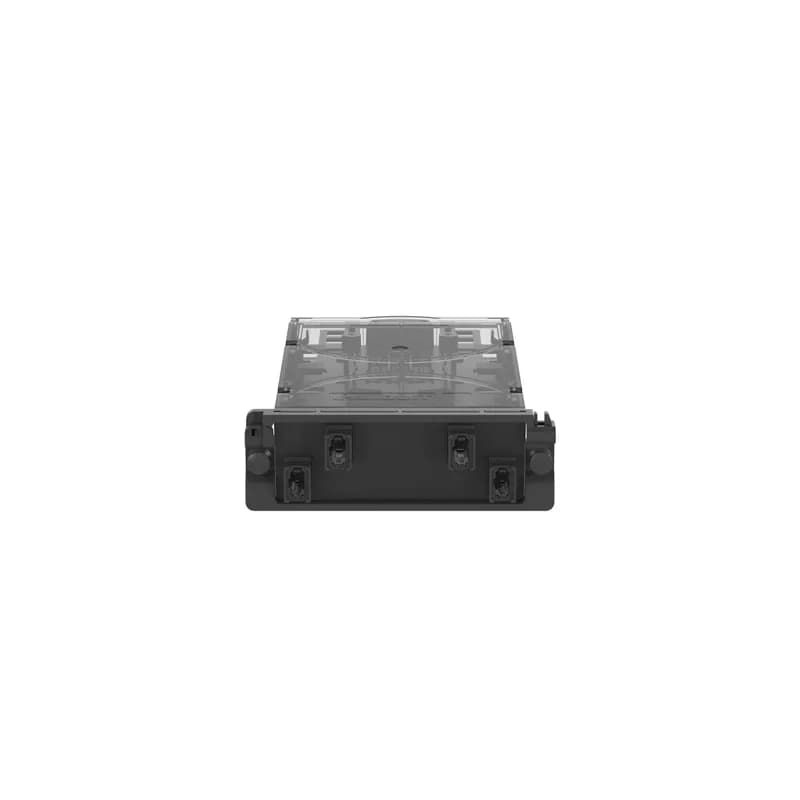
FCS2ZO-48-MPR
This Opticom MPO Male Splice Cassette is Preloaded with 48 OM4 Ribbon Pigtails (250um), Opt IL. Cassettes have removable bevel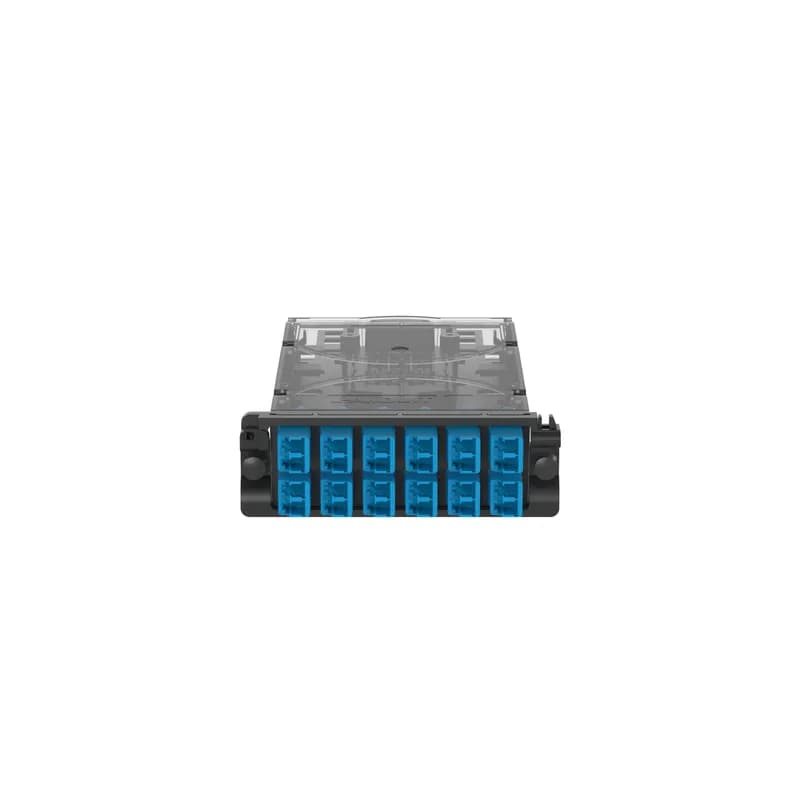
FCS2ZO-24-LSP
Opticom LC Splice Cassette is Preloaded with 24 OM4 Discrete Pigtails(250Um)and splice kit, and has Optimized IL. Cassettes have removable bevel.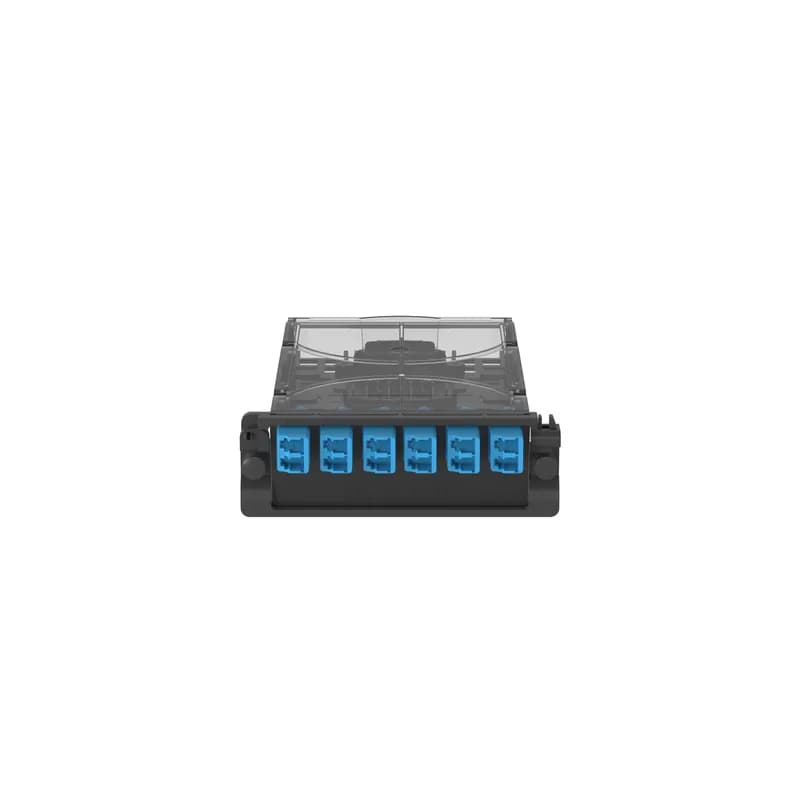
FCS2ZO-12-LSP
Opticom LC Splice Cassette is Preloaded with 12 OM4 Discrete Pigtails(250Um)and splice kit, and has Optimized IL. Cassettes have removable bevel.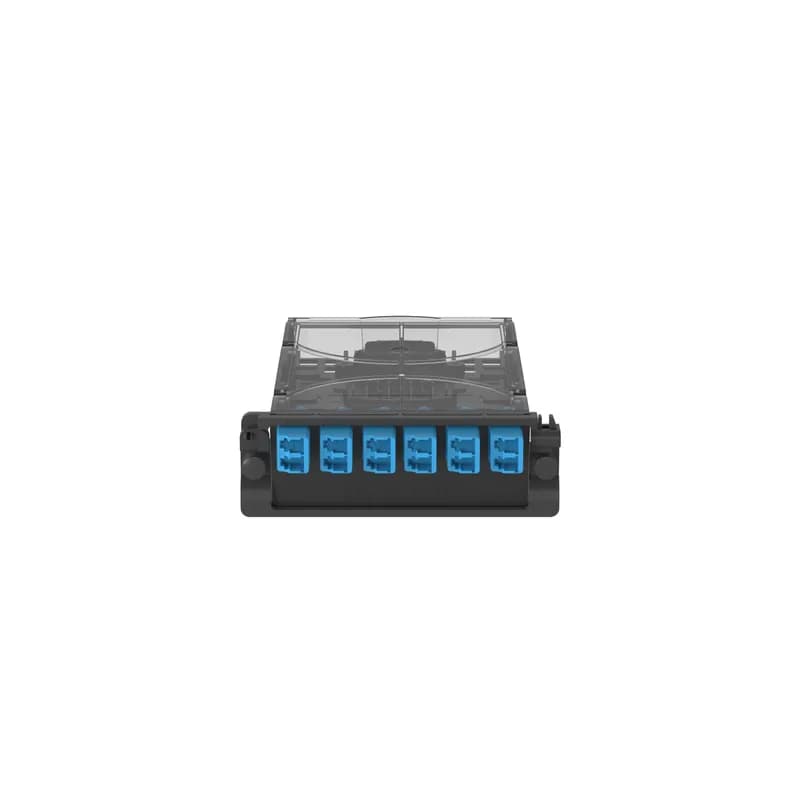
FCS29N-12-LAP
This Opticom LC/APC Splice Cassette is Preloaded with 12 OS2 Discrete Pigtails (250Um) and Splice Kit, and has Standard Il. Opticom cassettes are front-loading.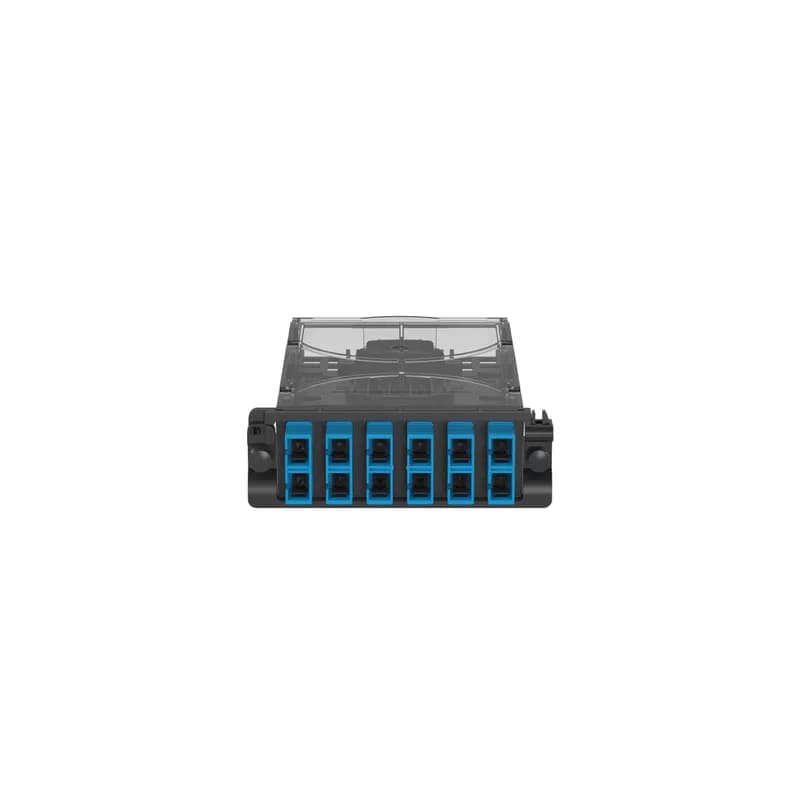
FCS29N-12-3GP
This Opticom SC/APC Splice Cassette is Preloaded with 12 OS2 Discrete Pigtails (250Um) and Splice Kit, and has Standard Il. Cassettes have removable bevel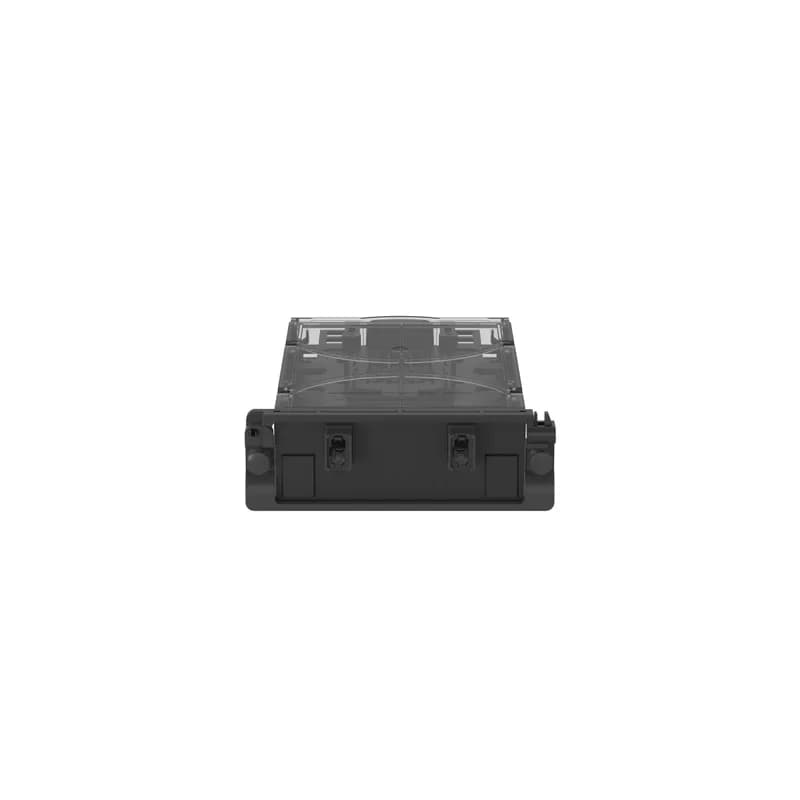
FCS29O-24-MPP
This Opticom MPO Male Splice Cassette is Preloaded with 24 OS2 Discrete Pigtails (250um), Opt IL. Cassettes have removable bevelFrequently Asked Questions
What is the fiber count for FCS29O-48-MPR?
The FCS29O-48-MPR Opticom splice cassette supports a fiber count of 48.
What connector type does FCS29O-48-MPR use?
The FCS29O-48-MPR Opticom splice cassette uses MPO-12 connectors and has 4 MPO-12 ports.
What type of pigtails are included with the cassette?
The FCS29O-48-MPR cassette includes 1-meter flat ribbon pigtails.
What accessories are included for field splicing?
The cassettes include splice protectors, splice holders, and cable ties for securing the incoming cable.
What enclosures are compatible with Opticom splice cassettes?
Opticom splice cassettes are compatible with all Opticom Enclosures (FRME*, FCE*) and patch panels.
What is the return loss for singlemode fibers?
For singlemode fibers, the return loss is greater than 55dB per fiber.
What is the connector durability rating?
Connectors meet TIA/EIA-568C.3 A.4.9 and have a durability of 500 mating cycles.
What is the operating temperature range?
The operating temperature range for the cassettes is 0°C to 70°C (32°F to 158°F).
What is the storage and shipping temperature range?
The storage and shipping temperature range is -40°C to 75°C (-40°F to 167°F).
What standards do Opticom splice cassettes comply with?
They meet or exceed TIA/EIA-568-C.3, support IEEE 802.3ae and ANSI T11.2, and are ROHS 2002/95/EC compliant.
How to Install and Splice Fiber in an Opticom MPO Splice Cassette (FCS29O-48-MPR)
This guide provides detailed instructions for preparing, installing incoming ribbon fiber cables, performing fusion splicing, and mounting the FCS29O-48-MPR Opticom MPO Splice Cassette into compatible panels or enclosures. WARNING: Unmated connectors may emit invisible laser radiation; maintain dust caps on unmated connectors. CAUTION: Fiber optic cable is sensitive to excessive pulling, bending, and crushing forces; consult the manufacturer’s cable specification sheet.
Estimated time: 1h 30m
Tools needed:
#2 Phillips screwdriver, Scissors, Fiber optic cleaver, Fiber stripper, Fusion splicer
Supplies needed:
Pan-Ty Cable Tie (PLT1M-M20WIP), 1/4” Phillips Screw for Aramid yarn strain relief, Ribbon Splice Sleeve, Isopropyl alcohol, Lint-free wipes
- Remove Cassette Cover
Push down the Cover Removal Latch located in the rear of the cassette and slide the Cover back until the four tabs clear. Carefully set the cover aside in a safe place.
- Remove Splice Tray from Base
Squeeze the two tabs on either side of the Splice Tray inward and/or pull the Base wall outward to release the Splice Tray from the Base. Carefully remove any pre-coiled fiber pigtails from the Splice Tray and set them aside. This FCS29O-48-MPR cassette utilizes both the Base and Splice Tray for ribbon fiber splicing.
- Prepare for Incoming Cable Routing (Optional Side Access)
If your specific enclosure or cable routing requires it (e.g., for FWME2** enclosures), use your fingers to bend the breakout tabs outward to remove the end walls of the Cassette Base. This allows for side access routing of incoming fiber cables.
- Prepare and Secure Incoming Fiber Cable on the Base
Strip the outer jacket of the incoming fiber cable approximately 20 inches (0.5 meters). Secure the incoming fiber cable to the Cassette Base using two of the provided Pan-Ty Cable Ties. Optionally, secure the incoming fiber cable's Aramid yarn to the Base using the provided 1/4” Phillips screw(s). Trim any excess from the cable ties and Aramid yarn.
- Splice Incoming Ribbon Fiber on the Base
Expose all fiber ends for splicing. Slide a ribbon splice sleeve onto either the pigtail or field fiber. Strip approximately 1.375 inches (35mm) of coating from each fiber and clean with isopropyl alcohol. Cleave the fiber so that 0.400 inches (10mm) of bare fiber extends past the fiber coating. Splice all fibers according to your fusion splicer manufacturer's best practices and heat the splice sleeve(s). Route the spliced fibers neatly into the cassette, ensuring they are located under the Base fiber retention tabs. Secure the ribbon splice sleeves into the Ribbon Splice Sleeve Holders in the Base (capacity for 2 ribbon sleeves).
- Replace Splice Tray
Carefully replace the Splice Tray into the Base. Ensure that no fibers previously spliced onto the base are protruding above the Base Fiber Retention Tabs. Push the Splice Tray firmly until an audible 'CLICK' is heard, indicating it is securely seated.
- Splice Remaining Incoming Ribbon Fiber on the Splice Tray
Repeat the fiber preparation and splicing steps for the remaining incoming ribbon fiber on the Splice Tray. Secure the ribbon splice sleeves into the Ribbon Splice Sleeve Holders in the Splice Tray (capacity for 2 ribbon sleeves). Ensure all spliced fibers are routed neatly and securely within the Splice Tray.
- Re-install Cassette Cover
After all splicing is complete and fibers are neatly routed, re-install the Cassette Cover. Push the cover forward until the Cover Removal Latch 'clicks' into place, ensuring all four tabs engage securely underneath the Base tabs.
- Install Cassette into Panel or Enclosure
Install the completed cassette onto the front of compatible panels or enclosures by snapping its two grommets into the designated mounting holes. Alternatively, for rear installation, temporarily remove the Bezel by pushing its latch inward, install the cassette through the rear of the panel/enclosure, then re-attach the Bezel and secure the grommets to the front.
Frequently Asked Questions about Panduit
What environmental ratings do Panduit products have?
Panduit products feature comprehensive environmental ratings across multiple standards, including UL 508A Type 1, 2, 3, 4, 4X, 12, and 13; CSA Type 1, 2, 3, 4, 4X, 12, and 13; and NEMA Type 1, 2, 3, 4, 4X, 12, and 13. They meet IEC 60529 IP66 rating, providing robust protection against dust, water, and corrosion in both indoor and outdoor environments, with operating temperatures ranging from -40°C to 130°C.
What certifications and standards do Panduit products comply with?
Panduit products are certified to multiple critical industry standards, including UL (Underwriters Laboratories) in the USA and Canada, CSA (Canadian Standard Association), EN IEC 61386, LVD 2006/G5/EC, and ARRA standards. Our products meet rigorous certifications for electrical safety, environmental compliance (WEEE and RoHS), and are designed to perform in extreme temperatures ranging from -55°C to 105°C, making them suitable for demanding industrial environments.
What industries and applications are Panduit products used for?
Panduit products are engineered for critical applications across multiple industries, including commercial construction, food and beverage, oil and gas, renewable energy, transportation, and safety-critical environments. Their solutions span electrical infrastructure, wire management, cable ties, power connectors, and safety systems designed to withstand extreme conditions like high vibration, temperature variations, UV exposure, and corrosive agents. Key industries include solar and wind energy, aerospace, heavy trucking, military, commercial transportation, and industrial manufacturing.
What are the main product lines offered by Panduit?
Panduit offers a comprehensive range of electrical infrastructure products including power connectors, cable ties, grounding connectors, identification products, safety solutions, terminals, cable cleats, wiring duct, and cable tie accessories. These products are engineered for industrial environments across multiple sectors like commercial construction, food and beverage, oil and gas, renewable energy, transportation, and safety applications.
What are the key features of Panduit products?
Panduit products are engineered for robust performance in heavy-duty industrial environments, featuring a comprehensive range of solutions including cable ties, power connectors, terminals, and identification products. Key features include proven quality performance, subject matter expertise, and customer-driven innovation across multiple industrial sectors such as commercial construction, food and beverage, oil and gas, renewable energy, transportation, and safety applications. The product line is designed to maximize productivity, reliability, and safety while meeting stringent industry standards.
What is Panduit's warranty policy?
Panduit provides a comprehensive Limited Product Warranty that can be fully reviewed on their official website at www.panduit.com/warranty. All Panduit products are subject to the terms, conditions, and limitations of this current warranty. Customers are advised to review the specific warranty details for their particular product, as Panduit requires buyers to determine product suitability for their intended use and assumes all associated risks.
What technical support does Panduit offer?
Panduit offers comprehensive technical support through their dedicated customer service team, accessible via phone at 1-800-777-3300. They provide expert assistance for their full range of industrial infrastructure products, including cable ties, power connectors, terminals, and identification solutions. Customers can also access additional technical resources and product information through their website at www.panduit.com.
What accessories are available for Panduit products?
Panduit offers a wide range of accessories across multiple product lines, including cable ties, cable tie accessories, cable tie tools, identification products, cable cleats, grounding connectors, and VeriSafe accessories like the VeriSafe Network Module and Insulation Piercing Connectors. For a comprehensive view of all available accessories, customers are recommended to visit www.panduit.com for the full product catalog.
How are Panduit products typically installed?
Panduit products are engineered for comprehensive installation across industrial environments, utilizing specialized tools and techniques for precise mounting. Installation methods vary by product line - from cable ties and power connectors to terminals and identification solutions - but all are designed for robust performance in heavy-duty settings. Technicians typically use Panduit's dedicated installation tools and follow manufacturer guidelines available at www.panduit.com to ensure proper fitting and maximum infrastructure reliability.