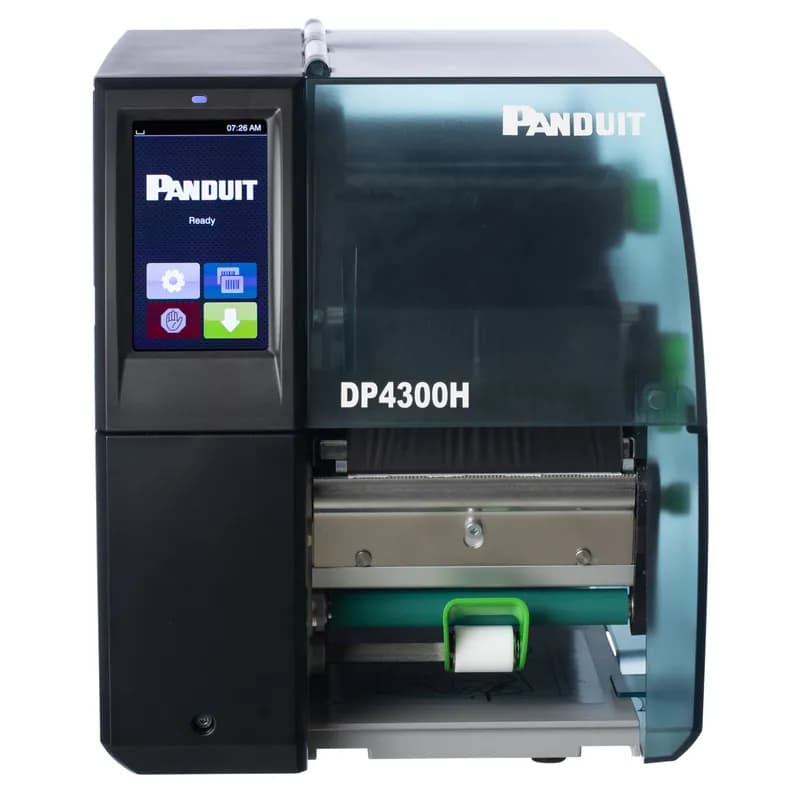
Contact for Pricing
Overview
- 300 dpi print resolution for clear, legible labels
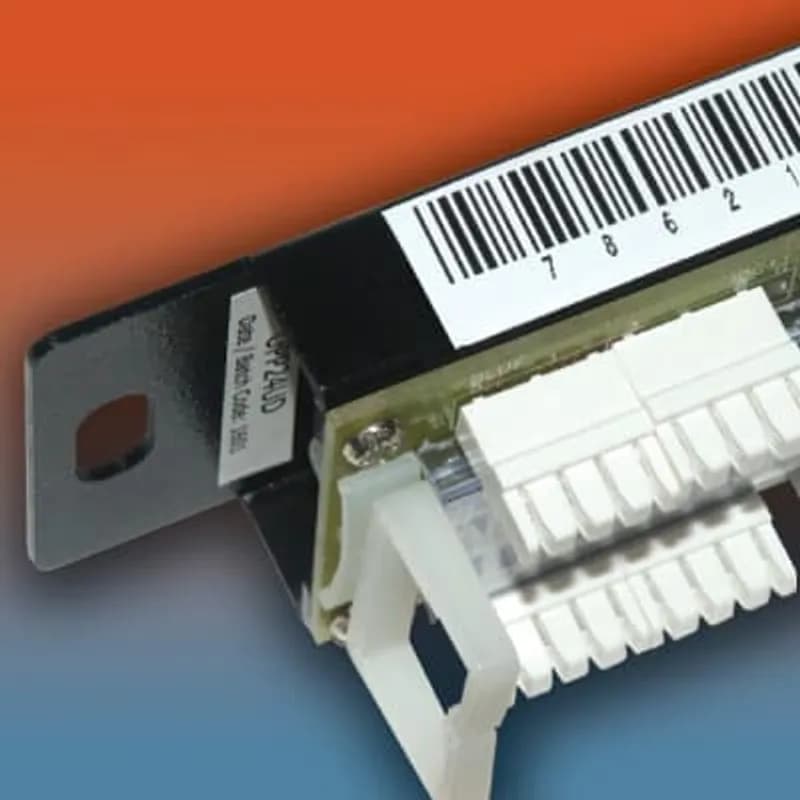
- Ideal for raised panel, electrical, network, arc flash, and safety labels
- Includes Easy-Mark™ Labeling Software for simplified design
- Bundled with black hybrid ribbon, USB cable, and multiple power cords
- Designed for on-demand industrial label production
Specifications
Printing Rate | 11.8 in/s |
Printing Rate | 299.72 mm/s |
Resolution | 300 dpi |
Standard | RoHS Compliant |
Type | Desktop Printer |
Package Dimensions (L x W x H) | 23.25 IN x 14.75 IN x 16 IN |
Package Dimensions (L x W x H) | 59.055 cm x 37.465 cm x 40.64 cm |
Package Weight (Imperial) | 30.0000 L |
Package Weight (Metric) | 13.6080 kg |
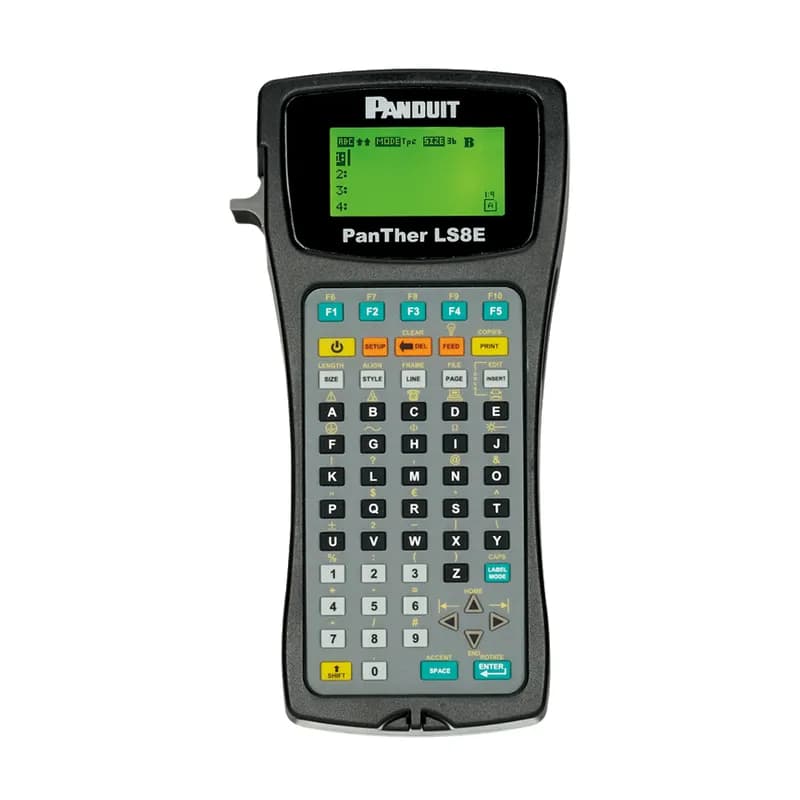
LS8E-ACA
The 100 24-Her LS8E and LS8EQ Hand-Held Thermal Transfer Printers is part of the complete line of identification solutions from Panduit. It is available individually or as part of the printer kit.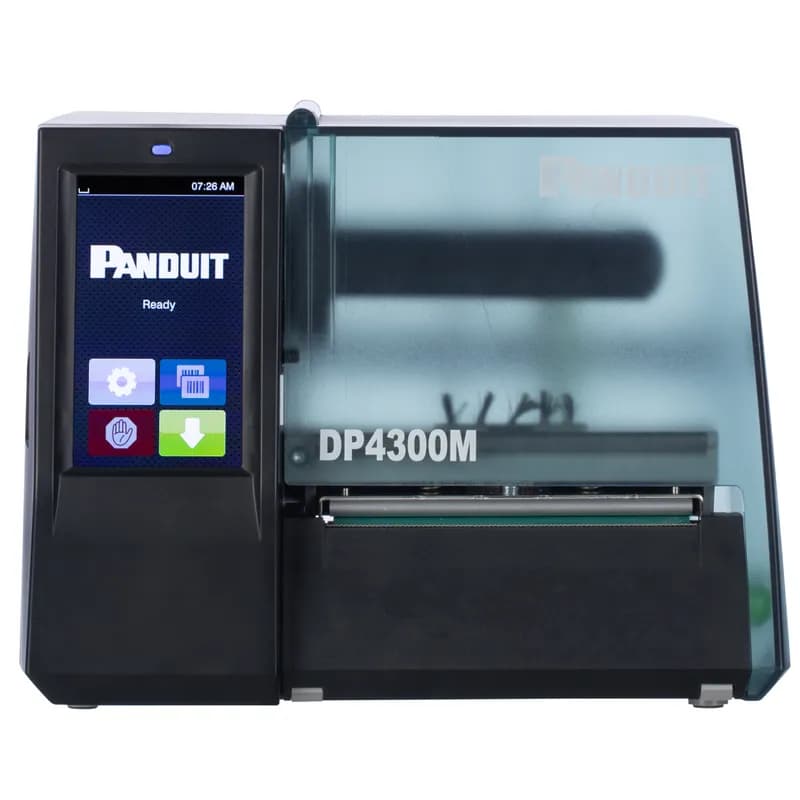
DP4300M
The DP4300M Thermal Transfer Desktop Printer has 300 dpi resolution and 5.9" per second maximum print speed. Print a variety of self-laminating labels, component labels, non-laminated labels, heat-shrink labels, marker plates, and continuous tapes up to 4" wide. It includes Easy-Mark™ Labeling Software, RMEH4BL black hybrid ribbon, a USB cable, a user manual, a quick start card, and US power cord. For use in North America.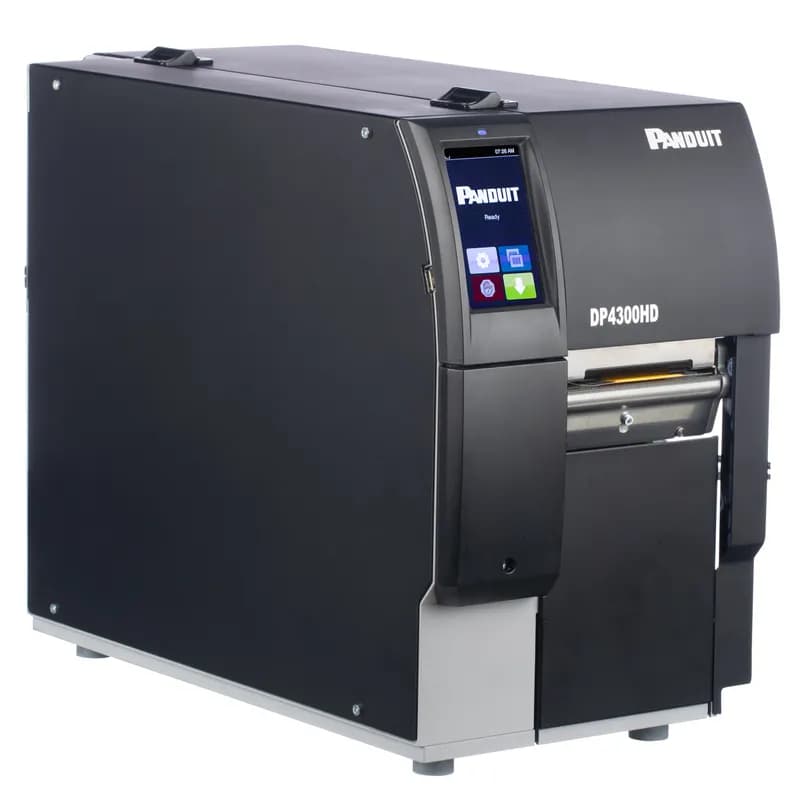
DP4300HD/E
The DP4300HD/E Two-Sided Thermal Transfer Desktop Printer produces high-quality print-on-demand labels for wire and cable marking applications using Panduit Two-Sided Heat Shrink Labels. This solution is ideal for labeling in OEM, MRO, and Construction. Includes 300 dpi printer w/ Touch Screen, Easy-Mark™ Labeling Software, 2 rolls of RHEH4BL Black Hybrid Ribbons, USB Cable, Quick Start Guide and Power Cords for UK, Germany, Switzerland, and China. Not for use in North America.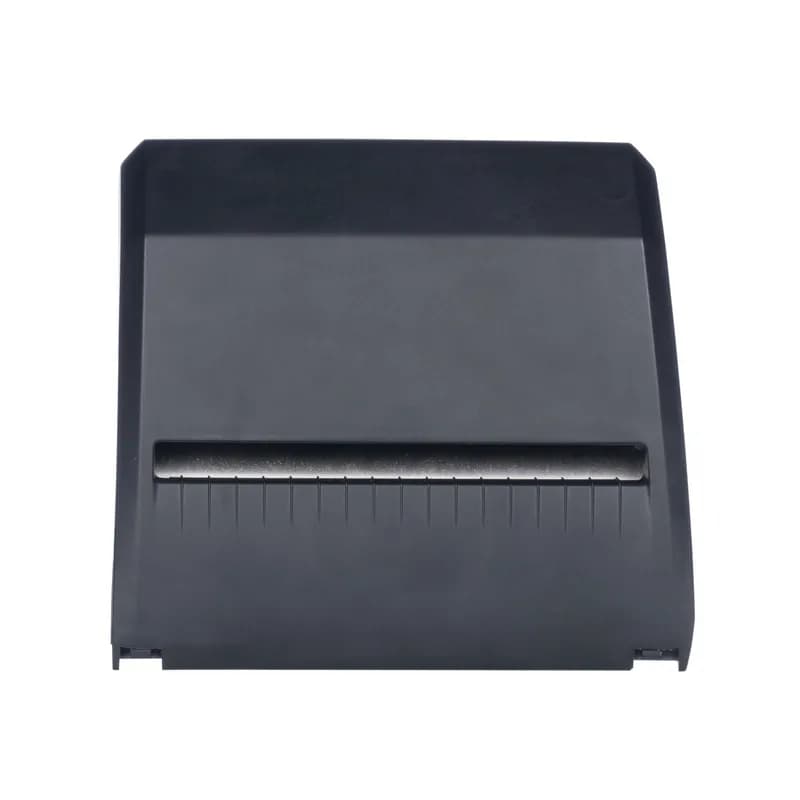
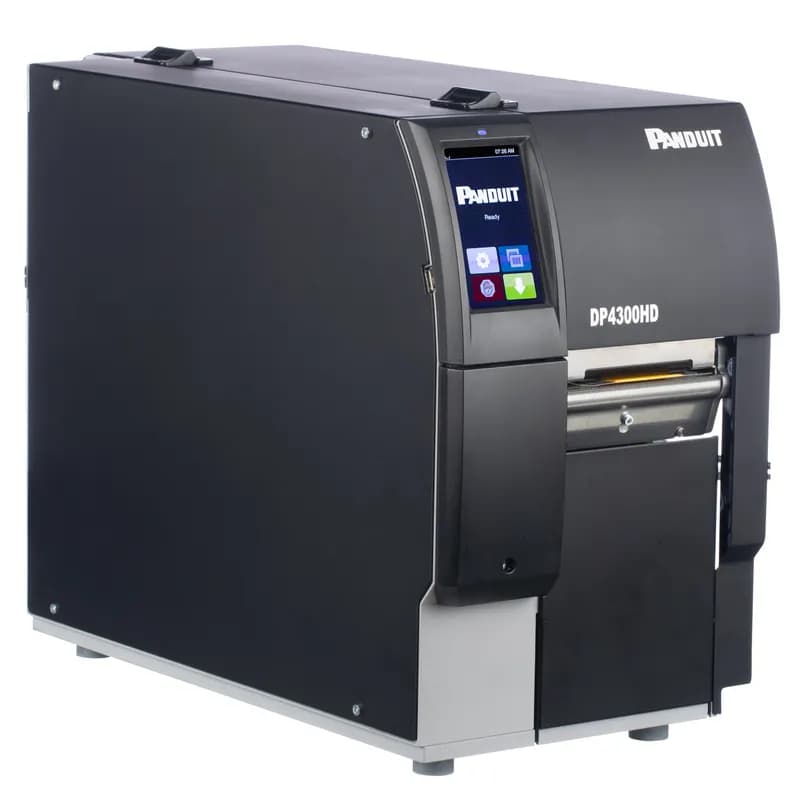
DP4300HD
The DP4300HD Two-Sided Thermal Transfer Desktop Printer produces high-quality print-on-demand labels for wire and cable marking applications using Panduit Two-Sided Heat Shrink Labels. This solution is ideal for labeling in OEM, MRO, and Construction. Includes 300 dpi printer w/ Touch Screen, Easy-Mark™ Labeling Software, 2 rolls of RHEH4BL Black Hybrid Ribbons, USB Cable, Quick Start Guide and US Power Cord. For use in North America.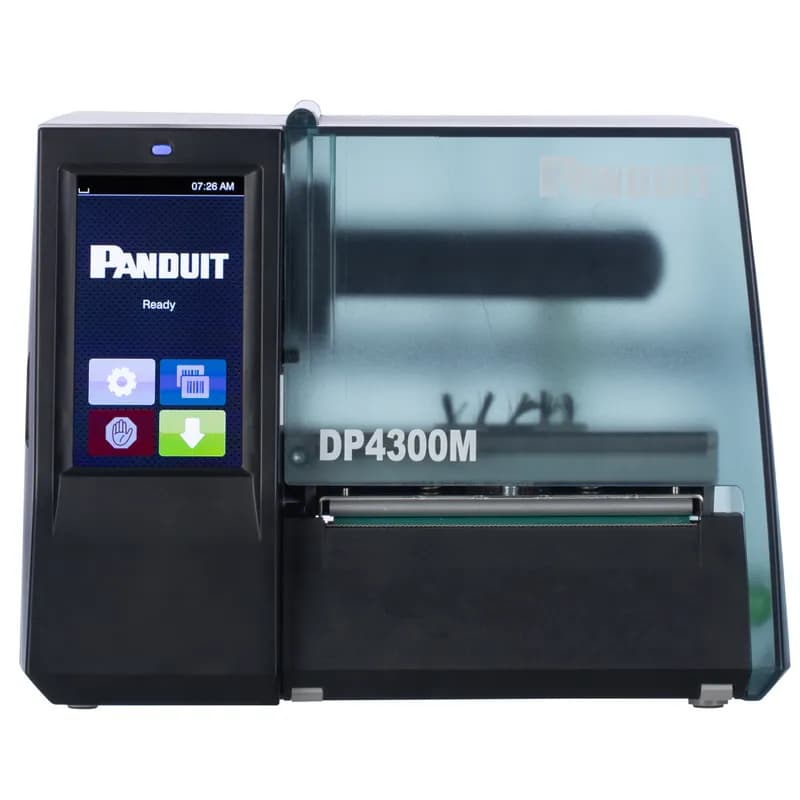
DP4300M/E
The DP4300M/E Thermal Transfer Desktop Printer has 300 dpi resolution and 5.9" per second maximum print speed. Print a variety of self-laminating labels, component labels, non-laminated labels, heat-shrink labels, marker plates, and continuous tapes up to 4" wide. It includes Easy-Mark™ Labeling Software, RMEH4BL black hybrid ribbon, a USB cable, a user manual, a quick start card, and EU, UK, Swiss, Australia, and China power cords; for use outside of North America.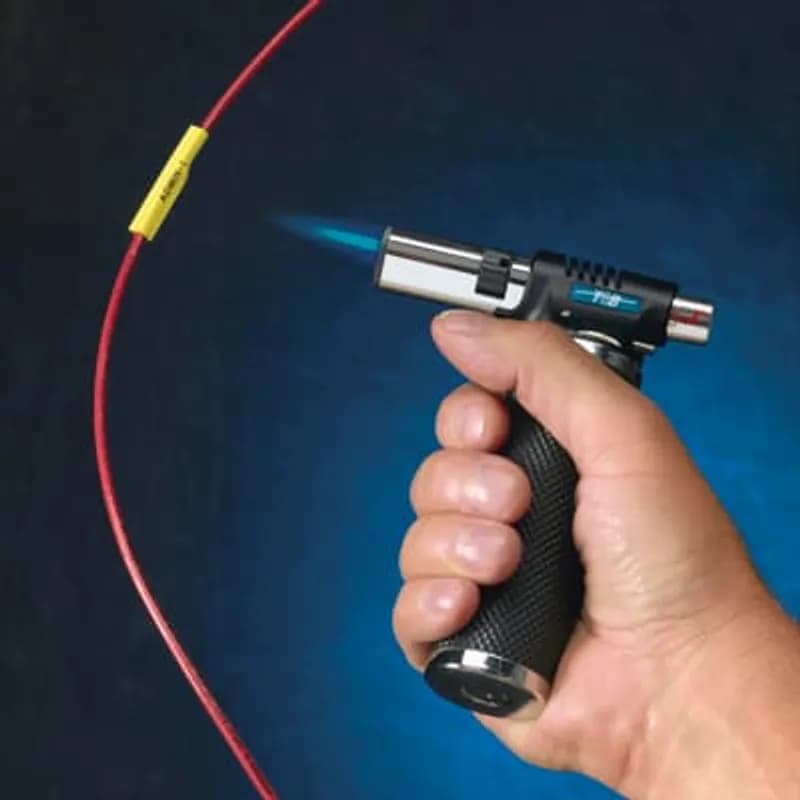
EZ-YHS34
EZL Wire Marker Label for Wire Range 2-4, Heat-Shrink Yellow Polyolefin, 3/4 inch, 5 feet lengthHow to Install and Set Up the Panduit DP4300H/E Label Printer
This guide provides step-by-step instructions for unpacking, connecting, and loading media into the Panduit DP4300H/E label printer, including optional Wi-Fi stick installation and initial synchronization.
Estimated time: 45m
Tools needed:
Allen key
Supplies needed:
Power supply cord, USB cord, Suitable network cable, Wi-Fi stick (optional), Label roll, Transfer ribbon (optional), Spare ribbon core, Adhesive tape
- Unpack and Prepare the Printer
Lift the label printer from its box, inspect it for any damage that may have occurred during transport, and place it on a level, dry surface. Remove any foam transportation safeguards located near the printhead. Ensure the setup location is protected from moisture and splash water.
- Install the Wi-Fi Stick (Optional)
If using a Wi-Fi stick, use the provided Allen key to remove the cover from the control panel. Connect the Wi-Fi stick to the designated USB interface inside the control panel.
- Connect Power and Network
Ensure the printer's power switch is in the 'off' position. Plug the appropriate power supply cord into the printer's power connection jack, then plug the other end into a grounded wall socket. Connect the label printer to a computer or network using a suitable grounded cable. Ensure all connected devices and cables are properly grounded to prevent malfunctions.
- Power On the Printer
Switch the printer on using the power switch. The printer will perform a system test. Wait for the touchscreen display to show 'Ready', indicating the printer is operational.
- Load Media Roll
Open the printer cover. Turn the ring at the margin stop counterclockwise to unlock it, then remove the margin stop from the roll retainer. Load the label roll onto the roll retainer, ensuring the printing side of the labels is visible from above. Re-mount the margin stop, push it firmly against the label roll until it touches both margin stops, and then lock it by turning the ring clockwise.
- Insert Media into Printhead and Set Sensor
Turn the printhead lever counterclockwise to lift the printhead. Adjust the label guides with the knob to create a path for the media. Guide the label strip over the internal rewinder and through the label sensor, ensuring it exits between the printhead and print roller. Move the guides against the edges of the material. Loosen the label sensor screw, position the sensor to accurately detect the label gap or sensing slot, and then tighten the screw. If using tear-off mode, turn the printhead lever clockwise to lock the printhead.
- Load Transfer Ribbon (for Thermal Transfer Printing)
If performing thermal transfer printing, first clean the printhead (refer to section 6.2 of the manual). Lift the printhead. Slide the ribbon roll onto the ribbon supply hub with the color coating facing downward, ensuring it is centrally positioned. Secure the ribbon roll by turning the knob on the supply hub counterclockwise. Slide a spare ribbon core onto the ribbon take-up hub and secure it similarly. Guide the ribbon through the print unit as illustrated in Figure 14 of the manual. Secure the ribbon's starting end to the take-up core with adhesive tape, ensuring a counterclockwise rotation direction. Turn the ribbon take-up hub counterclockwise to smooth the ribbon feed path, then lock the printhead by turning its lever clockwise.
- Synchronize Paper Feed
After loading the label stock, especially for peel-off or cutting mode, synchronize the paper feed. Select the synchronization symbol on the printer's touchscreen display. The printer will feed out any blank labels until the first label is detected at the print position. Remove any blank labels that are peeled off or cut during this process.
Frequently Asked Questions about Panduit
What environmental ratings do Panduit products have?
Panduit products feature comprehensive environmental ratings across multiple standards, including UL 508A Type 1, 2, 3, 4, 4X, 12, and 13; CSA Type 1, 2, 3, 4, 4X, 12, and 13; and NEMA Type 1, 2, 3, 4, 4X, 12, and 13. They meet IEC 60529 IP66 rating, providing robust protection against dust, water, and corrosion in both indoor and outdoor environments, with operating temperatures ranging from -40°C to 130°C.
What certifications and standards do Panduit products comply with?
Panduit products are certified to multiple critical industry standards, including UL (Underwriters Laboratories) in the USA and Canada, CSA (Canadian Standard Association), EN IEC 61386, LVD 2006/G5/EC, and ARRA standards. Our products meet rigorous certifications for electrical safety, environmental compliance (WEEE and RoHS), and are designed to perform in extreme temperatures ranging from -55°C to 105°C, making them suitable for demanding industrial environments.
What industries and applications are Panduit products used for?
Panduit products are engineered for critical applications across multiple industries, including commercial construction, food and beverage, oil and gas, renewable energy, transportation, and safety-critical environments. Their solutions span electrical infrastructure, wire management, cable ties, power connectors, and safety systems designed to withstand extreme conditions like high vibration, temperature variations, UV exposure, and corrosive agents. Key industries include solar and wind energy, aerospace, heavy trucking, military, commercial transportation, and industrial manufacturing.
What are the main product lines offered by Panduit?
Panduit offers a comprehensive range of electrical infrastructure products including power connectors, cable ties, grounding connectors, identification products, safety solutions, terminals, cable cleats, wiring duct, and cable tie accessories. These products are engineered for industrial environments across multiple sectors like commercial construction, food and beverage, oil and gas, renewable energy, transportation, and safety applications.
What are the key features of Panduit products?
Panduit products are engineered for robust performance in heavy-duty industrial environments, featuring a comprehensive range of solutions including cable ties, power connectors, terminals, and identification products. Key features include proven quality performance, subject matter expertise, and customer-driven innovation across multiple industrial sectors such as commercial construction, food and beverage, oil and gas, renewable energy, transportation, and safety applications. The product line is designed to maximize productivity, reliability, and safety while meeting stringent industry standards.
What is Panduit's warranty policy?
Panduit provides a comprehensive Limited Product Warranty that can be fully reviewed on their official website at www.panduit.com/warranty. All Panduit products are subject to the terms, conditions, and limitations of this current warranty. Customers are advised to review the specific warranty details for their particular product, as Panduit requires buyers to determine product suitability for their intended use and assumes all associated risks.
What technical support does Panduit offer?
Panduit offers comprehensive technical support through their dedicated customer service team, accessible via phone at 1-800-777-3300. They provide expert assistance for their full range of industrial infrastructure products, including cable ties, power connectors, terminals, and identification solutions. Customers can also access additional technical resources and product information through their website at www.panduit.com.
What accessories are available for Panduit products?
Panduit offers a wide range of accessories across multiple product lines, including cable ties, cable tie accessories, cable tie tools, identification products, cable cleats, grounding connectors, and VeriSafe accessories like the VeriSafe Network Module and Insulation Piercing Connectors. For a comprehensive view of all available accessories, customers are recommended to visit www.panduit.com for the full product catalog.
How are Panduit products typically installed?
Panduit products are engineered for comprehensive installation across industrial environments, utilizing specialized tools and techniques for precise mounting. Installation methods vary by product line - from cable ties and power connectors to terminals and identification solutions - but all are designed for robust performance in heavy-duty settings. Technicians typically use Panduit's dedicated installation tools and follow manufacturer guidelines available at www.panduit.com to ensure proper fitting and maximum infrastructure reliability.