Contact for Pricing
Overview
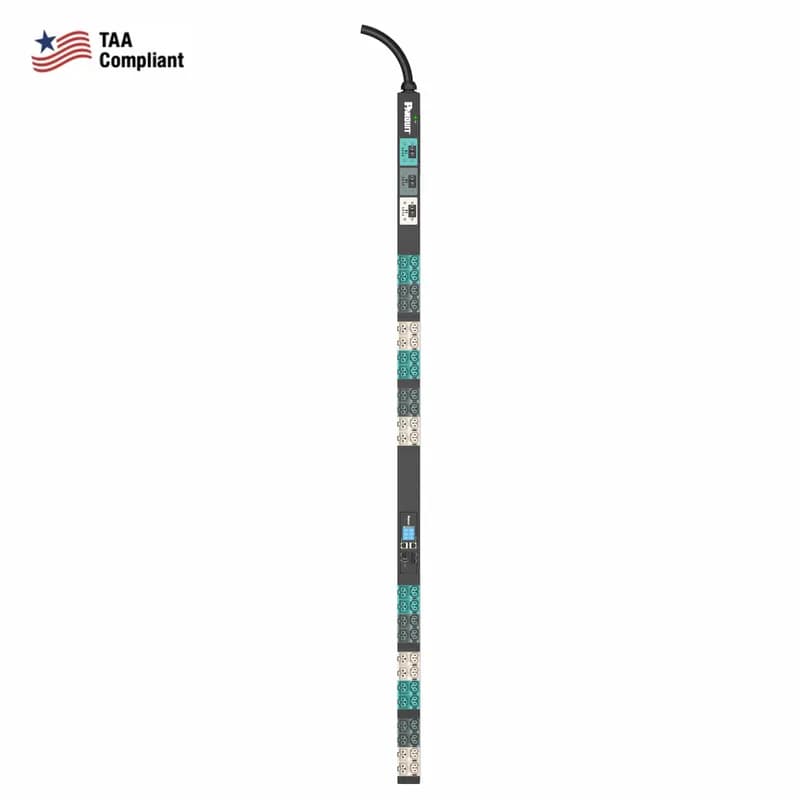
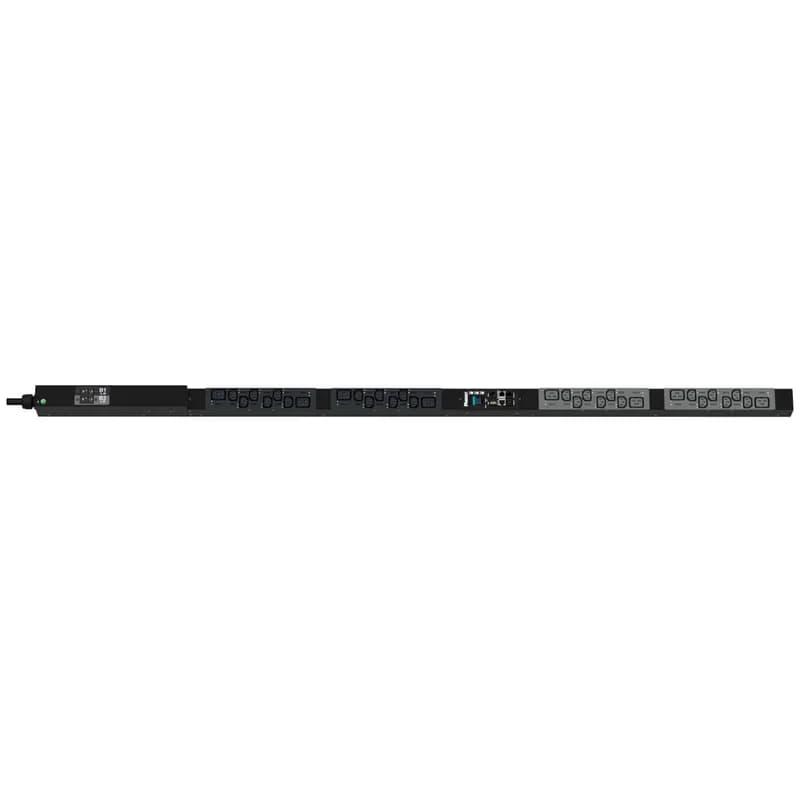
- 30-amp input with NEMA L21-30P plug and 3-meter cord
- (24) C13/C15 outlets on input side, (24) C13/C15/C19/C21 outlets on output side
- Black powder-coated steel housing for corrosion resistance
- 1U rackmount design for high-density power distribution
- Compatible with 250V power circuits for industrial and IT applications
Specifications
Frequency Rating, Maximum | 208 V |
Frequency Rating, Minimum | 208 V |
Material | Metal |
Mounting | Vertical |
Phase | 3 |
Standard | UL 62368-1, CAN CSA-C22.2 No. 62368-1 EMC: FCC 47 CFR Part 15, Class A, Subpart B. ICES-003 Issue 7 |
Type | PDU |
Width | 2 in |
Width | 50.8 mm |
Package Dimensions (L x W x H) | 70.08 IN x 3 IN x 3 IN |
Package Dimensions (L x W x H) | 178.0032 cm x 7.62 cm x 7.62 cm |
Package Weight (Imperial) | 22.4900 L |
Package Weight (Metric) | 10.2015 kg |


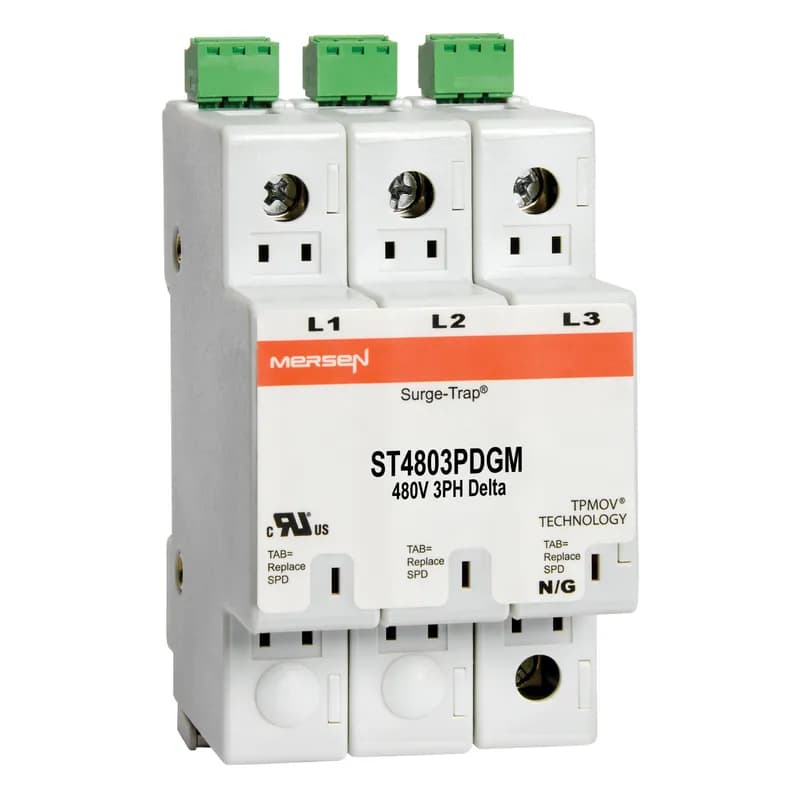
ST4803PDGM
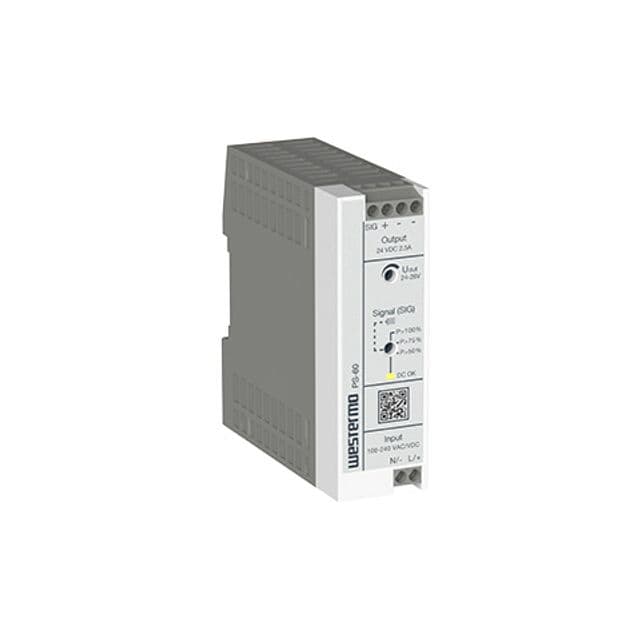
Surge-Trap® Surge Protective Device is a no-fuse surge suppressor. The Surge-Trap is a UL 1449 Third Edition compliant modular style surge protective device that is DIN-rail mountable featuring a fail-safe self-protected design, visual indicator and a small foot print. A remote indicator option provides status to critical control circuit. The Surge-Trap provides advanced overvoltage protection utilizing Mersen's patented TPMOV® technology without additional protection devices. 480 Volts 3P Delta system type without N-G mode, with microswitch .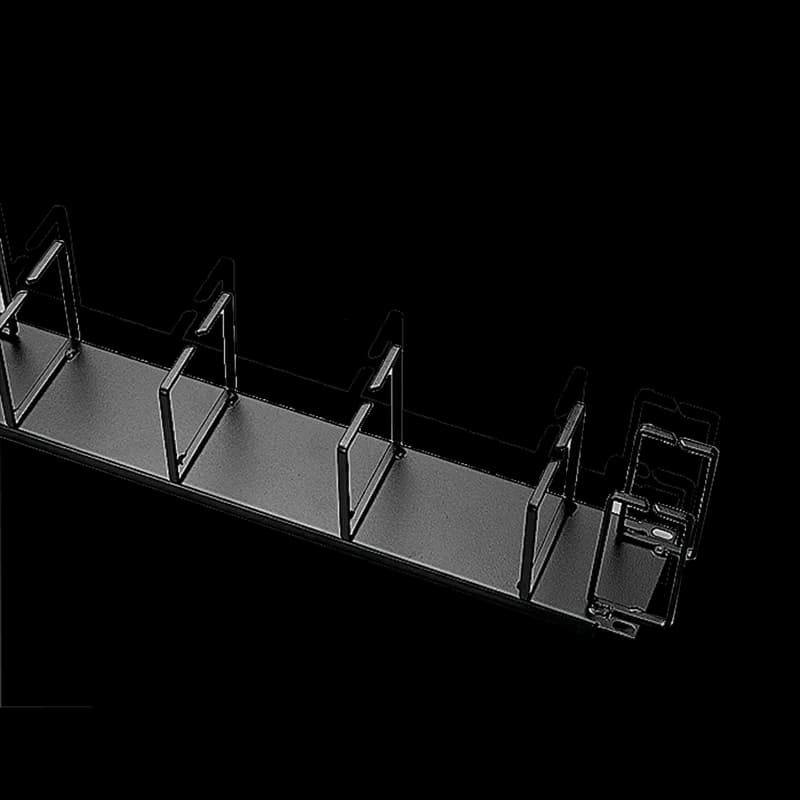
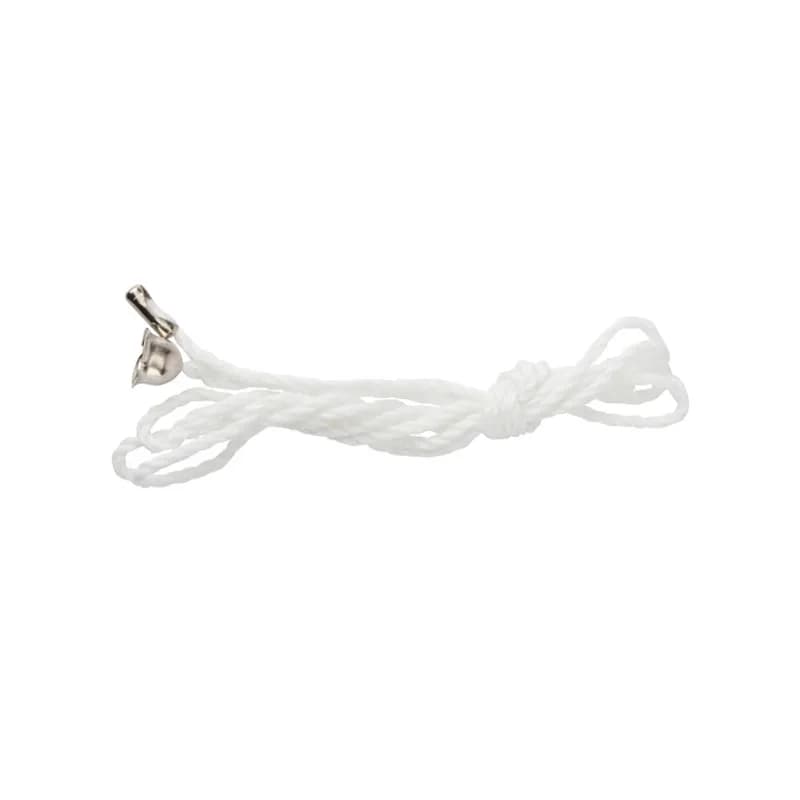
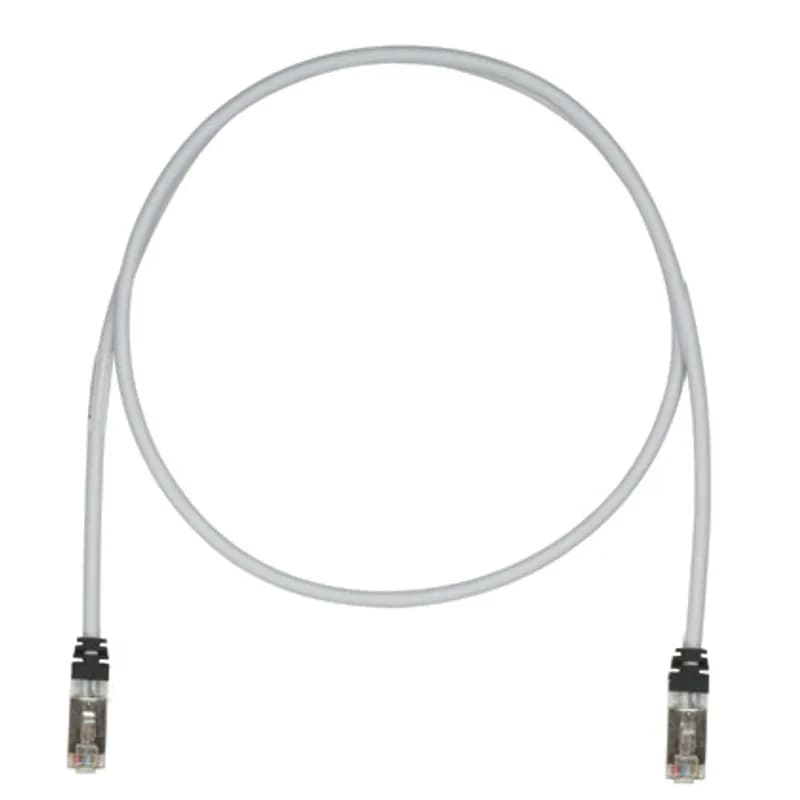
STP6X12MIG
This TX6A 10Gig Cat 6A STP Patch Cord is a 12-Meter, Int'l Grey cord constructed of 26 AWG, shielded, twisted pair, stranded, CM/LSZH cable and with high-performance modular plugs. Its tangle-free latch prevents snags and ensures a fast release, streamlining moves, adds, and changes. The slender strain relief boot provides easy access in high-density applications. Enabled with RapidID, the product has pre-installed barcodes for simple port mapping using RapidID software.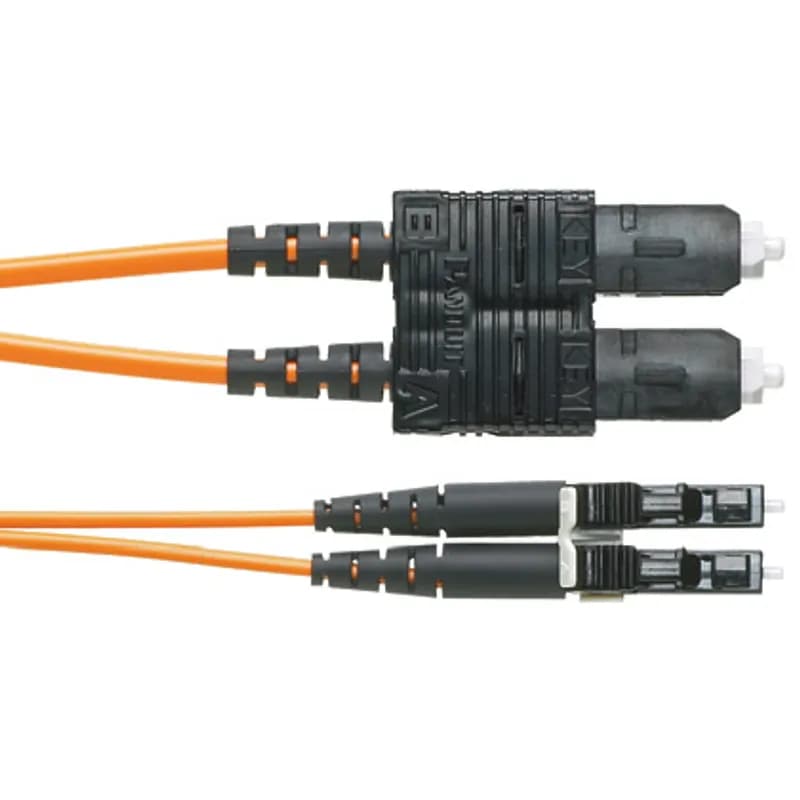
F62ERLNSNSNM002
OM1 2 fiber, 16mm jacket, patchcord, Riser (OFNR) rated, LC duplex to SC duplex, Std IL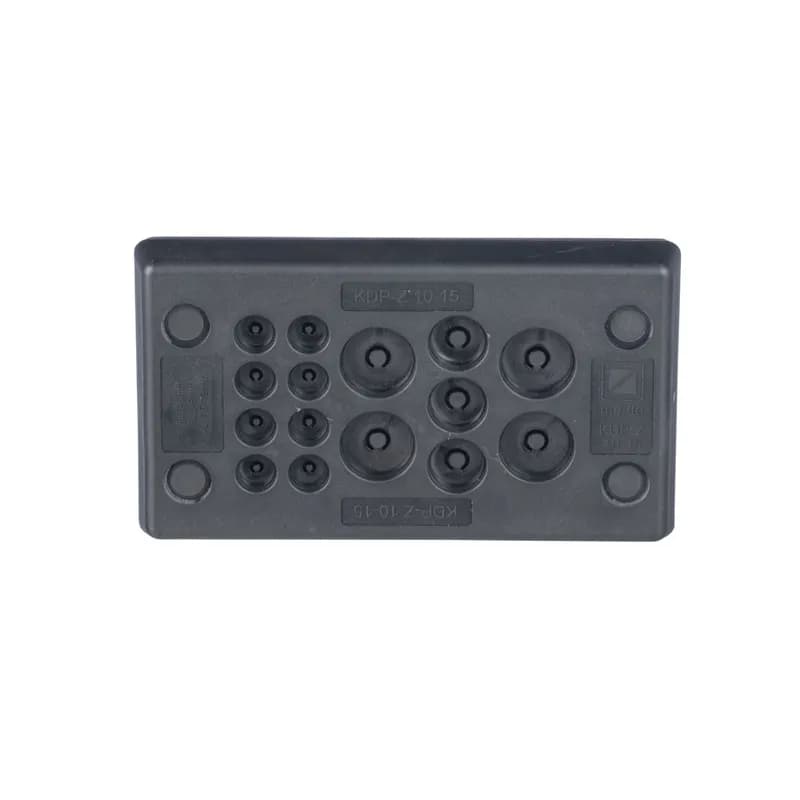
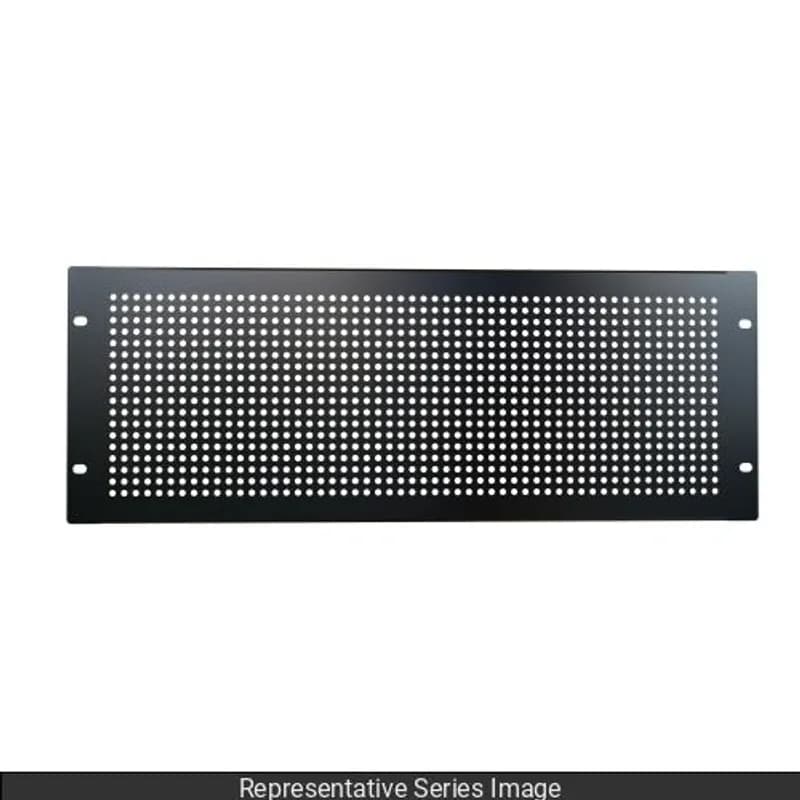
CESUM3-C15
Membrane plate cable entry system offers a good strain relief while maintaining IP/NEMA ingress sealing rating. The CESUM3-C15 is a Rectangular Un-Terminated Cable Entry System, 4.1" (103 mm) Long, with 8 Openings 0.12" (3.0 mm) to 0.31" (8 mm), 3 Openings 0.20" (5.1 mm) to 0.35" (9.0 mm), 4 Openings 0.3" (7.5 mm) to 0.47" (12.0 mm). Color is Black. Standard Package Quantity is 1 PC.

Frequently Asked Questions
What series and type is the E48D21LTAA PDU?
The E48D21LTAA is an EL2P series, Monitored Input PDU.
What are the input power specifications for E48D21LTAA?
The E48D21LTAA PDU has a 3-phase input, 8.6 kVA apparent power, and 30A input current per phase.
What input plug type does the E48D21LTAA PDU use?
The E48D21LTAA PDU uses a NEMA L21-30P input plug type.
What are the outlet types and count for E48D21LTAA?
The E48D21LTAA PDU has 48 outlets, consisting of 24 C13/C15 and 24 C13/C15/C19/C21 combination outlets.
How many circuit breakers does the E48D21LTAA PDU have?
The E48D21LTAA PDU is equipped with 3 circuit breakers.
What is the maximum operating temperature for this PDU?
The PDU can operate reliably in high-temperature environments up to 60°C (140°F).
What is the warranty for the EL2P series PDUs?
EL2P series PDUs come with a 5-year standard warranty plus a 1-year extended warranty.
What network connectivity options does the EL2P PDU offer?
The EL2P PDU features dual 1Gb Ethernet and serial connectivity, with optional Wi-Fi and Bluetooth via CNT06.
What monitoring capabilities does the E48D21LTAA PDU provide?
As a Monitored Input PDU, it offers comprehensive input power monitoring, energy use, and circuit breaker amperage. It also supports environmental monitoring.
How is the PDU mounted in a rack?
The PDU supports tool-less mounting into a rack using convenient button slots for quick and secure setup.
How to Install a Panduit EL2P PDU
This guide provides step-by-step instructions for qualified personnel to safely install a Panduit Rack Power Distribution Unit (PDU) into a datacenter rack or cabinet, including mounting, grounding, and power connection.
Estimated time: 45m
Tools needed:
#2 Phillips screwdriver, T10 Torx screwdriver, T20 Torx screwdriver, 2.5mm hex key Allen wrench
Supplies needed:
Mounting hardware (buttons, screws, cage nuts), Ground bonding cable, Star washer, Panduit Grounding and Bonding Jumper kit (optional)
- Review Safety Information and Prepare
Before beginning, thoroughly read all safety information in the manual. Ensure all circuit breakers are in the off position before connecting input power. Verify that connected devices are compatible with the PDU's line voltage. Do not overload the PDU and install it in a temperature and humidity controlled, indoor environment, free of conductive contaminants.
- Mount the PDU to the Rack
Secure the PDU to the datacenter rack or cabinet. For vertical (0U) PDUs, insert the pre-installed mounting buttons into the keyhole slots on the rack's PDU mounting bracket and tighten with a #2 Phillips screwdriver to 3.0Nm. For horizontal (1U/2U) PDUs, install cage nuts at the desired U location on the rack's RETMA rails, then attach the PDU's mounting bracket ears to the rails using screws. Ensure the PDU is firmly attached and does not block airflow pathways of adjacent IT equipment.
- Connect the Ground Bonding Cable
Connect a ground bonding cable from the external ground bonding point on the PDU chassis to a known earthed reference terminal in the building or a grounding strip/bus bar in the rack. Use the external earthing screw with a star washer for supplementary Earth bonding to the rack metalwork. Ensure conductor sizes meet national or local electrical codes.
- Adjust or Replace Network Controller (Optional)
If manual rotation or replacement of the network controller is desired, use a T10 Torx screwdriver to remove the two retaining screws. If rotating, disconnect the ribbon cable to prevent damage, rotate the controller, and then carefully reconnect the ribbon cable. If replacing, disconnect the old ribbon cable and connect the new controller. Reinstall and torque the screws to 2.2–3.1 lbf-in [0.25–0.35 N-M] using a T10 Torx screwdriver.
- Connect PDU to Power Source
Turn the feed circuit breaker for the power source to the 'Off' position. Verify that all circuit breakers on the PDU are set to 'On'. Connect the PDU's input power cord to an appropriately rated branch circuit, adhering to all local and national electrical codes. Refer to the compliance label on the PDU for input ratings. Finally, turn the feed circuit breaker to 'On' and wait for the operating system to load.
Frequently Asked Questions about Panduit
What environmental ratings do Panduit products have?
Panduit products feature comprehensive environmental ratings across multiple standards, including UL 508A Type 1, 2, 3, 4, 4X, 12, and 13; CSA Type 1, 2, 3, 4, 4X, 12, and 13; and NEMA Type 1, 2, 3, 4, 4X, 12, and 13. They meet IEC 60529 IP66 rating, providing robust protection against dust, water, and corrosion in both indoor and outdoor environments, with operating temperatures ranging from -40°C to 130°C.
What certifications and standards do Panduit products comply with?
Panduit products are certified to multiple critical industry standards, including UL (Underwriters Laboratories) in the USA and Canada, CSA (Canadian Standard Association), EN IEC 61386, LVD 2006/G5/EC, and ARRA standards. Our products meet rigorous certifications for electrical safety, environmental compliance (WEEE and RoHS), and are designed to perform in extreme temperatures ranging from -55°C to 105°C, making them suitable for demanding industrial environments.
What industries and applications are Panduit products used for?
Panduit products are engineered for critical applications across multiple industries, including commercial construction, food and beverage, oil and gas, renewable energy, transportation, and safety-critical environments. Their solutions span electrical infrastructure, wire management, cable ties, power connectors, and safety systems designed to withstand extreme conditions like high vibration, temperature variations, UV exposure, and corrosive agents. Key industries include solar and wind energy, aerospace, heavy trucking, military, commercial transportation, and industrial manufacturing.
What are the main product lines offered by Panduit?
Panduit offers a comprehensive range of electrical infrastructure products including power connectors, cable ties, grounding connectors, identification products, safety solutions, terminals, cable cleats, wiring duct, and cable tie accessories. These products are engineered for industrial environments across multiple sectors like commercial construction, food and beverage, oil and gas, renewable energy, transportation, and safety applications.
What are the key features of Panduit products?
Panduit products are engineered for robust performance in heavy-duty industrial environments, featuring a comprehensive range of solutions including cable ties, power connectors, terminals, and identification products. Key features include proven quality performance, subject matter expertise, and customer-driven innovation across multiple industrial sectors such as commercial construction, food and beverage, oil and gas, renewable energy, transportation, and safety applications. The product line is designed to maximize productivity, reliability, and safety while meeting stringent industry standards.
What is Panduit's warranty policy?
Panduit provides a comprehensive Limited Product Warranty that can be fully reviewed on their official website at www.panduit.com/warranty. All Panduit products are subject to the terms, conditions, and limitations of this current warranty. Customers are advised to review the specific warranty details for their particular product, as Panduit requires buyers to determine product suitability for their intended use and assumes all associated risks.
What technical support does Panduit offer?
Panduit offers comprehensive technical support through their dedicated customer service team, accessible via phone at 1-800-777-3300. They provide expert assistance for their full range of industrial infrastructure products, including cable ties, power connectors, terminals, and identification solutions. Customers can also access additional technical resources and product information through their website at www.panduit.com.
What accessories are available for Panduit products?
Panduit offers a wide range of accessories across multiple product lines, including cable ties, cable tie accessories, cable tie tools, identification products, cable cleats, grounding connectors, and VeriSafe accessories like the VeriSafe Network Module and Insulation Piercing Connectors. For a comprehensive view of all available accessories, customers are recommended to visit www.panduit.com for the full product catalog.
How are Panduit products typically installed?
Panduit products are engineered for comprehensive installation across industrial environments, utilizing specialized tools and techniques for precise mounting. Installation methods vary by product line - from cable ties and power connectors to terminals and identification solutions - but all are designed for robust performance in heavy-duty settings. Technicians typically use Panduit's dedicated installation tools and follow manufacturer guidelines available at www.panduit.com to ensure proper fitting and maximum infrastructure reliability.