
Panduit Z23C-6 Pre-Configured Network Zone System, 24" x 36", 316 stainless steel enclosure, for two…
UPC: 074983430758
Contact for Pricing
Call +1 (262) 252-1600 (toll-free 877-268-3700) or email [email protected] for pricing and availability.
Overview
- 24" x 36" 316 Stainless Steel Enclosure for Industrial Environments
- NEMA 4X/4/12 and IP66 Rated for Superior Protection
- Pre-configured for Two Industrial Switches
- Includes (16) Cat 6 UTP Copper Patch Cords and Jacks
- Includes (4) MM LC Fiber Patch Cords with (6) Adaptors
Specifications
Application | Industrial Automation |
Color | Gray |
Depth | 11.6 In. |
Material | Stainless Steel Type 316 |
Mounting | Wall mount |
Standard | UL 508A Standard for Industrial Control Panels, UL Type 4/12 or 4X, IP66 Rated, RoHS Compliant |
Type | Pre-Configured Network Zone System Enclosure |
Width | 24 In. |
Package Dimensions (L x W x H) | 44 IN x 44 IN x 17 IN |
Package Weight (Imperial) | 170 lbs |

FTE24A1A16
The fiber splice enclosure shall house, organize, manage and protect fiber optic cables and splices. The enclosure meets UL 508A, as well as NEMA type 4X/4/12, and IP66 rating. The enclosure shall be validated to accommodate a maximum of 360 fibers, using fifteen 24 fiber fusion splice modules (FOSM s). To be included are fiber splice modules with approved mounting brackets, slack managers to accommodate up to three meters of slack, and grounding kit.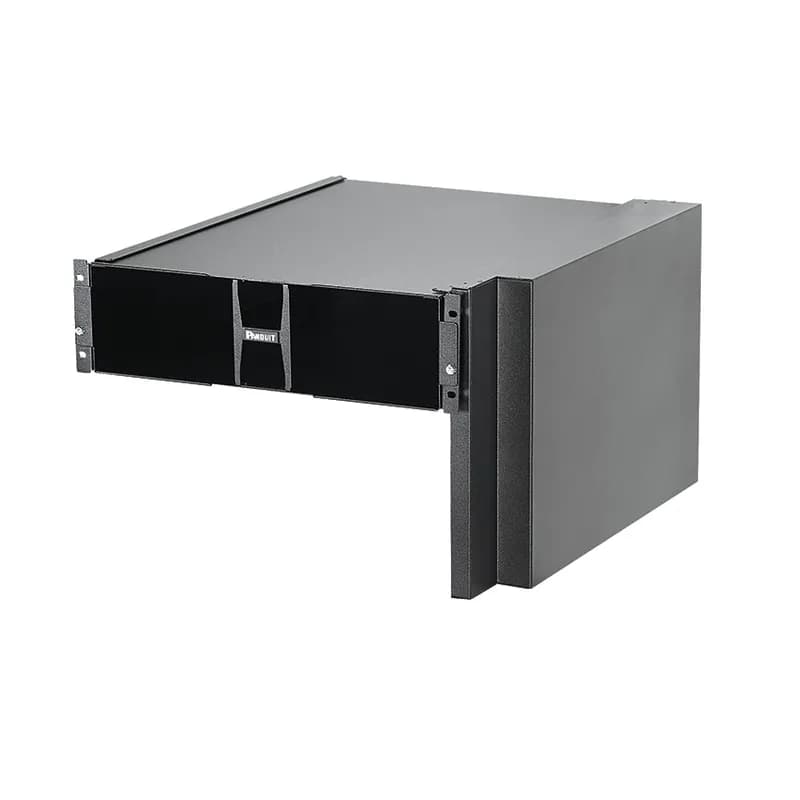
DIRLC25S23W
The air inlet duct directs cooling air from the cold aisle into the intake fans of switches. It fits in a 3 RU footprint and is designed for Cisco Catalyst 6880 switch.
CUEOR12CPW1
The Net-Contain End of Row Cap is part of the Universal Aisle Containment system for cold aisle or hot aisle contaiment in a floor-mounted structure compatible with most cabinet brands and sizes. The End of Row Cap is for 4-foot (1200mm) aisle widths. It is white.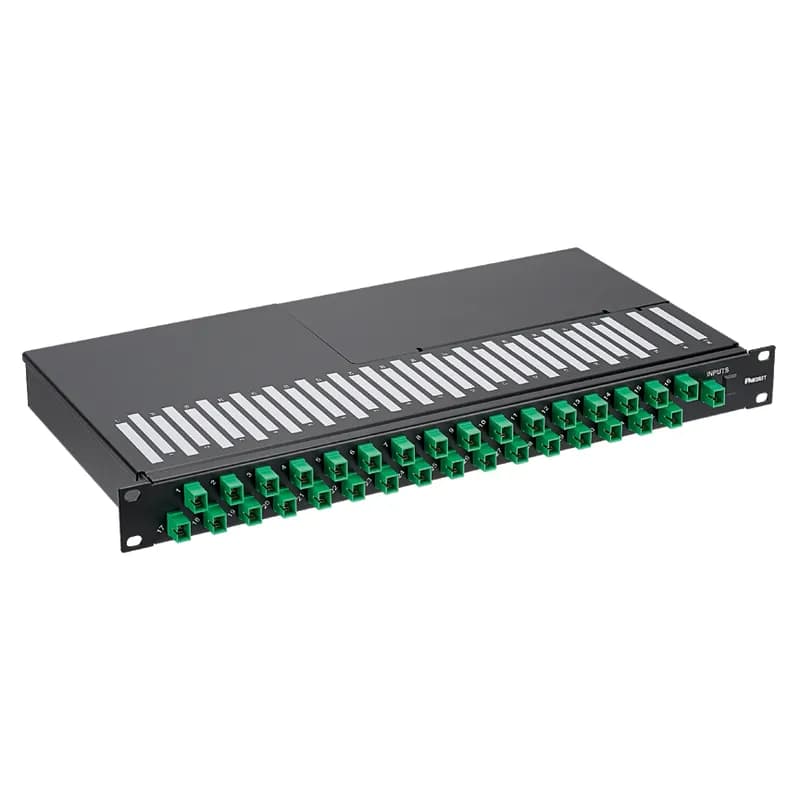
FCP9PP-2323GG
The rack-mount fiber optic splitter tray fits in 19" racks, occupies 1 RU, and uses a planar lightwave circuit to split one signal to thirty-two signals for passive optical network applications. The splitter tray includes two SC-APC inputs and thirty-two SC-APC outputs on the front of the device.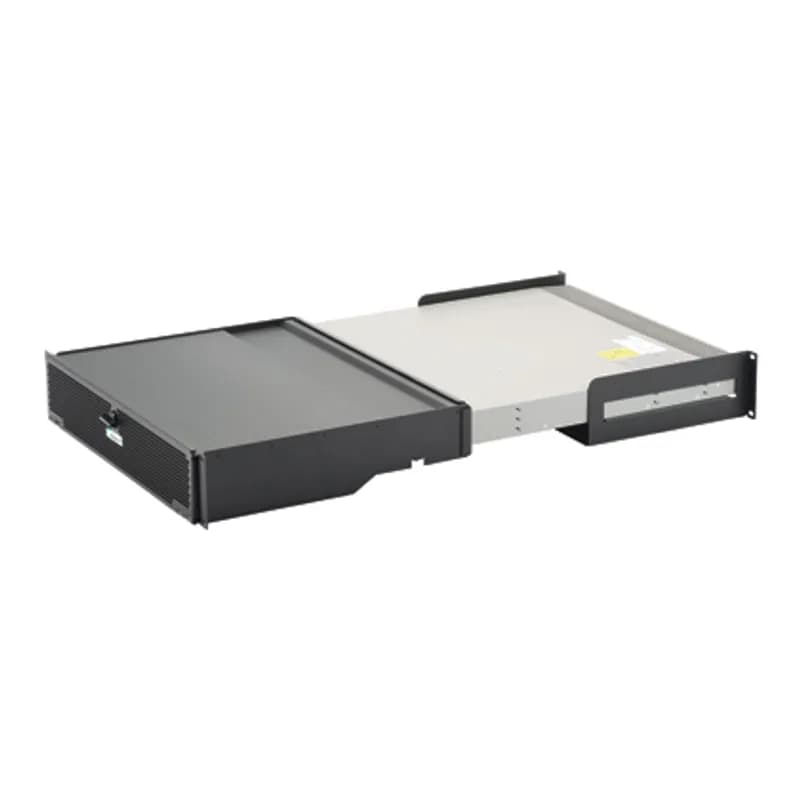
DIRLC3210S17W
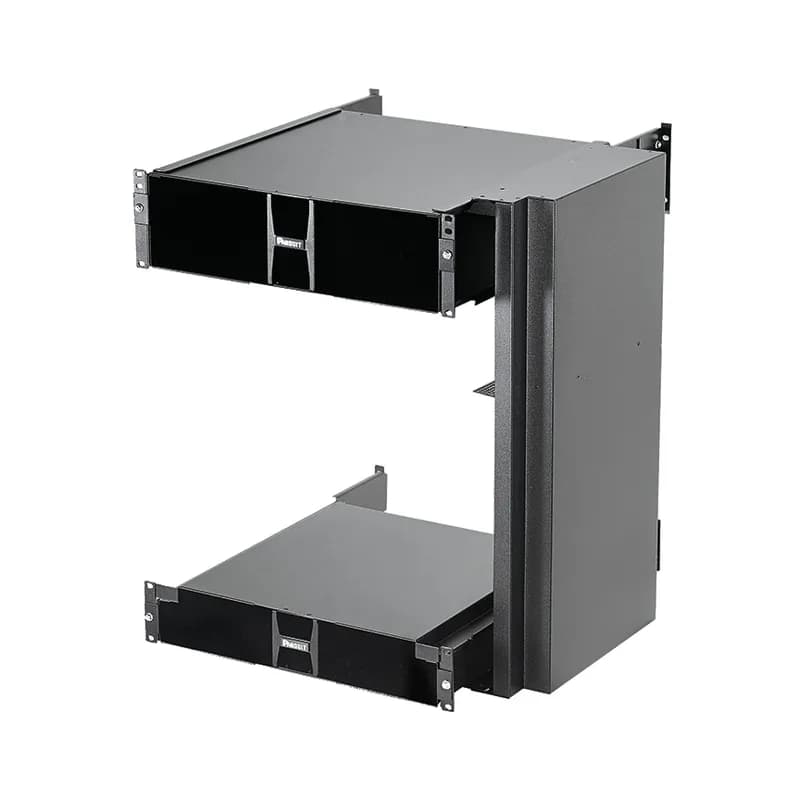
The air inlet duct directs cooling air from the cold aisle into the intake fans of switches. It requires 3 RU above the switch and 2 RU below the switch and is designed for Cisco Catalyst 6807-XL switch.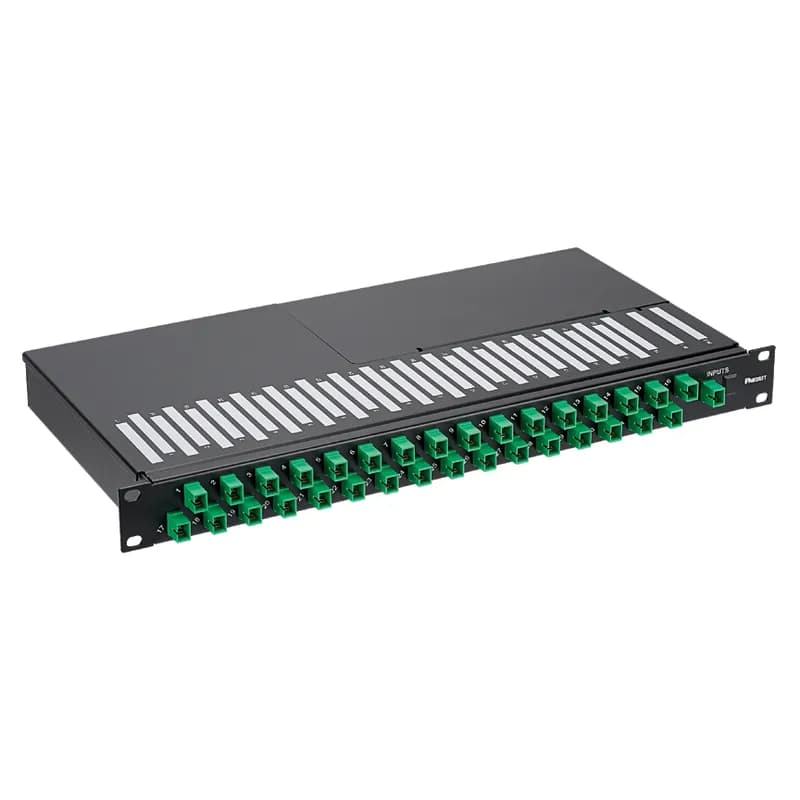
FCP9PP-2163GG
The rack-mount fiber optic splitter tray fits in 19" racks, occupies 1 RU, and uses a planar lightwave circuit to split one signal to sixteen signals for passive optical network applications. The splitter tray includes two SC-APC inputs and sixteen SC-APC outputs on the front of the device.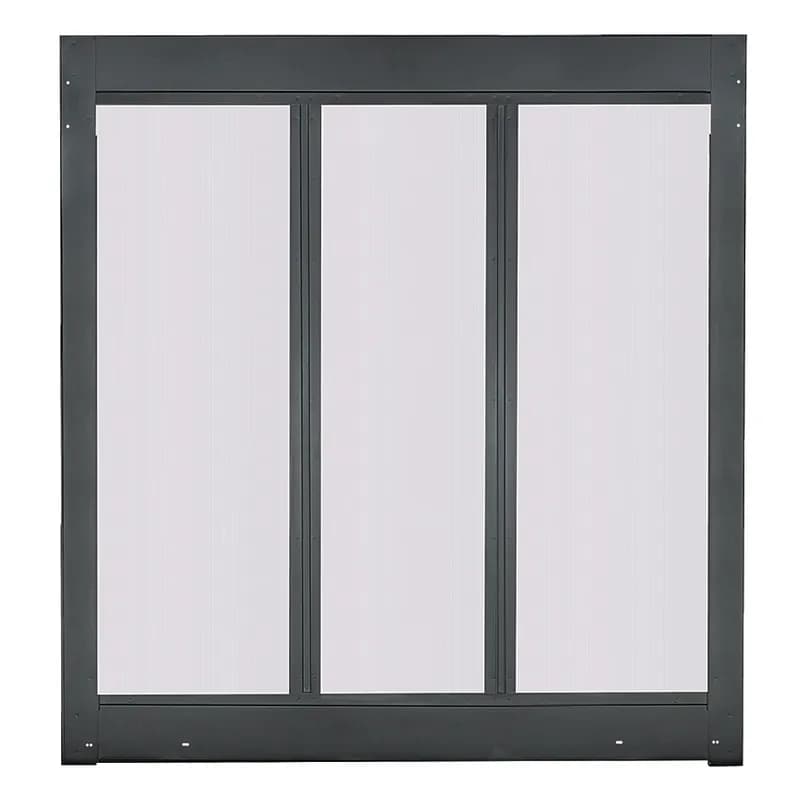
CUEOR18CPW1
The Net-Contain End of Row Cap is part of the Universal Aisle Containment system for cold aisle or hot aisle contaiment in a floor-mounted structure compatible with most cabinet brands and sizes. The End of Row Cap is for 6-foot (1800mm) aisle widths. It is white.Frequently Asked Questions
What is the voltage range for FSD77-10-D?
The FSD77-10-D operates on 24V DC with a range of 20-28V DC.
Is the FSD77-10-D compatible with other Panduit products?
Yes, the FSD77-10-D is compatible with various Panduit wiring ducts and cable management solutions.
What is the EMI protection capability?
The FSD77-10-D includes EMI noise shielding that provides up to 20dB reduction in noise, enhancing performance.
How do I install the FSD77-10-D?
Installation requires user-supplied DIN rail and fasteners, with specific mounting clips for corner wiring duct.
How does the FSD77-10-D improve space optimization?
The FSD77-10-D is designed to maximize space utilization within control panels, allowing for more components in a smaller footprint.
Can I use the FSD77-10-D in harsh environments?
Yes, the FSD77-10-D is designed for harsh environments, ensuring reliable performance under challenging conditions.
What safety precautions should I take?
Always follow recommended safety precautions to prevent harm and ensure a safe working environment.
What maintenance is required for the FSD77-10-D?
Regular inspection and maintenance are recommended to ensure optimal performance, but specific maintenance tasks are not detailed.
What are the temperature operating requirements?
The product is designed to operate within a specified temperature range, but the exact range is not provided in the document.
What is the standard package quantity for the FSD77-10-D?
The standard package quantity for the FSD77-10-D is not explicitly stated in the document.
How to Install the Z23C-6 Network Zone System
Installation guide for mounting and wiring the Z23C-6 Network Zone System enclosure.
Estimated time: 1h
Tools needed:
Screwdriver (#2 Phillips, 3/16", 2.5mm flathead), Latch Tool, Tools to cut enclosure sidewalls (Greenlee punch or similar), Fiber-optic termination tools (OptiCam termination kit or similar), Copper cable termination tools (wire cutters, EGJT tool), 3/8" socket or box wrench
Supplies needed:
Mounting feet kit (if used), 5/16" bolts for wall mounting of steel enclosure, 3/8" bolts for wall mounting of stainless-steel enclosure, Fiber-optic trunk cable, LC fiber-optic connectors, Category 6 copper cable for downlinks, #6 AWG Infrastructure ground cable, Power wiring (#14 AWG recommended), Rigid conduit for power and copper downlink cables, Switch (Switch ready zone only), Silicone rubber sealant (if maintaining NSF certification), Conduit fittings
- Install Wall Mounting Feet (Optional)
Turn the enclosure on its side. Use the Latch Tool to open the door. Align the threaded studs on the wall mounting feet with the holes in the back of the enclosure and install them. Insert sealing washers from the outside with the tapered cone toward the hole. Turn the enclosure upright, thread nuts onto the mounting foot studs, and tighten to 200 in-lbs. Close the door and secure it with the Latch Tool.
- Mount the Enclosure to the Wall
If using mounting feet, drill holes 22.5" apart horizontally and 37.5" apart vertically. Mount the enclosure with the locks to the right and secure. If not using mounting feet, drill holes 22.5" apart horizontally and 34.5" apart vertically. Secure the enclosure. To maintain NSF certification, seal the perimeter between the enclosure and the back mounting surface with silicone rubber sealant.
- Prepare for Switch Installation
WARNING: Do not apply power prior to terminal block removal and switch installation. Remove all wiring from the terminal blocks. Remove the terminal blocks from the enclosure.
- Install the Switch
Install the customer-supplied switch into the enclosure. Wire the switch according to the switch manufacturer’s instructions and the supplied Field Wiring Diagram. Install the supplied ground wire to the switch.
- Connect Power Entry
Remove the plug in the bottom of the enclosure and replace it with a conduit fitting. Install power wiring according to the Field Wiring Diagram. Ensure appropriate branch circuit disconnects with proper ratings are used. Consult the Field Wiring Diagram for electrical ratings and maximum over-current protection.
- Connect Uplink and Downlink Cables
Connect the infrastructural ground cable to the ground bar. Route uplink and downlink cables through appropriate conduit entries. For fiber uplinks, terminate fiber strands inside the Fiber Surface Mount Box using LC connectors. Use provided LC to LC duplex patch cords to connect from the fiber adapter modules to the SFP transceiver module on the switch. Store fiber patch cord slack on the included fiber spool. For copper downlinks, use Category 6 copper cable.
- Route Patch Cords
Route patch cords from the switch to the patch panel, utilizing the strain relief bar and L-ring managers. Ensure patch cords are not sharply bent or snagged.
- Secure the Door
Close the enclosure door and secure it using the Latch Tool by turning both locks.
Frequently Asked Questions about Panduit
What environmental ratings do Panduit products have?
Panduit products feature comprehensive environmental ratings across multiple standards, including UL 508A Type 1, 2, 3, 4, 4X, 12, and 13; CSA Type 1, 2, 3, 4, 4X, 12, and 13; and NEMA Type 1, 2, 3, 4, 4X, 12, and 13. They meet IEC 60529 IP66 rating, providing robust protection against dust, water, and corrosion in both indoor and outdoor environments, with operating temperatures ranging from -40°C to 130°C.
What certifications and standards do Panduit products comply with?
Panduit products are certified to multiple critical industry standards, including UL (Underwriters Laboratories) in the USA and Canada, CSA (Canadian Standard Association), EN IEC 61386, LVD 2006/G5/EC, and ARRA standards. Our products meet rigorous certifications for electrical safety, environmental compliance (WEEE and RoHS), and are designed to perform in extreme temperatures ranging from -55°C to 105°C, making them suitable for demanding industrial environments.
What industries and applications are Panduit products used for?
Panduit products are engineered for critical applications across multiple industries, including commercial construction, food and beverage, oil and gas, renewable energy, transportation, and safety-critical environments. Their solutions span electrical infrastructure, wire management, cable ties, power connectors, and safety systems designed to withstand extreme conditions like high vibration, temperature variations, UV exposure, and corrosive agents. Key industries include solar and wind energy, aerospace, heavy trucking, military, commercial transportation, and industrial manufacturing.
What are the main product lines offered by Panduit?
Panduit offers a comprehensive range of electrical infrastructure products including power connectors, cable ties, grounding connectors, identification products, safety solutions, terminals, cable cleats, wiring duct, and cable tie accessories. These products are engineered for industrial environments across multiple sectors like commercial construction, food and beverage, oil and gas, renewable energy, transportation, and safety applications.
What are the key features of Panduit products?
Panduit products are engineered for robust performance in heavy-duty industrial environments, featuring a comprehensive range of solutions including cable ties, power connectors, terminals, and identification products. Key features include proven quality performance, subject matter expertise, and customer-driven innovation across multiple industrial sectors such as commercial construction, food and beverage, oil and gas, renewable energy, transportation, and safety applications. The product line is designed to maximize productivity, reliability, and safety while meeting stringent industry standards.
What is Panduit's warranty policy?
Panduit provides a comprehensive Limited Product Warranty that can be fully reviewed on their official website at www.panduit.com/warranty. All Panduit products are subject to the terms, conditions, and limitations of this current warranty. Customers are advised to review the specific warranty details for their particular product, as Panduit requires buyers to determine product suitability for their intended use and assumes all associated risks.
What technical support does Panduit offer?
Panduit offers comprehensive technical support through their dedicated customer service team, accessible via phone at 1-800-777-3300. They provide expert assistance for their full range of industrial infrastructure products, including cable ties, power connectors, terminals, and identification solutions. Customers can also access additional technical resources and product information through their website at www.panduit.com.
What accessories are available for Panduit products?
Panduit offers a wide range of accessories across multiple product lines, including cable ties, cable tie accessories, cable tie tools, identification products, cable cleats, grounding connectors, and VeriSafe accessories like the VeriSafe Network Module and Insulation Piercing Connectors. For a comprehensive view of all available accessories, customers are recommended to visit www.panduit.com for the full product catalog.
How are Panduit products typically installed?
Panduit products are engineered for comprehensive installation across industrial environments, utilizing specialized tools and techniques for precise mounting. Installation methods vary by product line - from cable ties and power connectors to terminals and identification solutions - but all are designed for robust performance in heavy-duty settings. Technicians typically use Panduit's dedicated installation tools and follow manufacturer guidelines available at www.panduit.com to ensure proper fitting and maximum infrastructure reliability.