Contact for Pricing
Overview
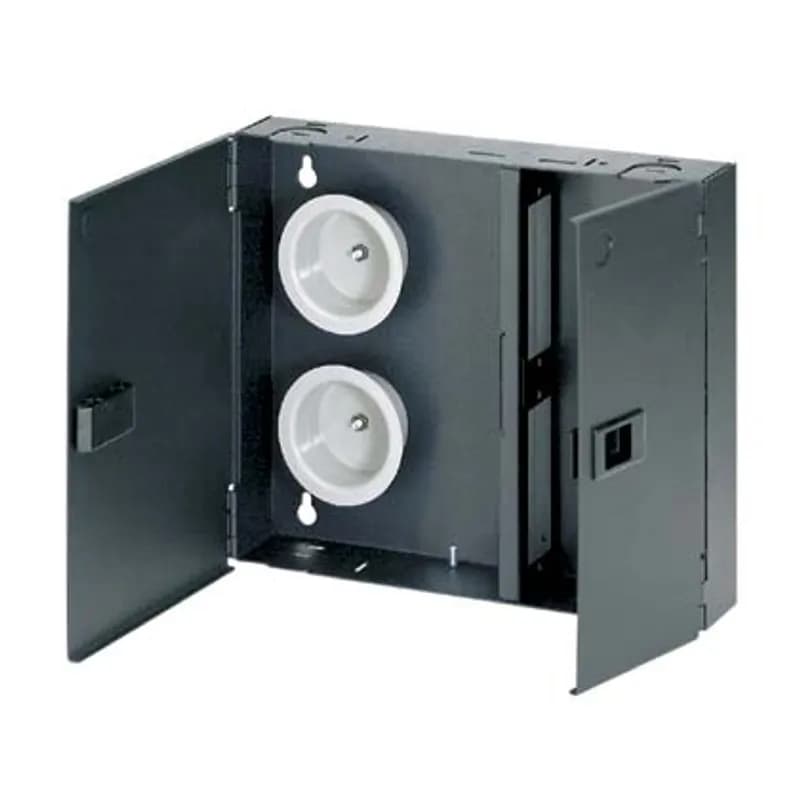
- 2 FAP/cassette slots for flexible adapter panel integration.
- Durable steel construction in a black finish.
- Compact wall-mount design (10.1" H x 12.0" W x 2.3" D).
- Compatible with Panduit Mini-Com, ST, SC, and Coax products.
- Suitable for interconnect or cross-connect applications in telecom rooms.
Specifications
Application | Wall Mount Fiber Optic Cable Management |
Color | Black |
Depth | 2.32 In. |
Material | Steel |
Mounting Type | Wall Mount |
Size | 10.1 H x 12.0 W x 2.3 D (259mm x 305mm x 59mm) |
Slot Capacity | NA |
Standard | RoHS Compliant |
Type | Fiber Enclosure |
Width | 12 In. |
Package Dimensions (L x W x H) | 14.8 IN x 10.65 IN x 3.05 IN |
Package Weight (Imperial) | 7 lbs |
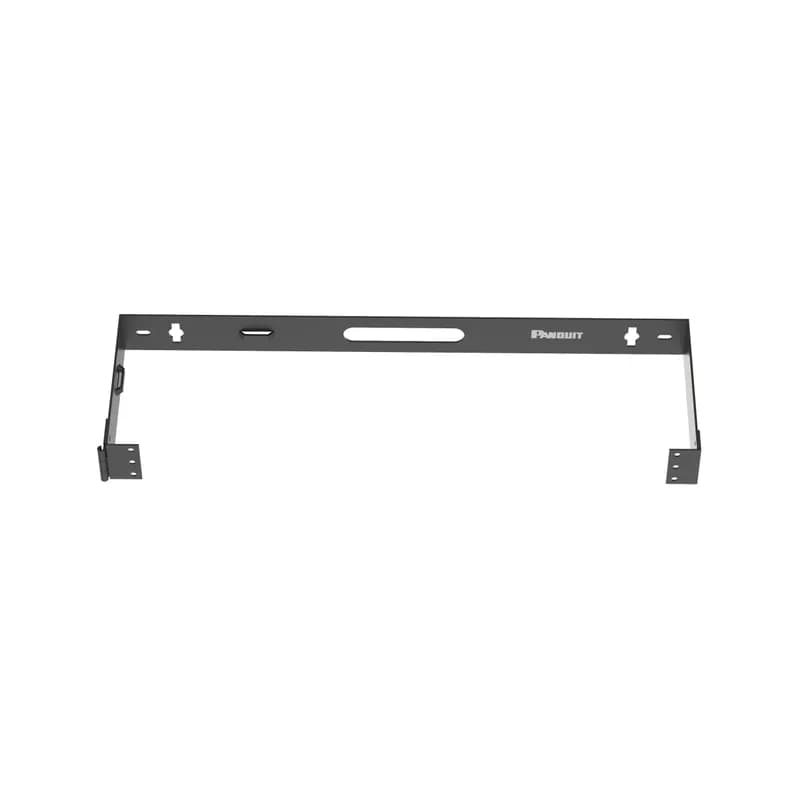
WBH1
The hinged wall mount bracket expands rack space to the wall, maximizing space in telecommunication rooms. This product can be used with other accessories to achieve an open wall mount rack application for patching or small active equipment. This bracket has an overall depth of 6.26 inches. The wall mount bracket is made of steel, is 1 RU, and is black.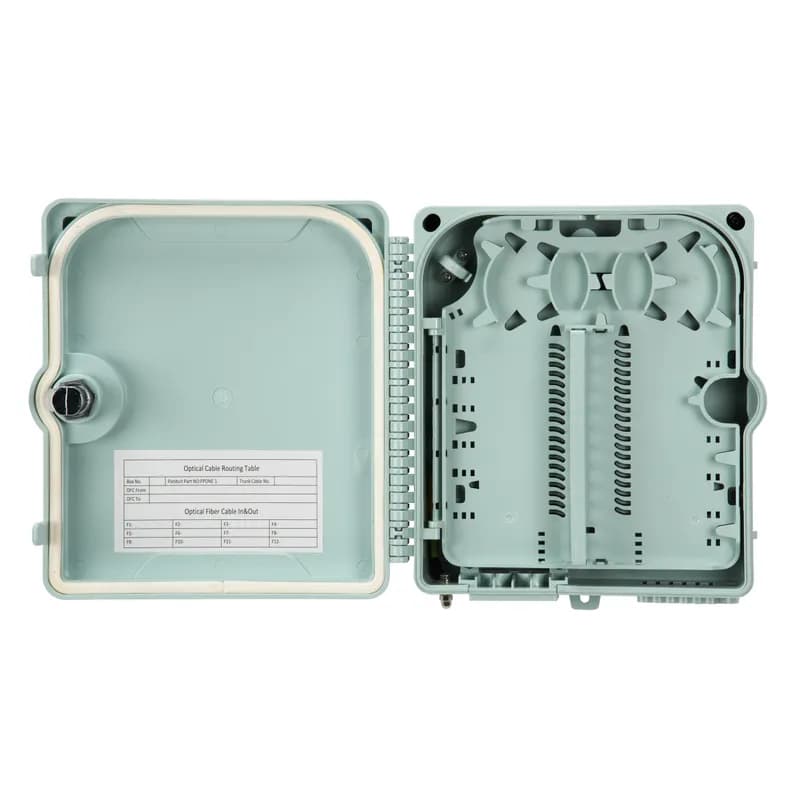
FPONE1
The wall mount enclosure is intended for use in passive optical LAN deployments. The small box is 233W x 200H x 63D mm in size, is IP55 rated, and has ports for 12 FASSCZAG-L adapters and splice protection sleeves.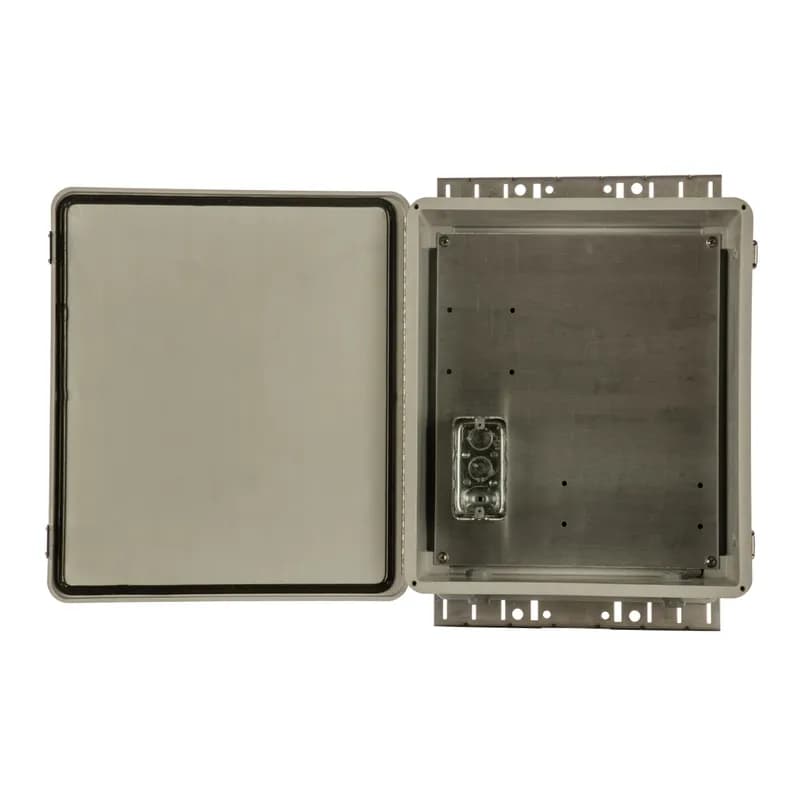
NWSE1412G
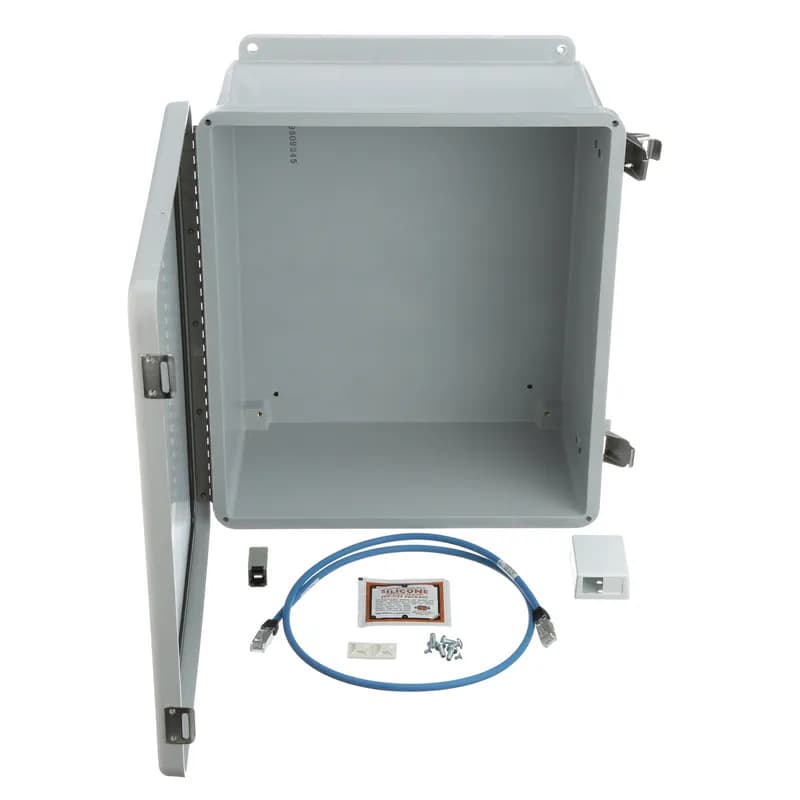
NEMA 4X Wireless Security Enclosure 14" x 12" (356mm x 305mm); Grey, with Pre installed Pre-fabricated Backplane, 4CS-1/2 Electrical box, pole mounting bracket, 2 NEMA 4X compression fittings, includes UTP connectivity kit.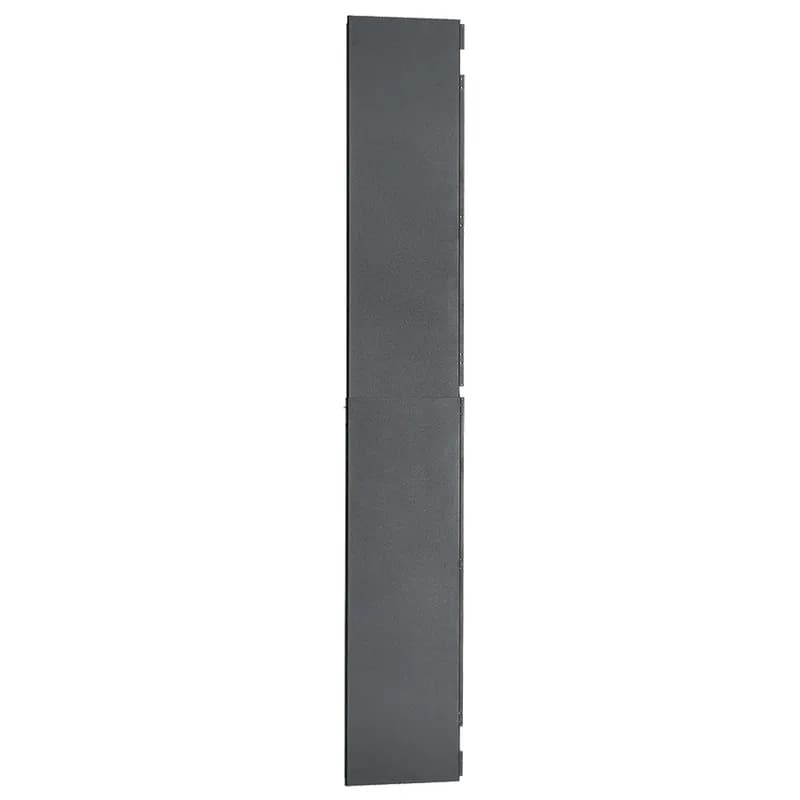
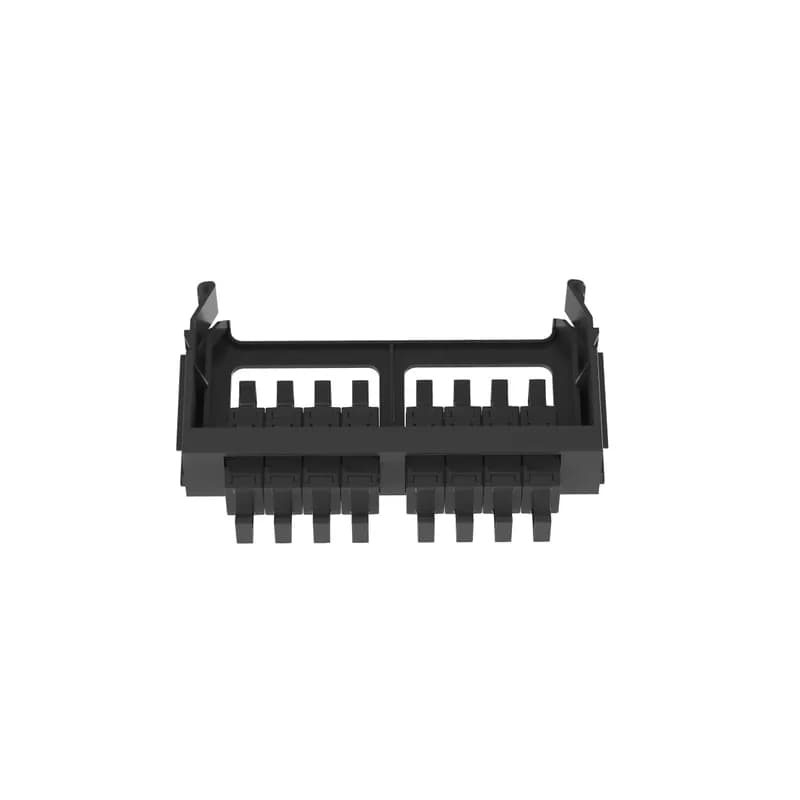
FQMAP86CG
The QuickNet SFQ MPO Fiber Adapter Panel Type B features 8 MPO key-up/key-up adapters. It snaps quickly into the rear of QuickNet Patch Panels for easy network deployment and quick migration. It is charcoal gray and comes with installed dust caps.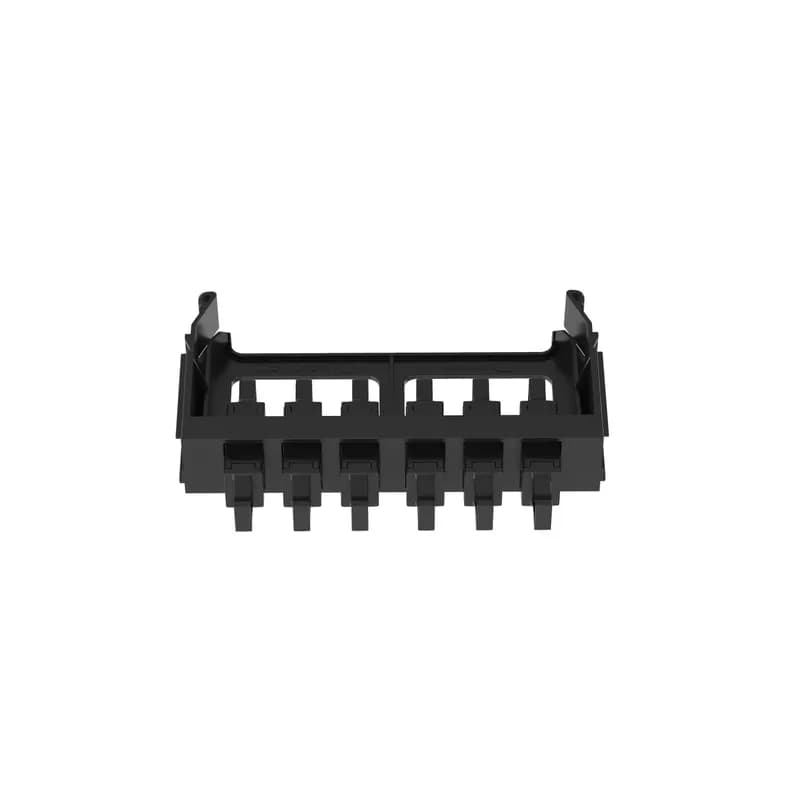
FQMAP66CG
The QuickNet SFQ MPO Fiber Adapter Panel Type B features 6 MPO key-up/key-up adapters. It snaps quickly into the rear of QuickNet Patch Panels for easy network deployment and quick migration. It is charcoal gray and comes with installed dust caps.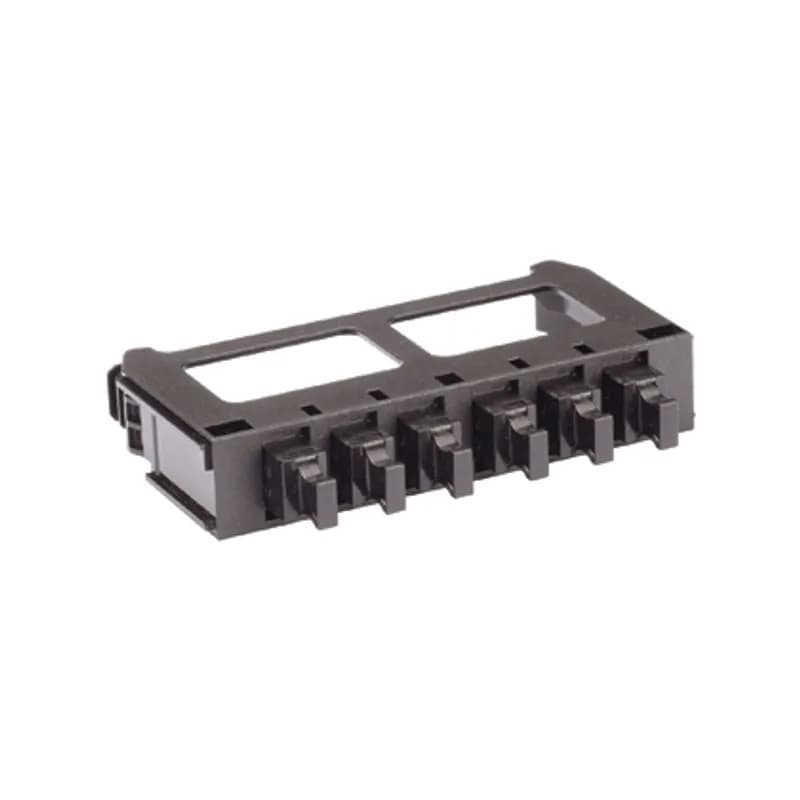
FQMAP65BL
The QuickNet SFQ MPO Fiber Adapter Panel Type A features 6 MPO key-up/key-down adapters. It snaps quickly into the rear of QuickNet Patch Panels for easy network deployment and quick migration. It is black and comes with installed dust caps.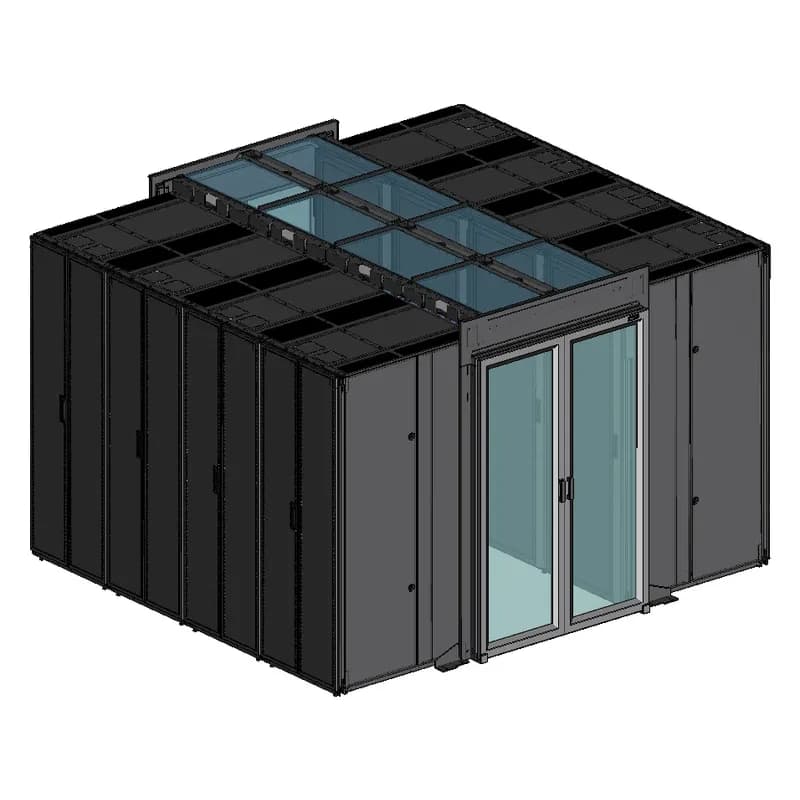
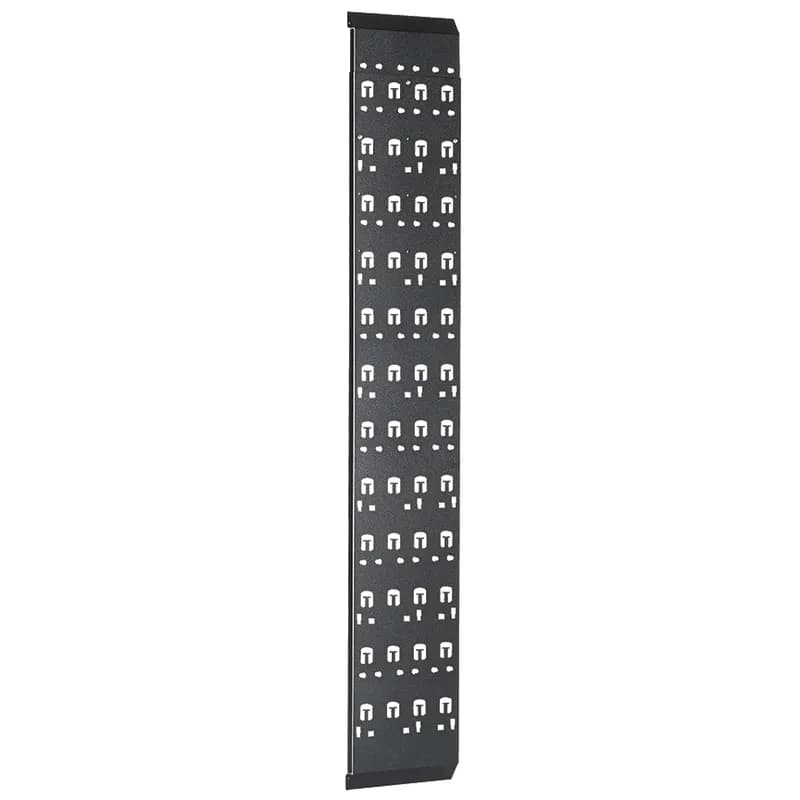
SN7VCM
The Net-Access Cable Management Panel installs in S-Type cabinets to securely route and manage cables inside the cabinet. The panel expands to work with 42 to 51RU cabinets, and can accommodate D-rings, L-rings, or cable ties to support cable bundles. The panel is 12.4 inches wide and is black.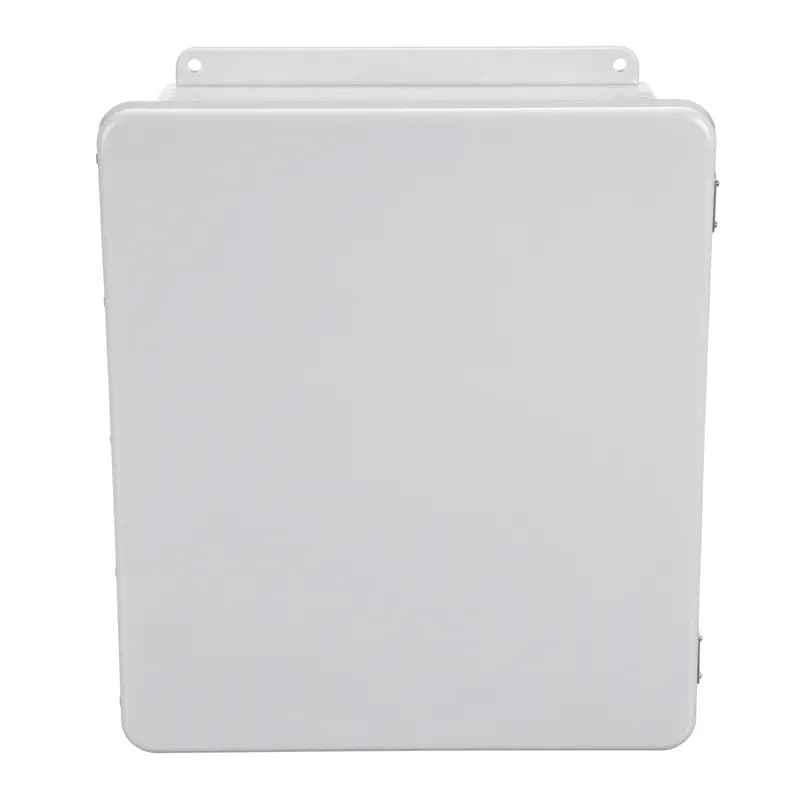
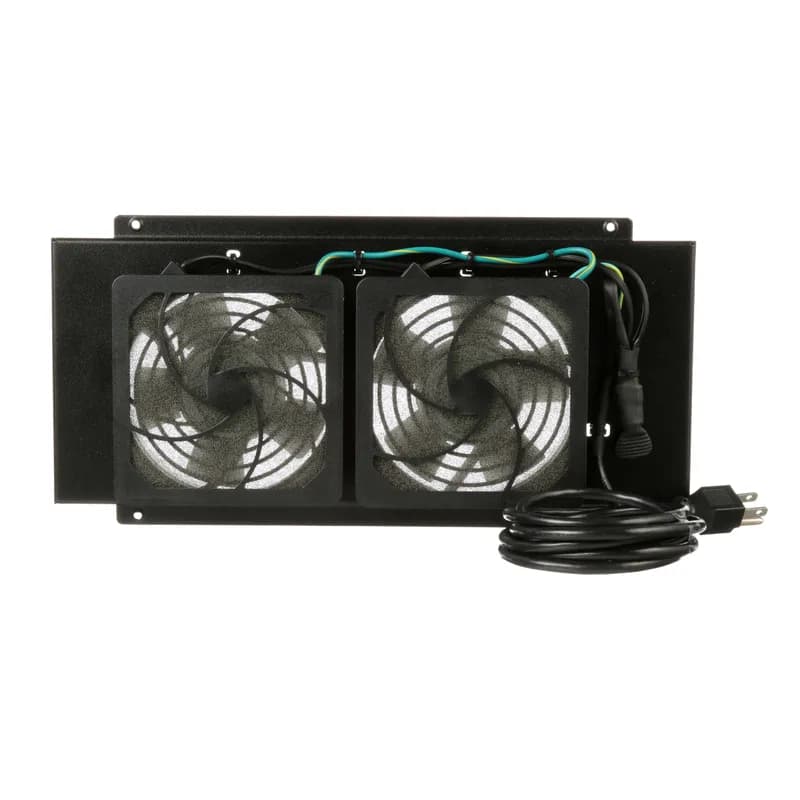
PZWMCFKHF
The PanZone Wall Mount Cabinet High Flow Fan Kit allows for proper cooling of network equipment within the cabinet and mounts directly to the side of the cabinet. This fan kit is 120 CFM.Frequently Asked Questions
What are the dimensions of the FWME2 enclosure?
The FWME2 enclosure dimensions are 12 x 10.18 x 2.32 inches.
How many fibers can the FWME4 enclosure hold?
The FWME4 enclosure can hold a maximum of 96 fibers.
What is the capacity of the FWME8 enclosure?
The FWME8 enclosure can accommodate up to 192 fibers.
What is the maximum fiber capacity for the FWME2 enclosure?
The FWME2 enclosure can hold a maximum of 48 fibers using 2 FAP.
What are the dimensions of the FWME4 enclosure?
The FWME4 enclosure dimensions are 16.11 x 12.25 x 3.52 inches.
What materials are the wall mount enclosures made of?
The wall mount enclosures are constructed of steel material.
What types of modules are compatible with these enclosures?
The enclosures work with most Mini-Com® LC, SC, and ST modules and Opticom®, HD Flex™ cassettes.
What is the purpose of the rubber grommet?
The rubber grommet offers dust/debris protection and helps secure the cable to the enclosure.
What is included in the packaging of the enclosures?
The packaging includes an accessory kit and labels.
Can I splice fibers within the patching enclosures?
Yes, there is an optional splicing tray and holder available for splicing within the patching enclosures.
How to Install the Opticom Fiber Wall Mount Enclosure (FWME2)
This guide provides step-by-step instructions for installing the Opticom Fiber Wall Mount Enclosure FWME2, including mounting, wiring, and labeling procedures.
Estimated time: 45m
Tools needed:
Screwdriver, Drill, Wire strippers
Supplies needed:
Mounting screws, Strain relief brackets, Cable ties, Labels
- Prepare the enclosure
Determine the cable entry location on the enclosure. Remove the knockout by inserting a screwdriver into the slot and twisting it out. Insert the grommet according to the cutting diagram.
- Label the enclosure
Apply the Laser Warning Label and Fiber Caution Label on the inside of the larger door in a clearly visible location. Apply the Port I.D. Label(s) on the inside of the small door.
- Mount the enclosure
Mount the enclosure to the wall using appropriate mounting hardware. Ensure it is securely attached and level.
- Install strain relief
Install the strain relief in the slot next to the grommet using the provided #10-32 x 3/8" screw and #10-32 hex nut.
Frequently Asked Questions about Panduit
What environmental ratings do Panduit products have?
Panduit products feature comprehensive environmental ratings across multiple standards, including UL 508A Type 1, 2, 3, 4, 4X, 12, and 13; CSA Type 1, 2, 3, 4, 4X, 12, and 13; and NEMA Type 1, 2, 3, 4, 4X, 12, and 13. They meet IEC 60529 IP66 rating, providing robust protection against dust, water, and corrosion in both indoor and outdoor environments, with operating temperatures ranging from -40°C to 130°C.
What certifications and standards do Panduit products comply with?
Panduit products are certified to multiple critical industry standards, including UL (Underwriters Laboratories) in the USA and Canada, CSA (Canadian Standard Association), EN IEC 61386, LVD 2006/G5/EC, and ARRA standards. Our products meet rigorous certifications for electrical safety, environmental compliance (WEEE and RoHS), and are designed to perform in extreme temperatures ranging from -55°C to 105°C, making them suitable for demanding industrial environments.
What industries and applications are Panduit products used for?
Panduit products are engineered for critical applications across multiple industries, including commercial construction, food and beverage, oil and gas, renewable energy, transportation, and safety-critical environments. Their solutions span electrical infrastructure, wire management, cable ties, power connectors, and safety systems designed to withstand extreme conditions like high vibration, temperature variations, UV exposure, and corrosive agents. Key industries include solar and wind energy, aerospace, heavy trucking, military, commercial transportation, and industrial manufacturing.
What are the main product lines offered by Panduit?
Panduit offers a comprehensive range of electrical infrastructure products including power connectors, cable ties, grounding connectors, identification products, safety solutions, terminals, cable cleats, wiring duct, and cable tie accessories. These products are engineered for industrial environments across multiple sectors like commercial construction, food and beverage, oil and gas, renewable energy, transportation, and safety applications.
What are the key features of Panduit products?
Panduit products are engineered for robust performance in heavy-duty industrial environments, featuring a comprehensive range of solutions including cable ties, power connectors, terminals, and identification products. Key features include proven quality performance, subject matter expertise, and customer-driven innovation across multiple industrial sectors such as commercial construction, food and beverage, oil and gas, renewable energy, transportation, and safety applications. The product line is designed to maximize productivity, reliability, and safety while meeting stringent industry standards.
What is Panduit's warranty policy?
Panduit provides a comprehensive Limited Product Warranty that can be fully reviewed on their official website at www.panduit.com/warranty. All Panduit products are subject to the terms, conditions, and limitations of this current warranty. Customers are advised to review the specific warranty details for their particular product, as Panduit requires buyers to determine product suitability for their intended use and assumes all associated risks.
What technical support does Panduit offer?
Panduit offers comprehensive technical support through their dedicated customer service team, accessible via phone at 1-800-777-3300. They provide expert assistance for their full range of industrial infrastructure products, including cable ties, power connectors, terminals, and identification solutions. Customers can also access additional technical resources and product information through their website at www.panduit.com.
What accessories are available for Panduit products?
Panduit offers a wide range of accessories across multiple product lines, including cable ties, cable tie accessories, cable tie tools, identification products, cable cleats, grounding connectors, and VeriSafe accessories like the VeriSafe Network Module and Insulation Piercing Connectors. For a comprehensive view of all available accessories, customers are recommended to visit www.panduit.com for the full product catalog.
How are Panduit products typically installed?
Panduit products are engineered for comprehensive installation across industrial environments, utilizing specialized tools and techniques for precise mounting. Installation methods vary by product line - from cable ties and power connectors to terminals and identification solutions - but all are designed for robust performance in heavy-duty settings. Technicians typically use Panduit's dedicated installation tools and follow manufacturer guidelines available at www.panduit.com to ensure proper fitting and maximum infrastructure reliability.