Contact for Pricing
Overview
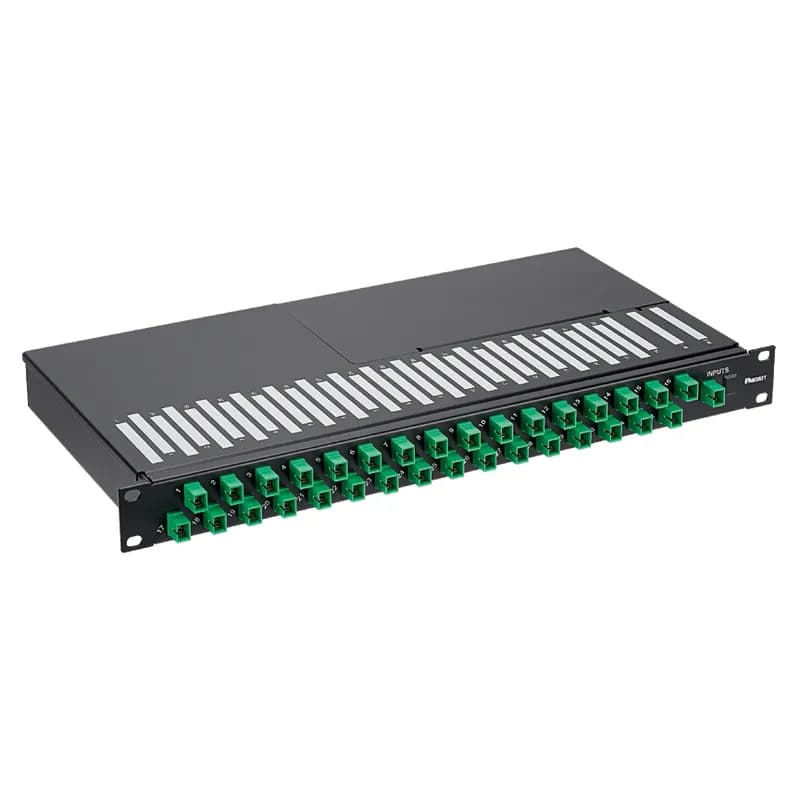
- 1U rack-mount design for 19" racks
- Planar Lightwave Circuit (PLC) technology
- Splits 1 input signal to 16 outputs
- 16 SC-APC connectors on the front
- Covered, splice-ready input stage on the rear
Specifications
Application | Fiber Optic Cable Management |
Color | Black |
Connection Type | SC-APC |
Depth | 9 In. |
Material | Planar Lightwave Circuit (PLC) |
Mounting Type | 19" rack-mount |
Series | FCP9SP |
Size | 1 RU |
Slot Capacity | NA |
Standard | RoHS Compliant |
Type | Fiber Optic Splice Enclosure |
Width | 19 In. |
Package Dimensions (L x W x H) | 25.3 IN x 14.3 IN x 2.8 IN |
Package Weight (Imperial) | 0.37 lbs |
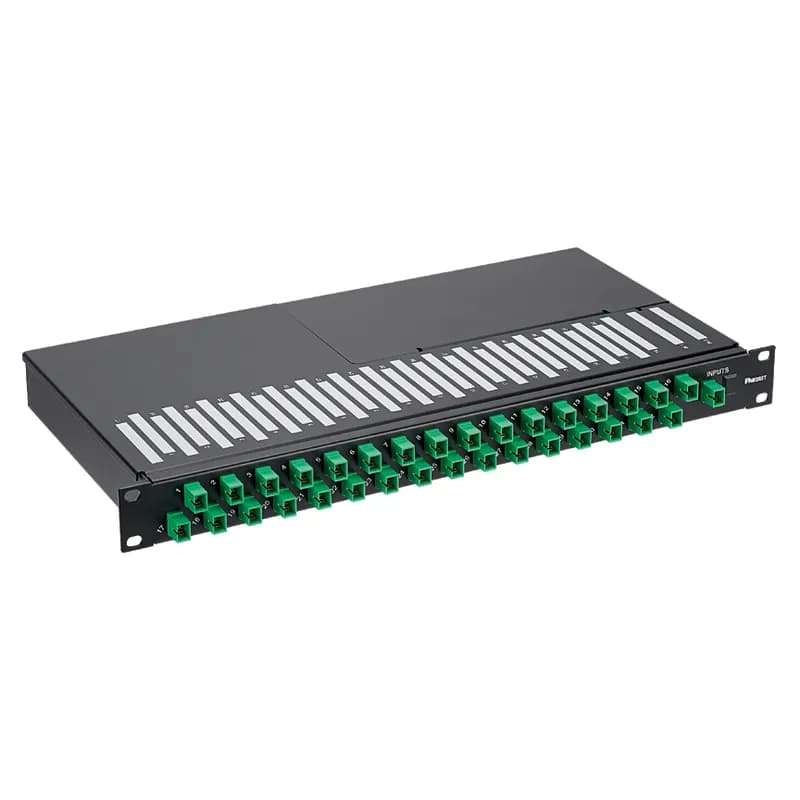
FCP9SP-2083GG
The rack-mount fiber optic splitter tray fits in 19" racks, occupies 1 RU, and uses a planar lightwave circuit to split one signal to eight signals for passive optical network applications. The splitter tray includes a covered, splice-ready input stage on the rear of the device and eight SC-APC outputs on the front of the device.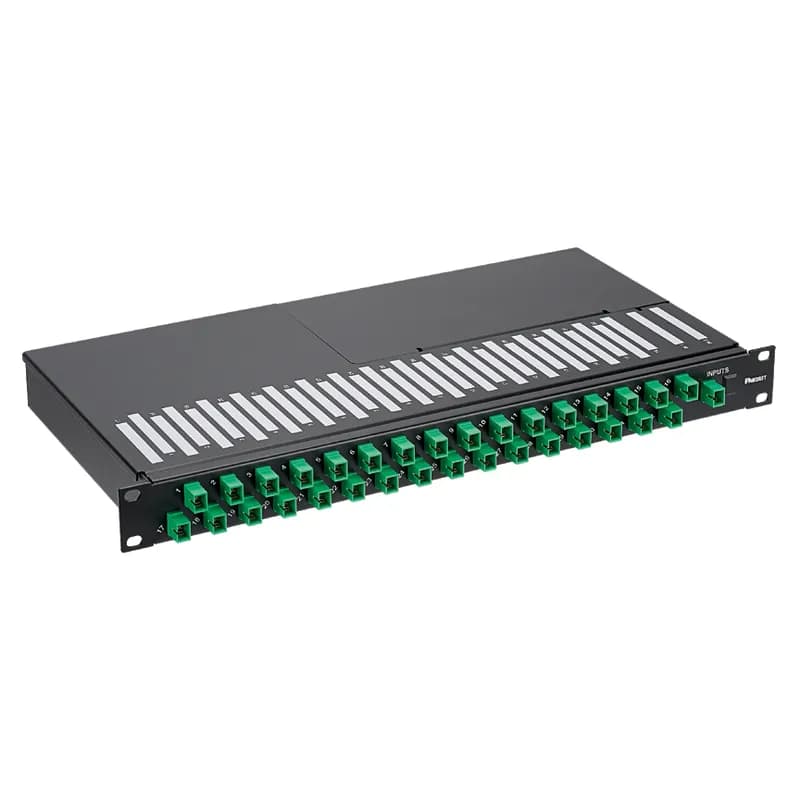
FCP9SP-2323GG
The rack-mount fiber optic splitter tray fits in 19" racks, occupies 1 RU, and uses a planar lightwave circuit to split one signal to thirty-two signals for passive optical network applications. The splitter tray includes a covered, splice-ready input stage on the rear of the device and thirty-two SC-APC outputs on the front of the device.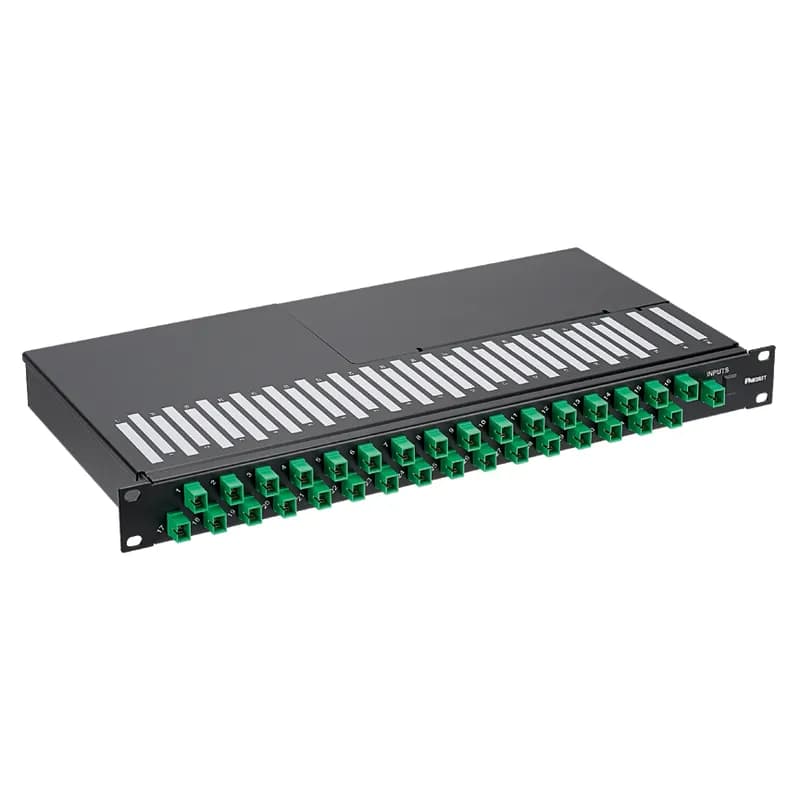
FCP9PP-2323GG
The rack-mount fiber optic splitter tray fits in 19" racks, occupies 1 RU, and uses a planar lightwave circuit to split one signal to thirty-two signals for passive optical network applications. The splitter tray includes two SC-APC inputs and thirty-two SC-APC outputs on the front of the device.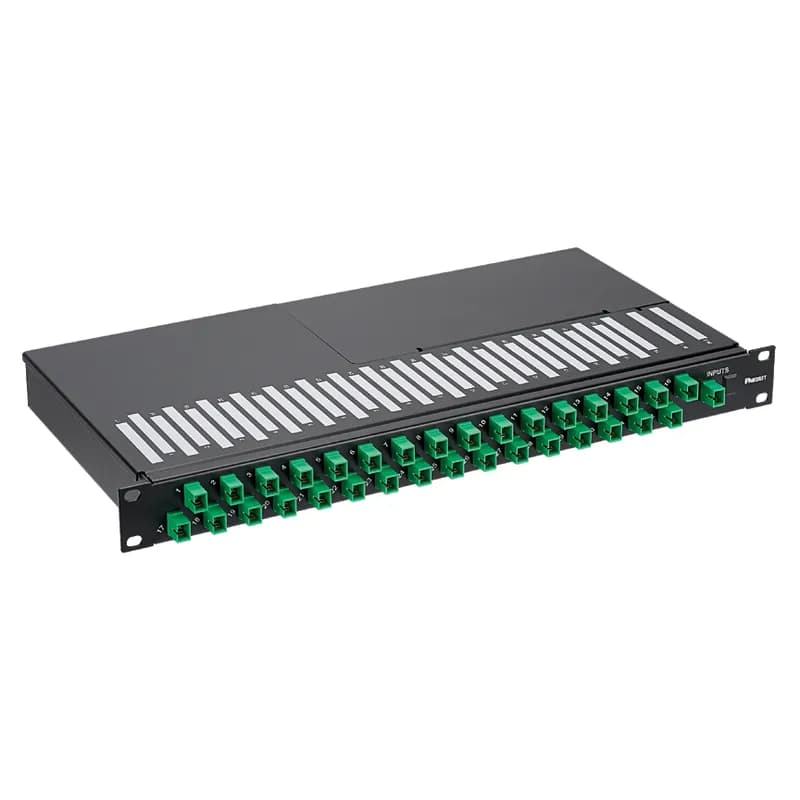
FCP9PP-2163GG
The rack-mount fiber optic splitter tray fits in 19" racks, occupies 1 RU, and uses a planar lightwave circuit to split one signal to sixteen signals for passive optical network applications. The splitter tray includes two SC-APC inputs and sixteen SC-APC outputs on the front of the device.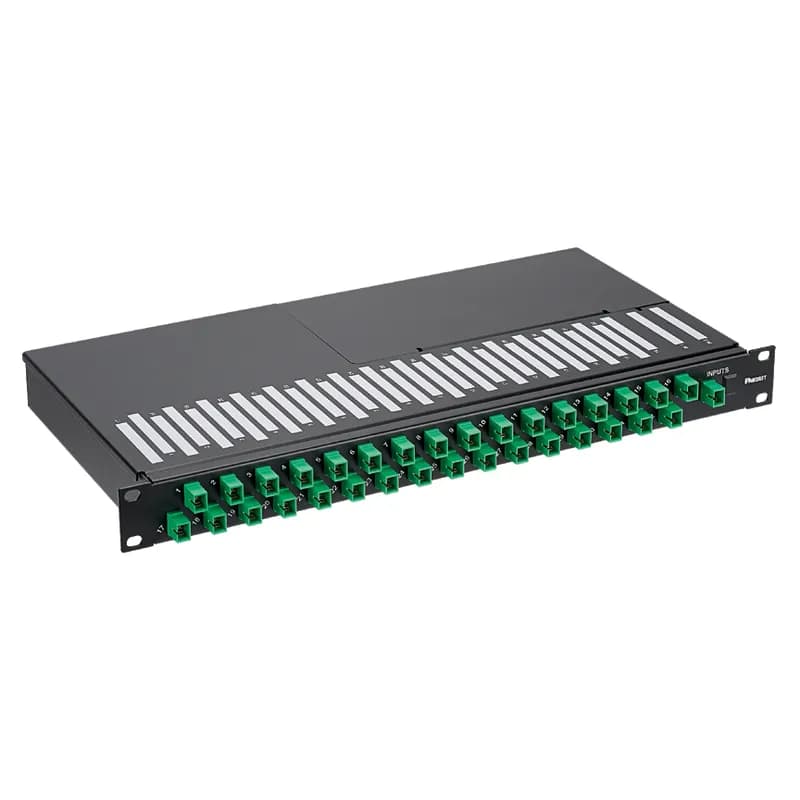
FCP9SP-1163GG
The rack-mount fiber optic splitter tray fits in 19" racks, occupies 1 RU, and uses a planar lightwave circuit to split one signal to sixteen signals for passive optical network applications. The splitter tray includes a covered, splice-ready input stage on the rear of the device and sixteen SC-APC outputs on the front of the device.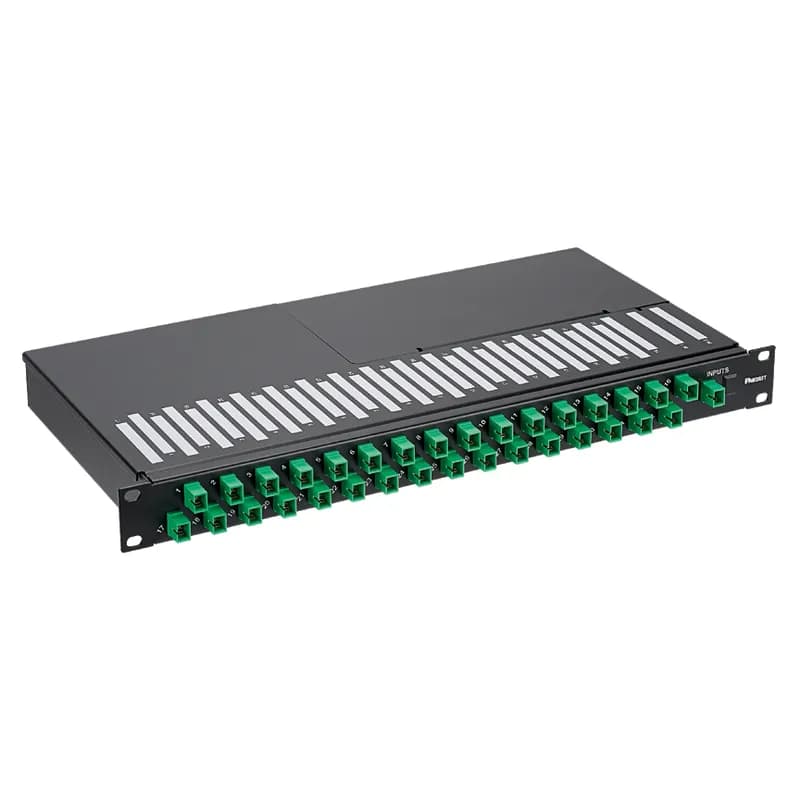
FCP9PP-2083GG
The rack-mount fiber optic splitter tray fits in 19" racks, occupies 1 RU, and uses a planar lightwave circuit to split one signal to eight signals for passive optical network applications. The splitter tray includes two SC-APC inputs and eight SC-APC outputs on the front of the device.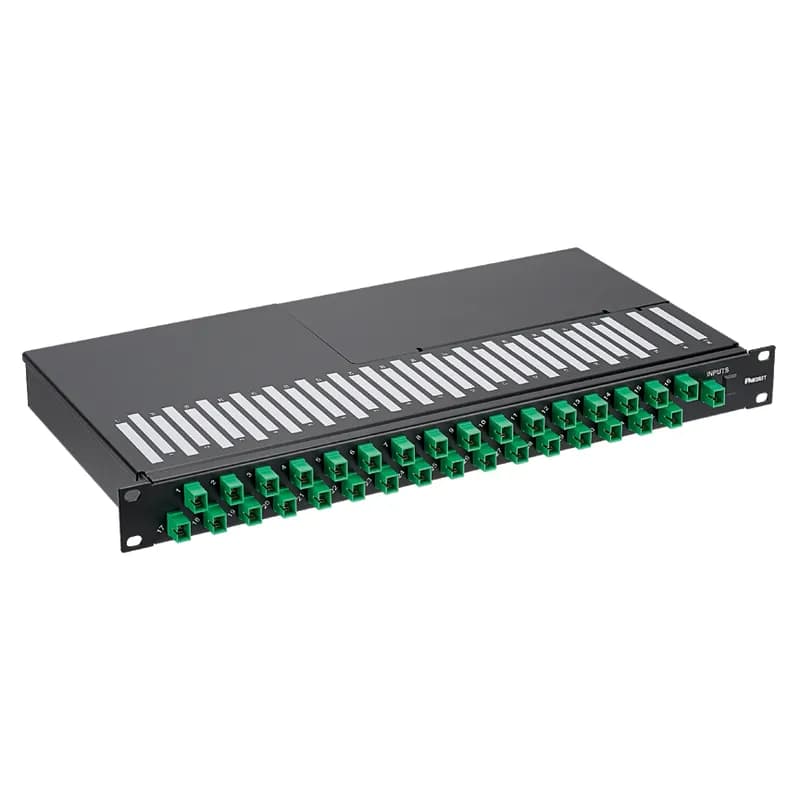
FCP9PP-1083GG
The rack-mount fiber optic splitter tray fits in 19" racks, occupies 1 RU, and uses a planar lightwave circuit to split one signal to eight signals for passive optical network applications. The splitter tray includes one SC-APC input and eight SC-APC outputs on the front of the device.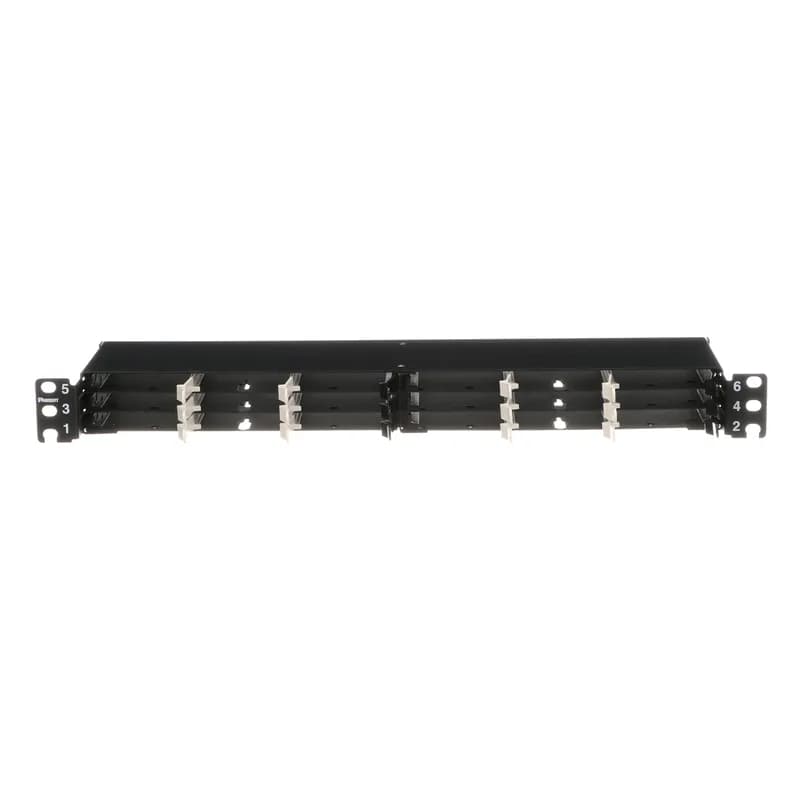
FLEX1UPN04
The HD Flex Fiber Panel is 1 RU and accepts up to eighteen 4-port HD Flex cassettes or Fiber Adapter Panels for a maximum density of 144 fibers.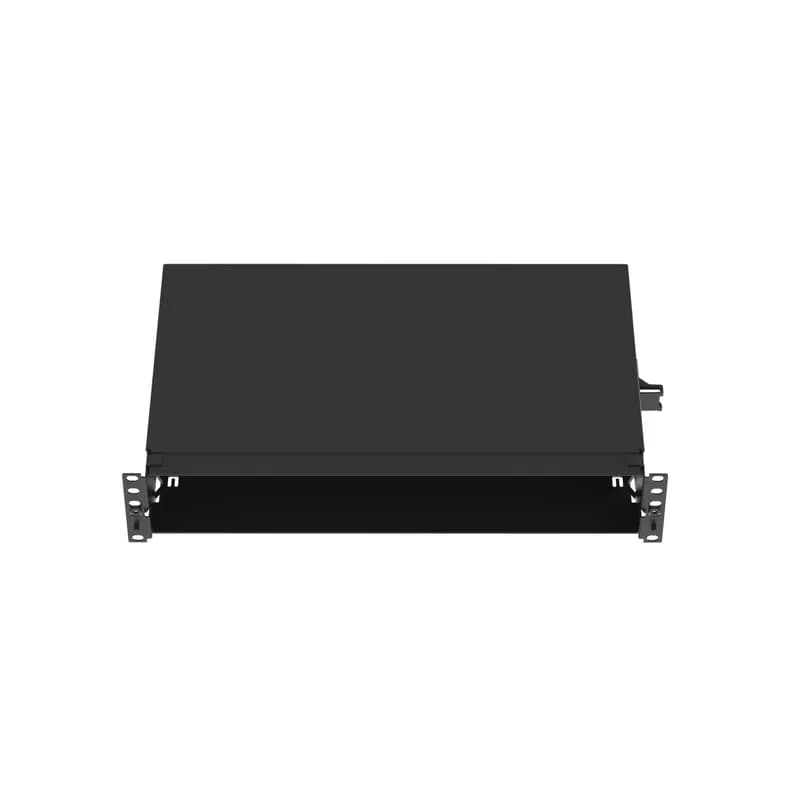
FMT2
The Opticom fiber tray is designed to organize fiber distribution cabling. When used with the CFAPPBL2 patch panel, it accommodates up to 8 QuickNet cassettes or FAP adapter panels. It is black powder coated steel and features 8 ports in a 2 RU footprint. It measures 3.48 inches H x 19 inches W X 11.16 inches D (88.3mm x 482.6mm x 283.4mm).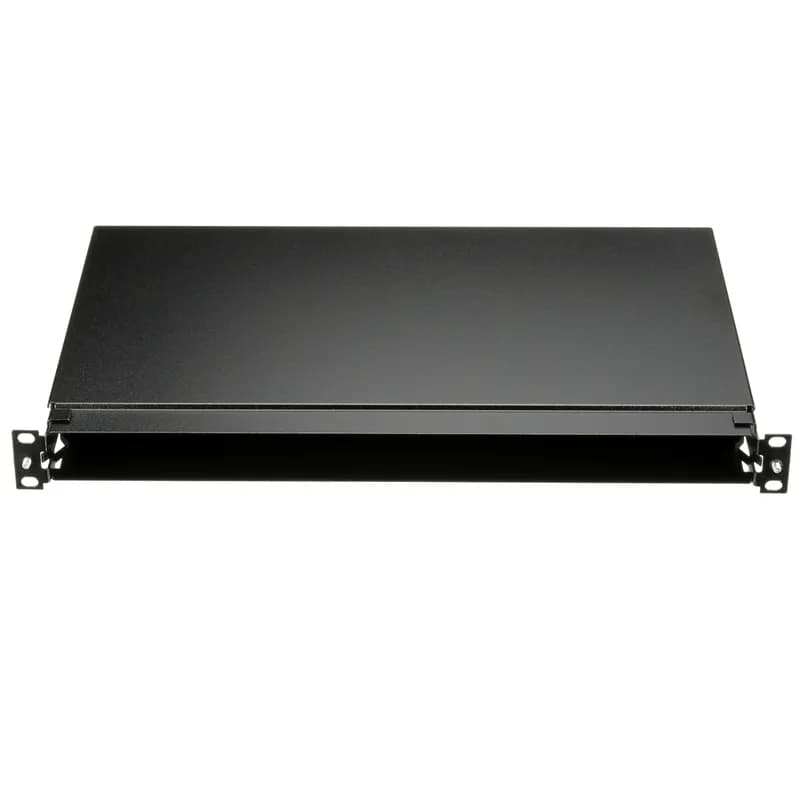
FMT1
The Opticom fiber tray is designed to organize fiber distribution cabling. When used with the CFAPPBL1 patch panel, it accommodates up to 4 QuickNet cassettes or FAP adapter panels. It is black powder coated steel and features 4 ports in a 1 RU footprint. It measures 1.77 inches H x 19 inches W X 11.16 inches D (44.9mm x 482.2mm x 283.4mm).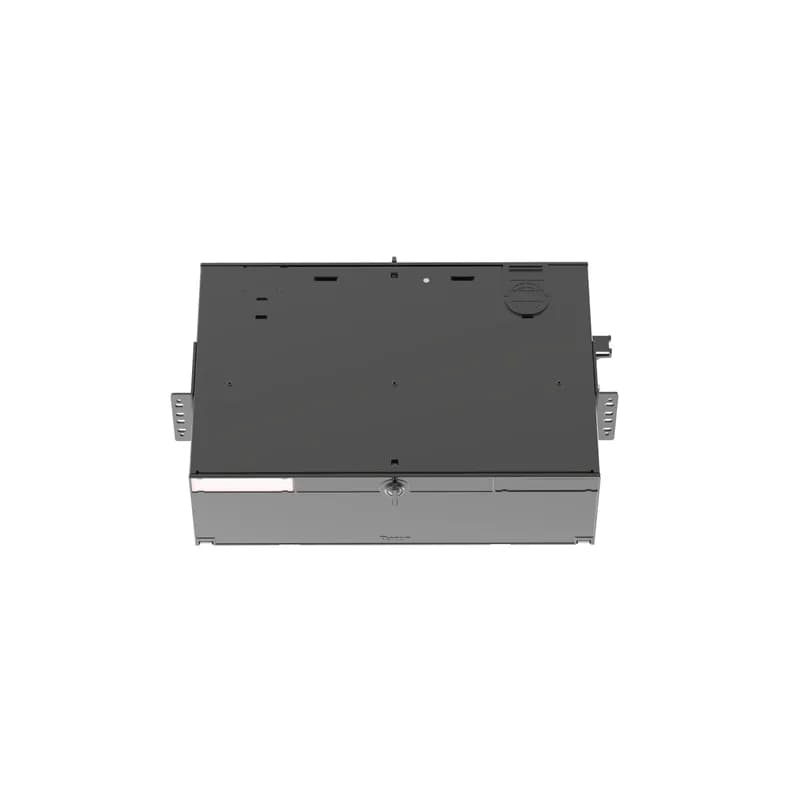
FRME3
The Panduit Opticom 3 RU Rack Mount Fiber Enclosure has integral fiber management and can hold up to 9 FAPs for a maximum of 216 fibers. It ensures network reliability by housing, organizing, managing and protecting fiber optic cable, terminations, splices, connectors and patch cords. It is black powder coated steel.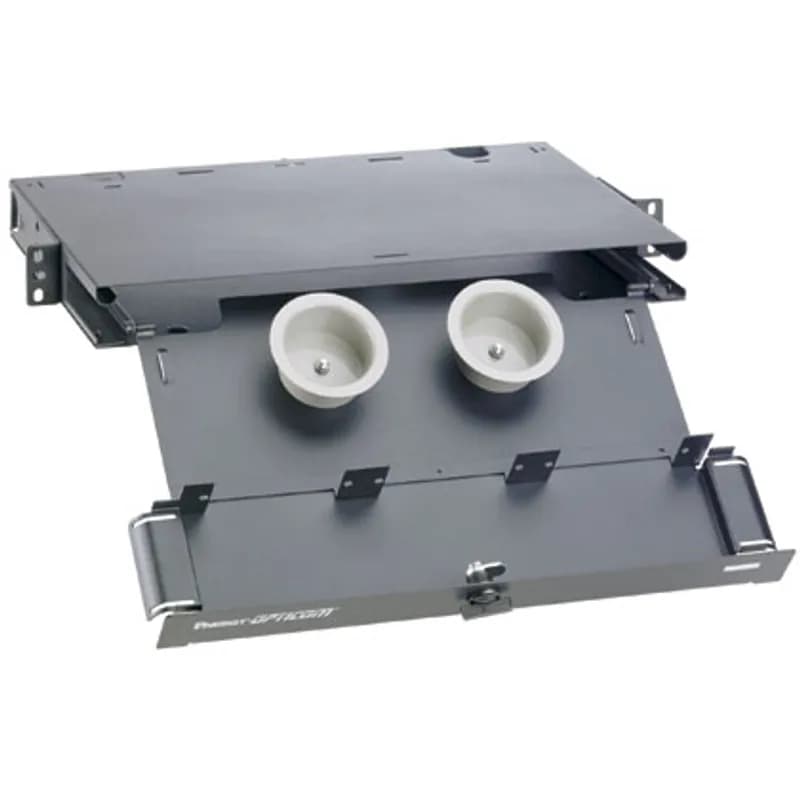
FRME1
The Panduit Opticom 1 RU Rack Mount Fiber Enclosure has integral fiber management and can hold up to 3 FAPs for a maximum of 72 fibers. It ensures network reliability by housing, organizing, managing and protecting fiber optic cable, terminations, splices, connectors and patch cords. It is black powder coated steel.Frequently Asked Questions
What are the available splitter configurations?
The available configurations are 1x8, 1x16, 1x32, 2x8, 2x16, and 2x32.
What is the operating temperature range?
The operating temperature range is -10 to 60 °C.
How is the splitter tray mounted?
The splitter tray is designed for 19 in rack mounting, occupying 1RU.
What is the storage temperature range?
The storage temperature range is -40 to 75 °C.
What is the maximum insertion loss for the 1x16 splitter?
The maximum insertion loss for the 1x16 splitter is 14.2 dB.
What type of fiber is used in this product?
The product uses Singlemode fiber, compliant with ITU-T G. 657 Category A.
What connector type is used?
The splitter tray uses SC-APC connectors for input and output ports.
What is the directivity specification?
The directivity specification is greater than 55 dB.
What is the return loss specification?
The return loss specification is greater than 55 dB.
What is the uniformity for the 1x16 splitter?
The uniformity for the 1x16 splitter is 1.5 dB.
How to Install the FCP9PP-1163GG PON Splitter Tray
This guide provides step-by-step instructions for installing and configuring the FCP9PP-1163GG PON Splitter Tray, including mounting, wiring, and initial setup.
Estimated time: 45m
Tools needed:
Screwdriver, Wire strippers, Multimeter
Supplies needed:
Mounting screws, Terminal connectors, Fiber management spool, Strain relief bracket, Input grommet, Cable ties, Splice holder, Splice protectors
- Mount the PON Splitter Tray
Secure the PON Splitter Tray to the rack using either (4) #12-24 screws or (4) M6 x 1 screws. Ensure the tray is level and firmly attached.
- Prepare the Input Grommet
Remove the rear or side knockout for cable entry. Cut a hole or straight lines in the center of the input grommet for the cable and install the prepared grommet in the knockout opening.
- Install the Incoming Cable
Strip off 7 inches of the cable jacket from the incoming cable. Install the cable through the input grommet and secure it to the strain relief with a cable tie.
- Perform Fusion Splicing
Fusion splice the incoming fiber from the cable to the PON Splitter Tray input fiber following typical industry standard splice procedures. Secure the connection with a splice protector.
- Secure the Splice Protector
Insert the splice protector(s) in the slot(s) of the splice holder and route the fiber as shown. Ensure that loose fiber is re-wrapped around the fiber management spool.
- Finalize Installation
Replace the access cover and secure it with the (2) #10-32 screws. Ensure all components are properly secured and labeled.
Frequently Asked Questions about Panduit
What environmental ratings do Panduit products have?
Panduit products feature comprehensive environmental ratings across multiple standards, including UL 508A Type 1, 2, 3, 4, 4X, 12, and 13; CSA Type 1, 2, 3, 4, 4X, 12, and 13; and NEMA Type 1, 2, 3, 4, 4X, 12, and 13. They meet IEC 60529 IP66 rating, providing robust protection against dust, water, and corrosion in both indoor and outdoor environments, with operating temperatures ranging from -40°C to 130°C.
What certifications and standards do Panduit products comply with?
Panduit products are certified to multiple critical industry standards, including UL (Underwriters Laboratories) in the USA and Canada, CSA (Canadian Standard Association), EN IEC 61386, LVD 2006/G5/EC, and ARRA standards. Our products meet rigorous certifications for electrical safety, environmental compliance (WEEE and RoHS), and are designed to perform in extreme temperatures ranging from -55°C to 105°C, making them suitable for demanding industrial environments.
What industries and applications are Panduit products used for?
Panduit products are engineered for critical applications across multiple industries, including commercial construction, food and beverage, oil and gas, renewable energy, transportation, and safety-critical environments. Their solutions span electrical infrastructure, wire management, cable ties, power connectors, and safety systems designed to withstand extreme conditions like high vibration, temperature variations, UV exposure, and corrosive agents. Key industries include solar and wind energy, aerospace, heavy trucking, military, commercial transportation, and industrial manufacturing.
What are the main product lines offered by Panduit?
Panduit offers a comprehensive range of electrical infrastructure products including power connectors, cable ties, grounding connectors, identification products, safety solutions, terminals, cable cleats, wiring duct, and cable tie accessories. These products are engineered for industrial environments across multiple sectors like commercial construction, food and beverage, oil and gas, renewable energy, transportation, and safety applications.
What are the key features of Panduit products?
Panduit products are engineered for robust performance in heavy-duty industrial environments, featuring a comprehensive range of solutions including cable ties, power connectors, terminals, and identification products. Key features include proven quality performance, subject matter expertise, and customer-driven innovation across multiple industrial sectors such as commercial construction, food and beverage, oil and gas, renewable energy, transportation, and safety applications. The product line is designed to maximize productivity, reliability, and safety while meeting stringent industry standards.
What is Panduit's warranty policy?
Panduit provides a comprehensive Limited Product Warranty that can be fully reviewed on their official website at www.panduit.com/warranty. All Panduit products are subject to the terms, conditions, and limitations of this current warranty. Customers are advised to review the specific warranty details for their particular product, as Panduit requires buyers to determine product suitability for their intended use and assumes all associated risks.
What technical support does Panduit offer?
Panduit offers comprehensive technical support through their dedicated customer service team, accessible via phone at 1-800-777-3300. They provide expert assistance for their full range of industrial infrastructure products, including cable ties, power connectors, terminals, and identification solutions. Customers can also access additional technical resources and product information through their website at www.panduit.com.
What accessories are available for Panduit products?
Panduit offers a wide range of accessories across multiple product lines, including cable ties, cable tie accessories, cable tie tools, identification products, cable cleats, grounding connectors, and VeriSafe accessories like the VeriSafe Network Module and Insulation Piercing Connectors. For a comprehensive view of all available accessories, customers are recommended to visit www.panduit.com for the full product catalog.
How are Panduit products typically installed?
Panduit products are engineered for comprehensive installation across industrial environments, utilizing specialized tools and techniques for precise mounting. Installation methods vary by product line - from cable ties and power connectors to terminals and identification solutions - but all are designed for robust performance in heavy-duty settings. Technicians typically use Panduit's dedicated installation tools and follow manufacturer guidelines available at www.panduit.com to ensure proper fitting and maximum infrastructure reliability.