Contact for Pricing
Overview
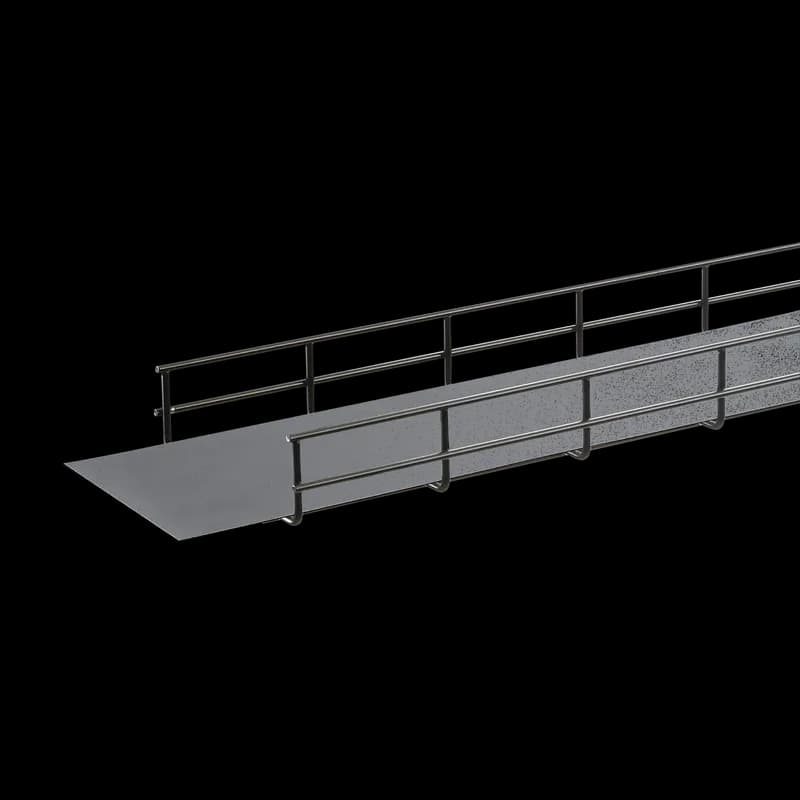
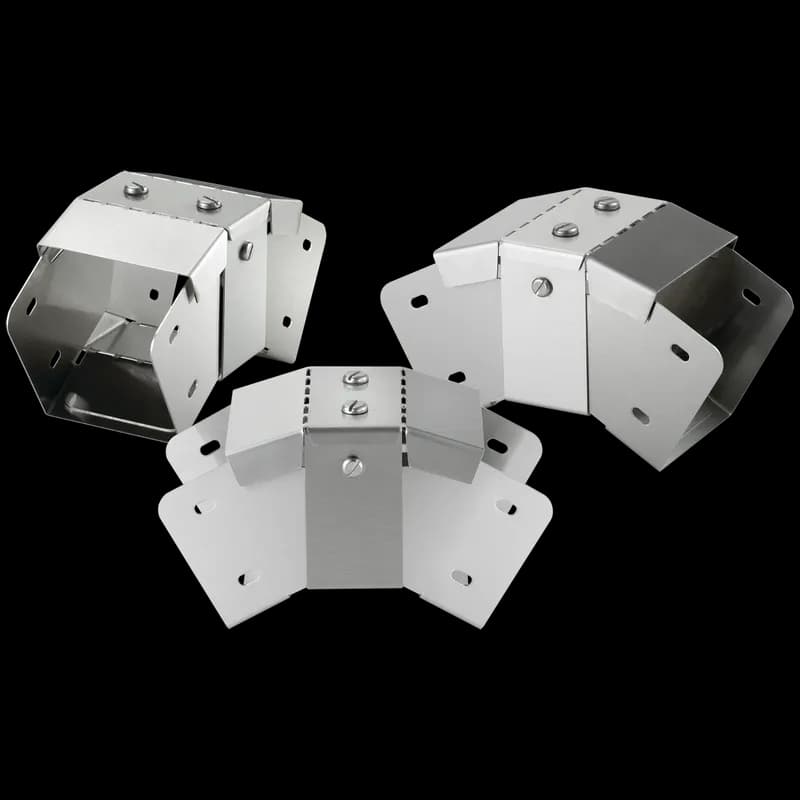
- Flame-retardant polymer construction for enhanced safety
- Prescored design fits all standard Quick Tray Pro widths
- Reduces installation time and labor costs
- Resistant to moisture, chemicals, and UV exposure
- Compatible with power distribution, data centers, and industrial automation
Specifications
Application | Networking, Storage and Data Center |
Color | Unpainted |
Modification Services | No |
Product Family | QuickTray Pro |
Thickness | 0.02 in |
Tray Width | 305 mm |
Type | Cable Pathway |
Weight | 3.7 lb |
Package Dimensions (L x W x H) | 11.7 IN x 4.7 IN x 4.9 IN |
Package Dimensions (L x W x H) | 29.718 cm x 11.938 cm x 12.446 cm |
Package Weight (Imperial) | 3.700 L |
Package Weight (Metric) | 1.678 kg |
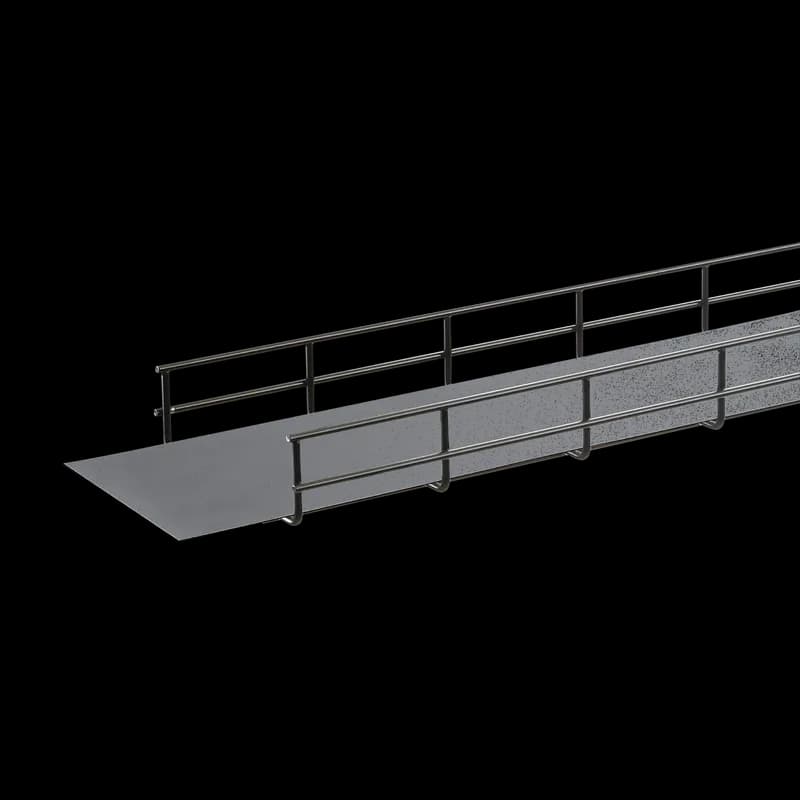
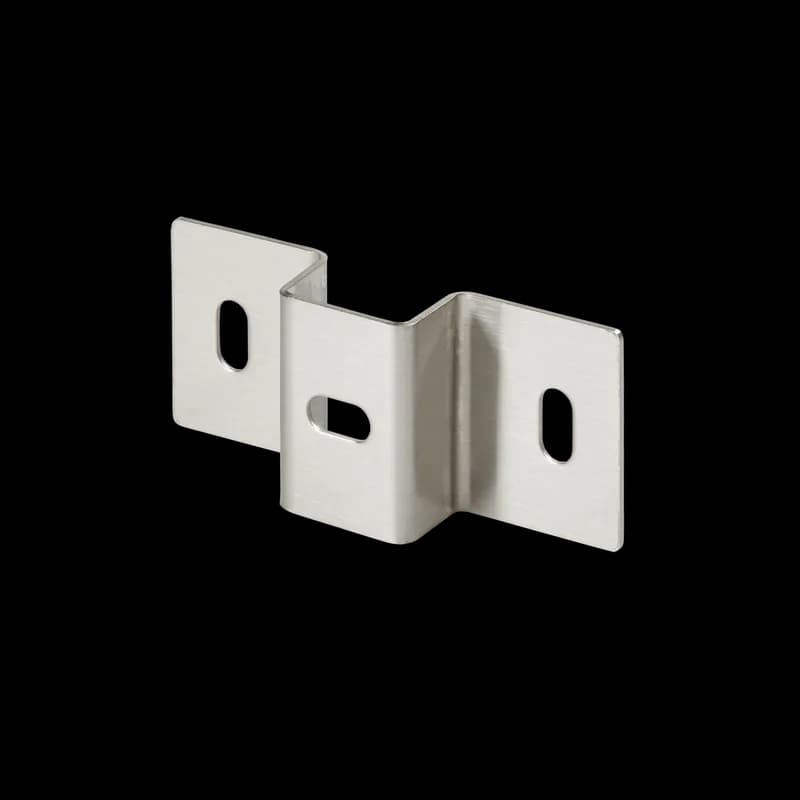
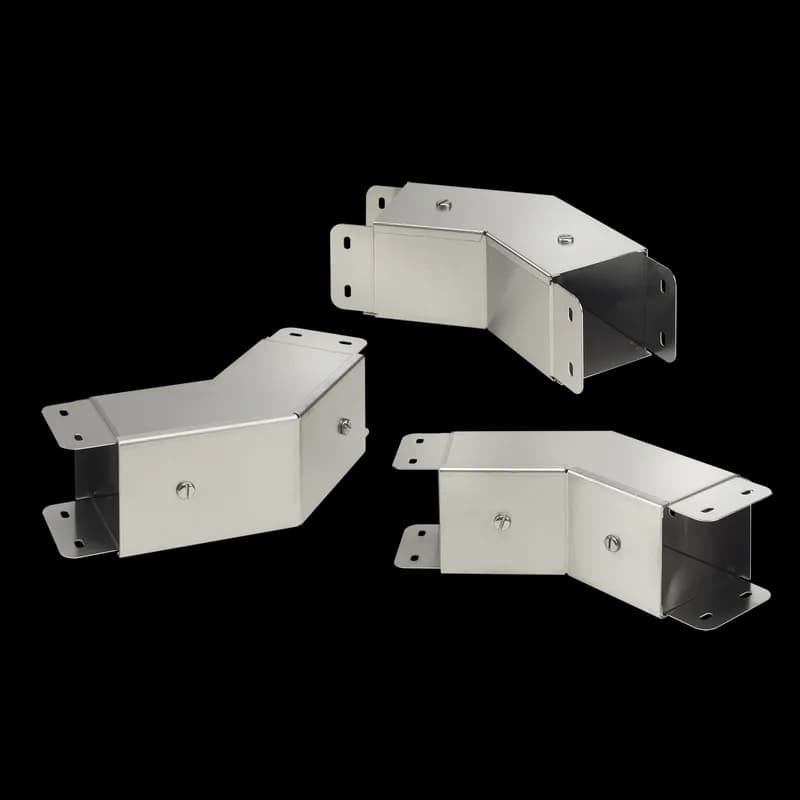
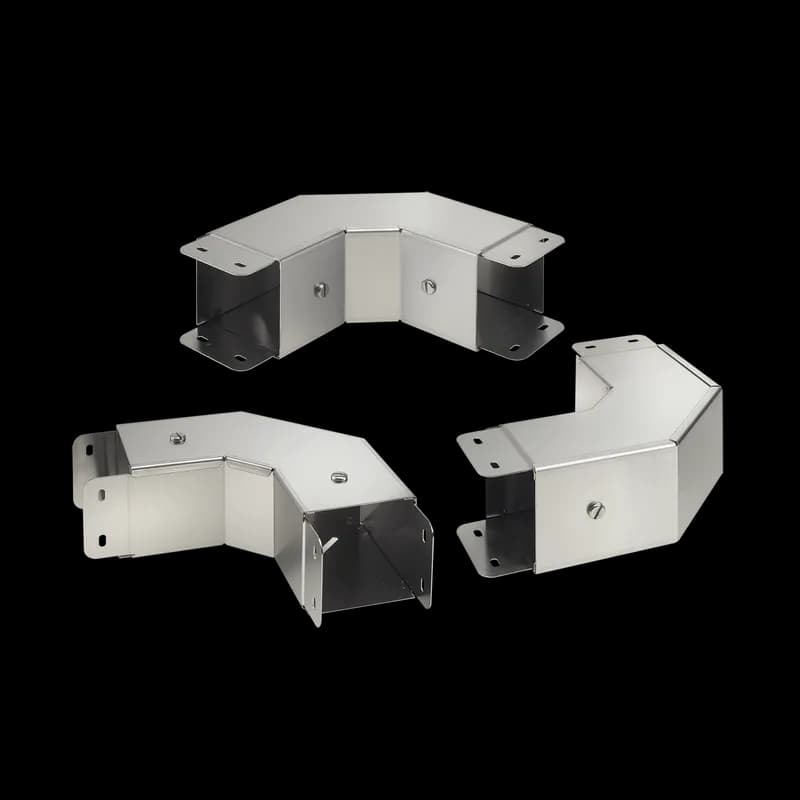
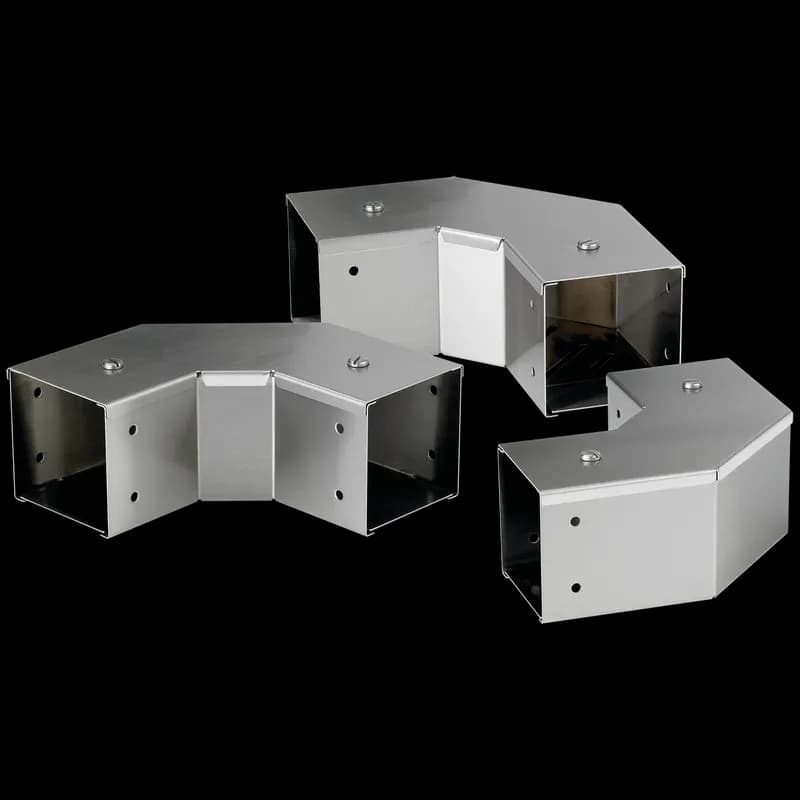
How to Install and Customize QUICK TRAY PRO™ Cable Tray
This guide provides instructions for modifying and combining QUICK TRAY PRO™ Cable Tray sections, including cutting, forming bends and junctions, and properly supporting the installed tray system.
Tools needed:
QTPBC Side Action Bolt Cutter
Supplies needed:
QUICK TRAY PRO™ Cable Tray (straight sections), QTPBNWK/QTPBNWKBLK Splice Kit, QTPSSW3/QTPSSW3BLK Splice Washer, QTPUS10/QTPUS10BLK Universal Splice Bar, QTP90TKIT/QTP90TKITBLK T-Connection or 90o Splice Bar, Cable tray supports
- Plan Cable Tray Configuration
Before beginning any cuts or modifications, carefully plan the entire cable tray layout. Determine the required lengths of straight sections, locations for bends (90-degree, large radius), elbows, tees (90-degree, Y-junction), and any necessary level changes or width reductions. Review the cutting patterns for each specific modification based on your tray size and desired outcome.
- Cut Tray Sections for Customization
Use the Hoffman side action bolt cutter (QTPBC) to make all necessary cuts. When cutting, position the cutting jaws on the cradle wire and make the cut at an angle away from the new end. Ensure one clean cut to minimize sharp edges and help protect the cut from corrosion. This applies to cutting straight sections, side wires, and bottom wires for various modifications.
- Form Bends, Elbows, or Tees
Based on your planned layout, form the required bends or junctions. For a 90-degree bend, cut the specified wires, then smoothly bend the tray until the inside edges meet. For elbows or tees, cut the respective tray sections as per the cutting patterns. Secure all formed bends and joined sections using QTPBNWK/QTPBNWKBLK Splice Kits and QTPSSW3/QTPSSW3BLK Splice Washers. For specific junctions like Y-junctions or width reductions, utilize QTPUS10/QTPUS10BLK Universal Splice Bars as required.
- Install Cable Tray Supports
Install supports for the cable tray system. For straight sections, place supports at typical 6-foot (1.5m) centers. Ensure that supports are positioned within 24 inches (610mm) of any splice on straight sections. Provide additional supports around all bends, elbows, tees, and wherever the cable tray level changes to maintain stability and load bearing capacity.
Frequently Asked Questions about nVent
What industries and applications are nVent products used for?
nVent products are engineered for critical infrastructure and industrial applications across multiple demanding sectors. Key markets include Construction, Data Centers, Defense, Healthcare, Mining, Oil & Gas Refineries, Power Plants, Rail/Transit, Renewable Energy, Security, Ship Building, Steel Mills, Telecom, and Utilities. Their solutions are designed to withstand extreme environmental conditions, with temperature ranges from -55°C to 105°C and specialized features like UV resistance, oil resistance, and flame resistance.
What environmental ratings do nVent products have?
nVent enclosures feature comprehensive environmental ratings, including UL 508A, CSA, and NEMA Type 1, 2, 3, 4, 4X, 12, and 13 certifications. They are rated IEC 60529 IP66, providing robust protection against dust, water, and corrosion in both indoor and outdoor environments. These products operate effectively in temperatures ranging from -40°F to 266°F, with enhanced UV inhibitors for outdoor weathering and oil-resistant gaskets for superior sealing.
What accessories are available for nVent products?
nVent offers a comprehensive range of accessories across multiple product lines, including EMC accessories like bonding cable clamps and strain reliefs, inline accessories such as lock inserts and mounting brackets, CONCEPT accessories including panel conversion kits and rack-mount angles, and seismic accessories for specialized mounting requirements. Key accessory categories include grounding kits, DIN rail mounting solutions, panel supports, handles, and various mounting hardware compatible with different enclosure types.
What certifications and standards do nVent products comply with?
nVent products meet critical international certifications including UL (United States), CSA (Canada), CE (European Community), and EAC (Russia). Our products are designed to comply with rigorous industrial standards such as NEMA enclosure ratings, IEC 60529 IP ratings, and international safety standards across multiple industrial markets including oil & gas, power, manufacturing, and infrastructure.
What is nVent's warranty policy?
nVent offers a standard 18-month warranty from invoicing date for most automation products, covering defects in workmanship and materials. The warranty requires proper transportation, handling, storage, and installation within specified environmental conditions. Warranty coverage includes repair or replacement at nVent's discretion, with certain conditions such as authorized service repairs and operation within designed capacity limits.
What technical support does nVent offer?
nVent offers comprehensive technical support through multiple global contact centers across North America, South America, Europe, Middle East, India, and Asia. Customers can reach technical experts by phone at regional numbers, with the North American headquarters in Minneapolis, MN providing primary support at +1.763.421.2240. Additionally, nVent provides online support resources through their website, including CAD drawing downloads and an 'Ask The Expert' feature to assist with product technical inquiries.