Contact for Pricing
Overview
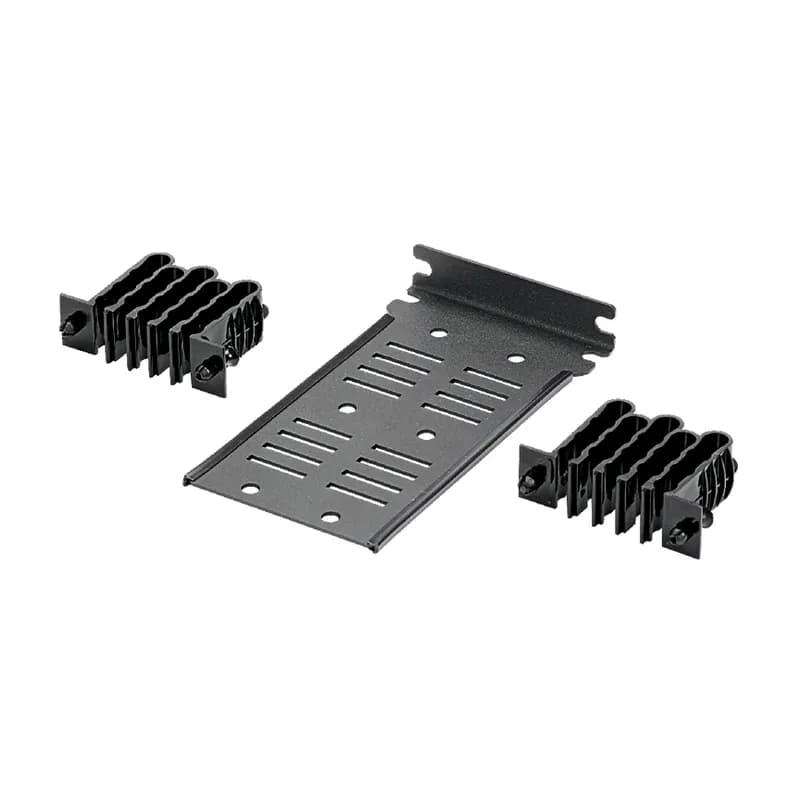
- Two 18-position transition managers for extensive cable routing
- Integrated screw mount bracket for secure installation
- Durable black finish for professional appearance
- Universal design for broad cable compatibility
- Manufactured in the USA for quality assurance
Specifications
Application | Cable Management |
Color | Black |
Depth | 0.75 In. |
Material | Steel |
Standard | RoHS Compliant |
Type | Rear Cable Manager |
Width | 6.14 In. |
Package Dimensions (L x W x H) | 10.3 IN x 6.5 IN x 4.8 IN |
Package Weight (Imperial) | 0.75 lbs |
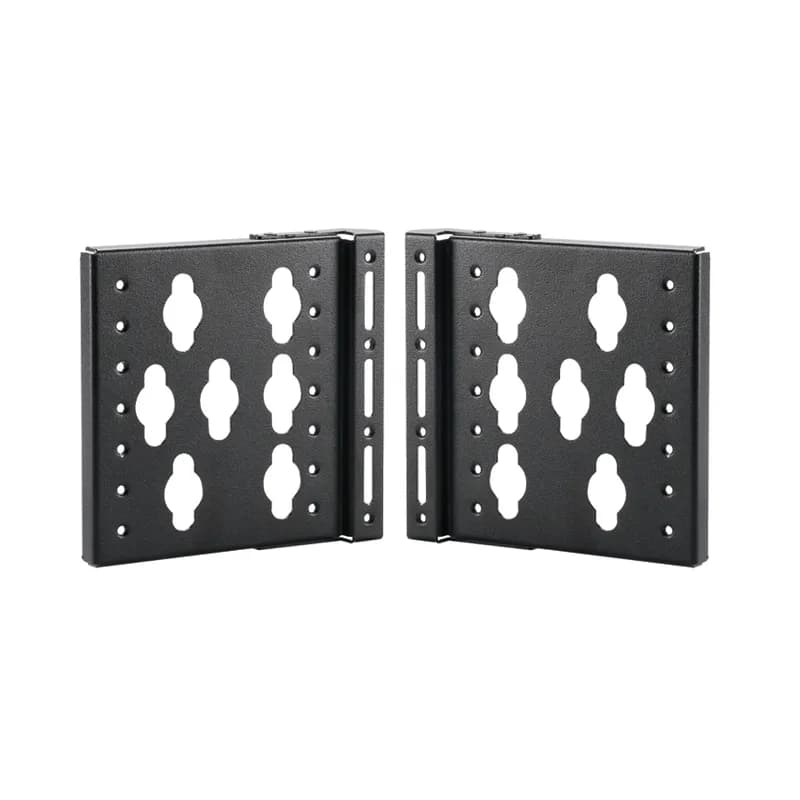
SPDUBRK
The PDU Mounting Brackets are designed for use with the Net-Access S-Type cabinets. They are sold in pairs and are black.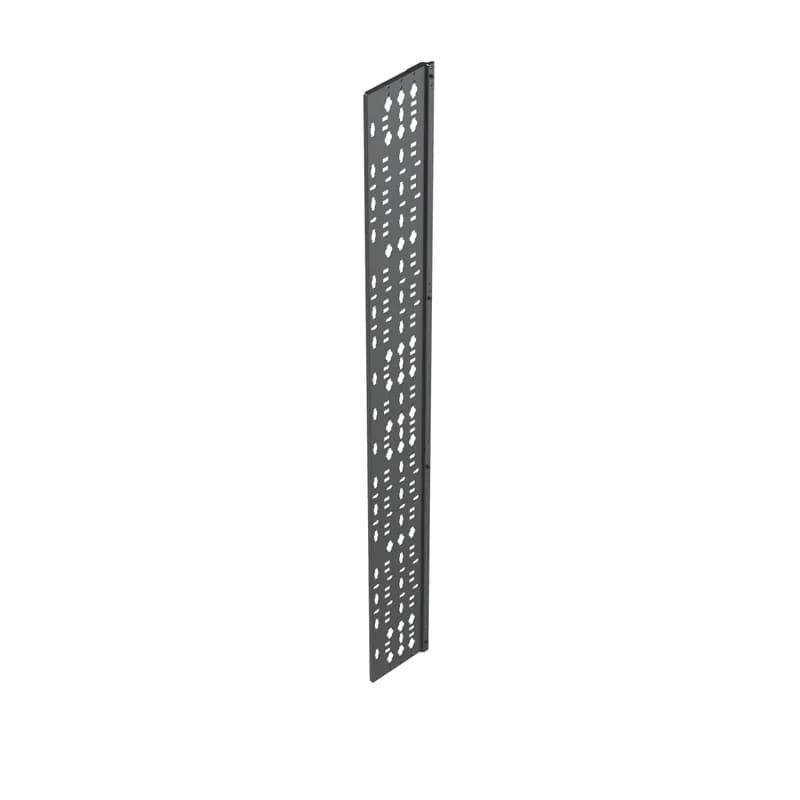
S2BRK6
The cable management bracket is designed for use on any Net-Access S-Type Cabinets. It is 6 inches wide and full length. It can be used for 42 RU through 51 RU cabinets. It is black.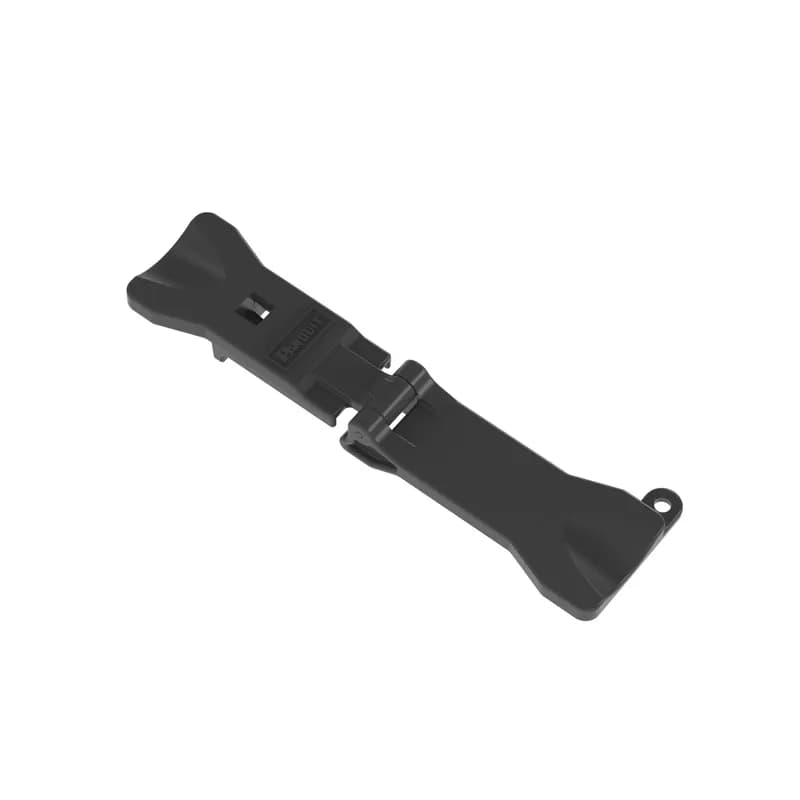
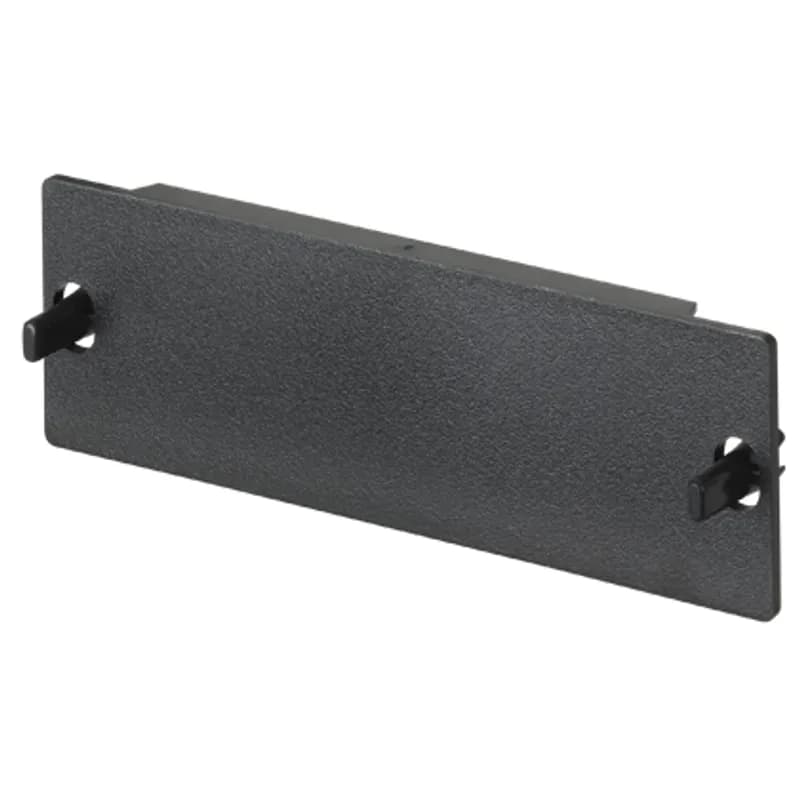
FAPB
The Opticom blank fiber adapter panel is used to reserve space for future use. The blanking panel is plastic and is black in color.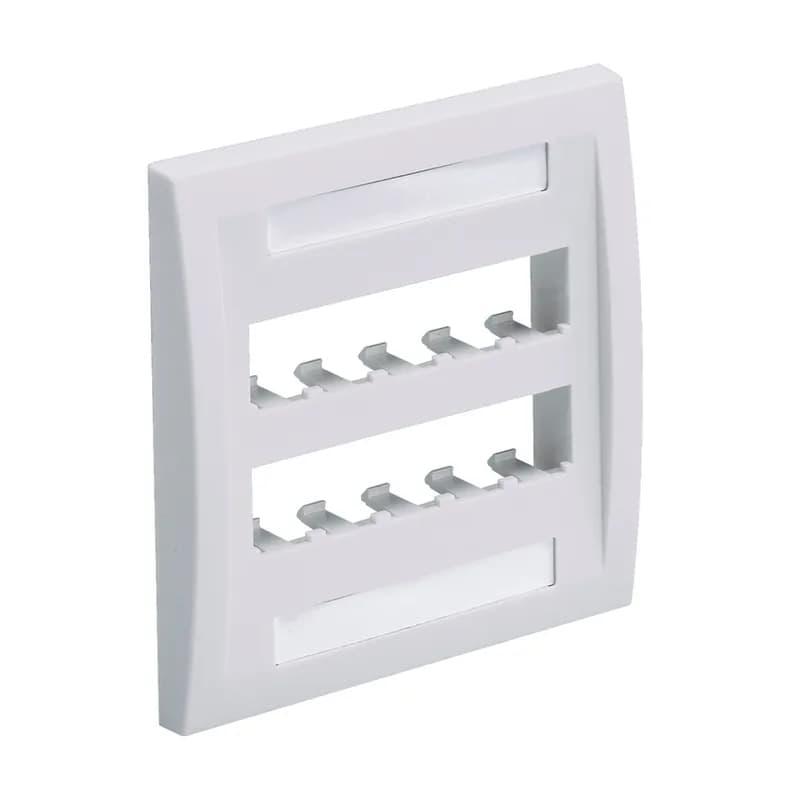
CFPE10BL-2GY
The Mini-Com Executive Series Faceplate accepts ten Mini-Com Module. The faceplate is double gang and mounts to a NEMA standard double gang opening. The faceplate includes a raised rail design on the outer edge of the frame, has a label pocket for easy identification, and is black.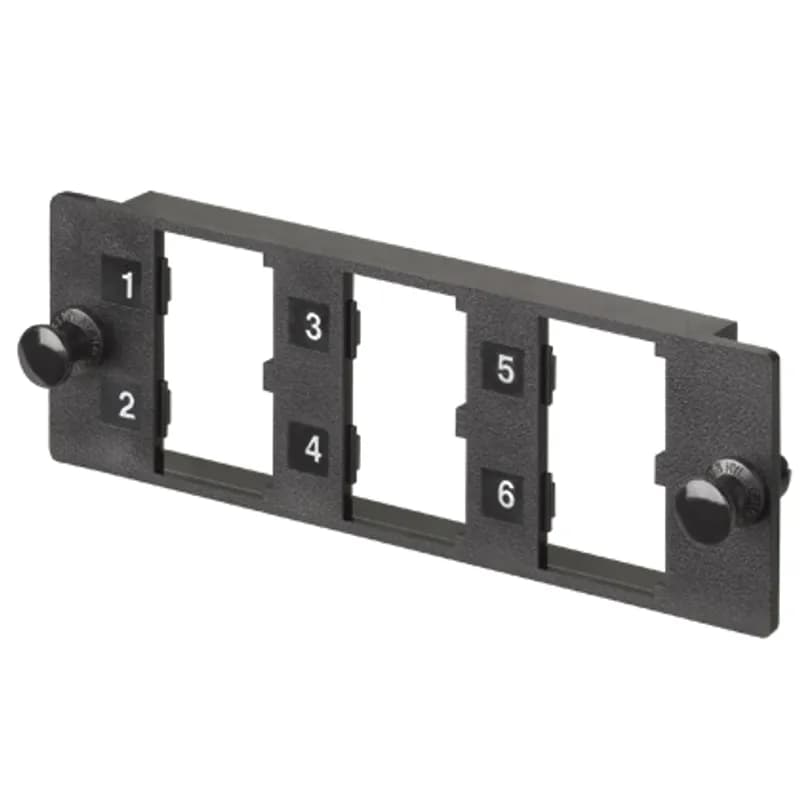
FMP6
The Opticom Multimedia Modular Panel snaps into all Opticom components. The six-port panel accepts up to six Mini-Com Modules for UTP, fiber optic, and AV applications.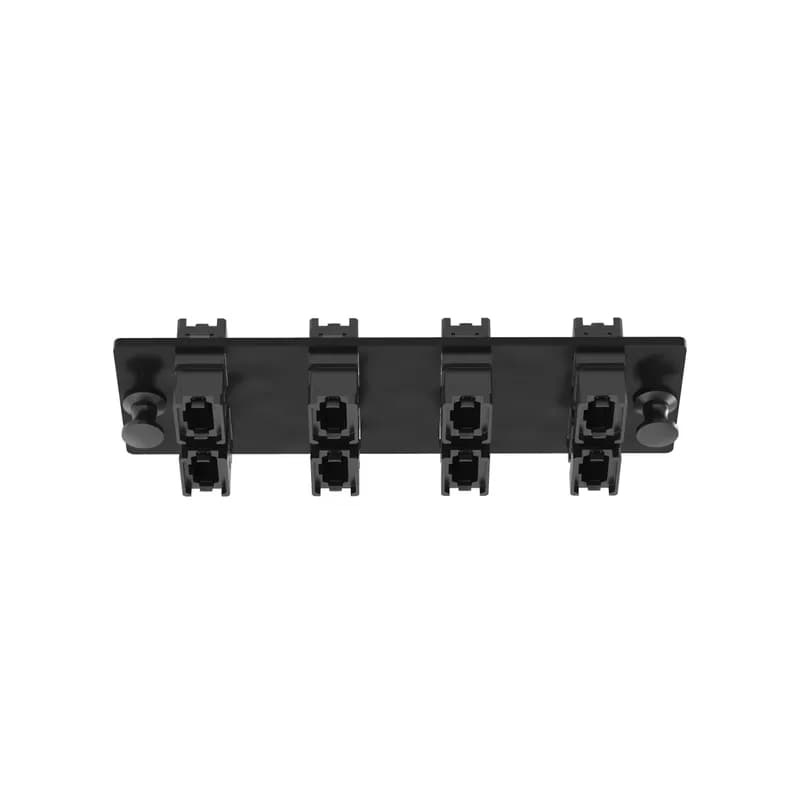
FAPH0812BLMPO
The Opticom MPO fiber adapter panel is loaded with 8 MPO fiber optic adapters. The fiber optic adapters are in the key-up/key-down position, type a polarity and are black in color. The MPOs are positioned in a vertical arrangement when looking head-on on a horizontal-orientated faceplate.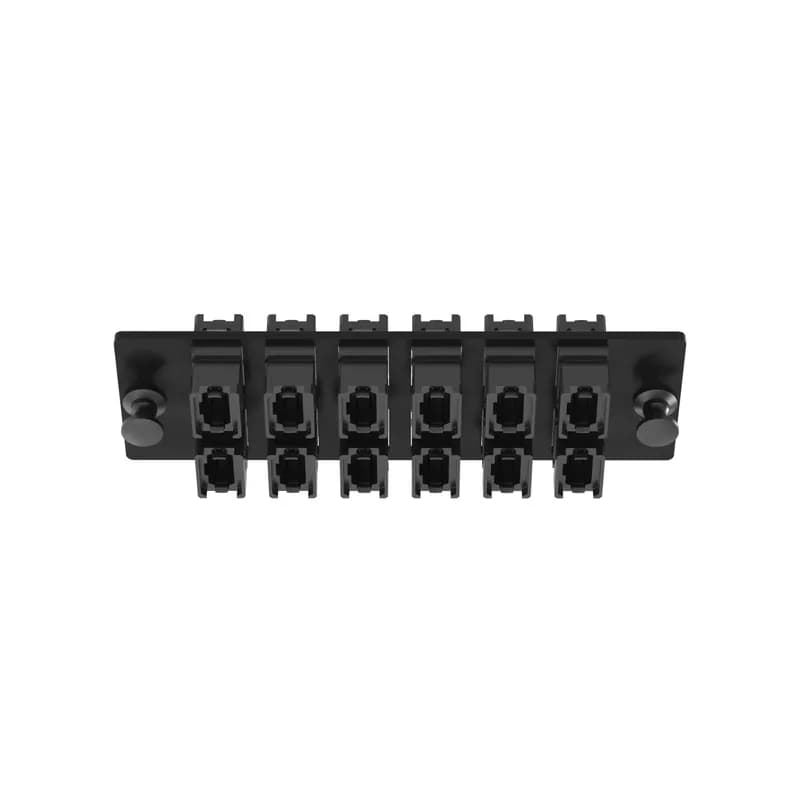
FAPH1212BLMPO
The Opticom MPO fiber adapter panel is loaded with 12 MPO fiber optic adapters. The fiber optic adapters are in the key-up/key-down position, type a polarity and are black in color. The MPOs are positioned in a vertical arrangement when looking head-on on a horizontal-orientated faceplate.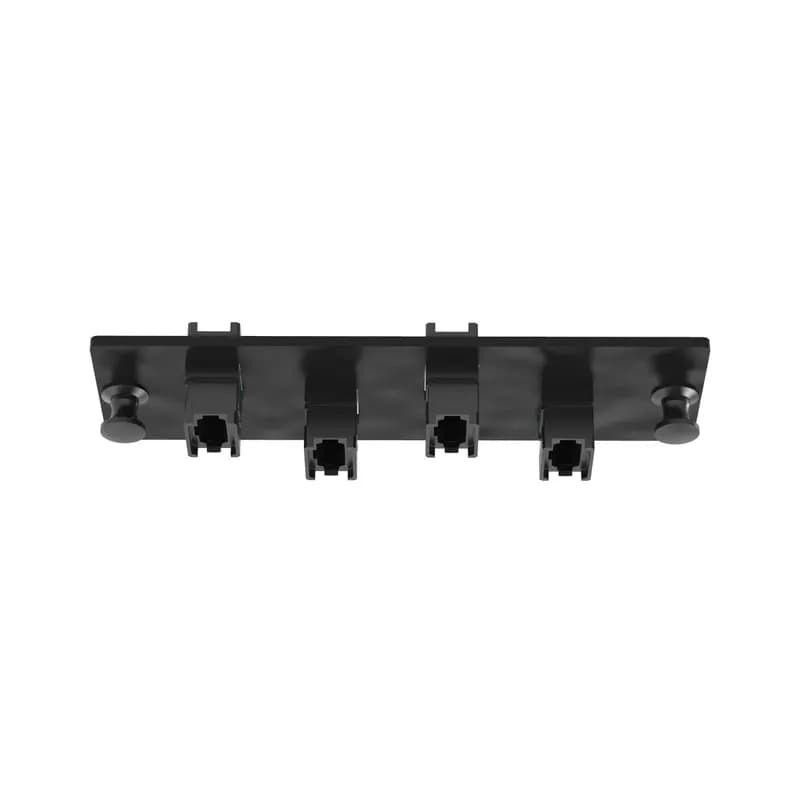
FAPH0412BLMPO
The Opticom MPO fiber adapter panel is loaded with 4 MPO fiber optic adapters. The fiber optic adapters are in the key-up/key-down position, type a polarity and are black in color. The MPOs are positioned in a vertical arrangement when looking head-on on a horizontal-orientated faceplate.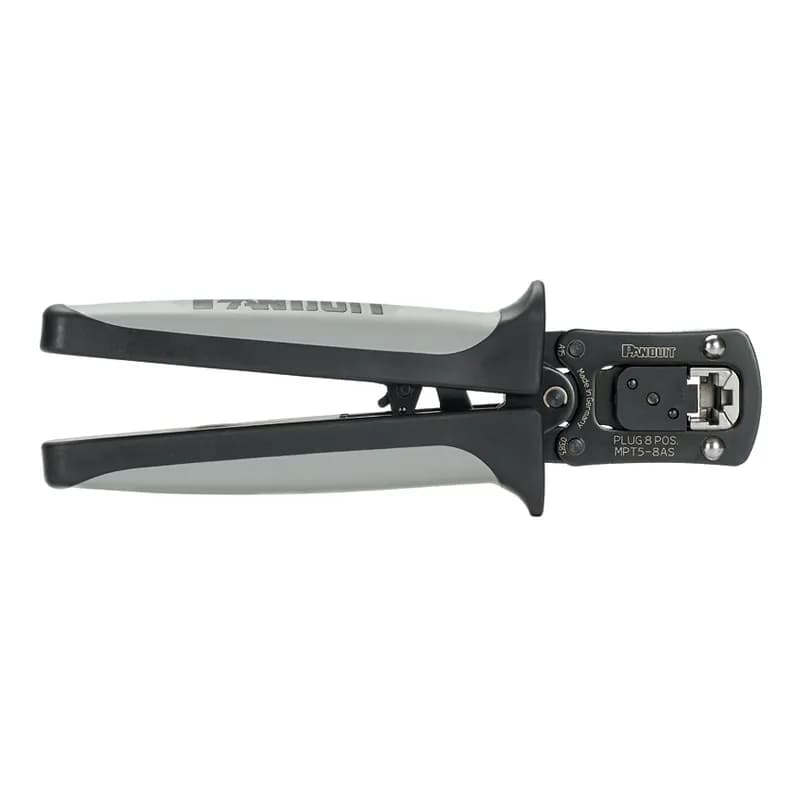
MPT5-8AS
Pan-Plug modular plug crimping tool with controlled cycle mechanism which prevents the tool from opening before the termination cycle is complete, ensuring proper termination.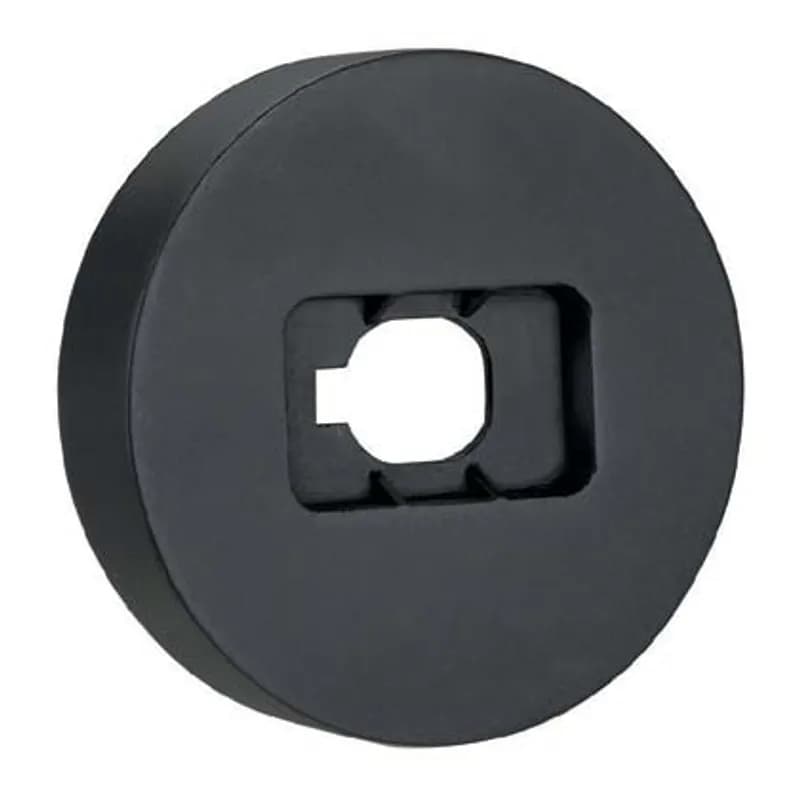
NKSPB
The NetKey Punchdown Base enables termination of punchdown jack modules, is plastic, and is black.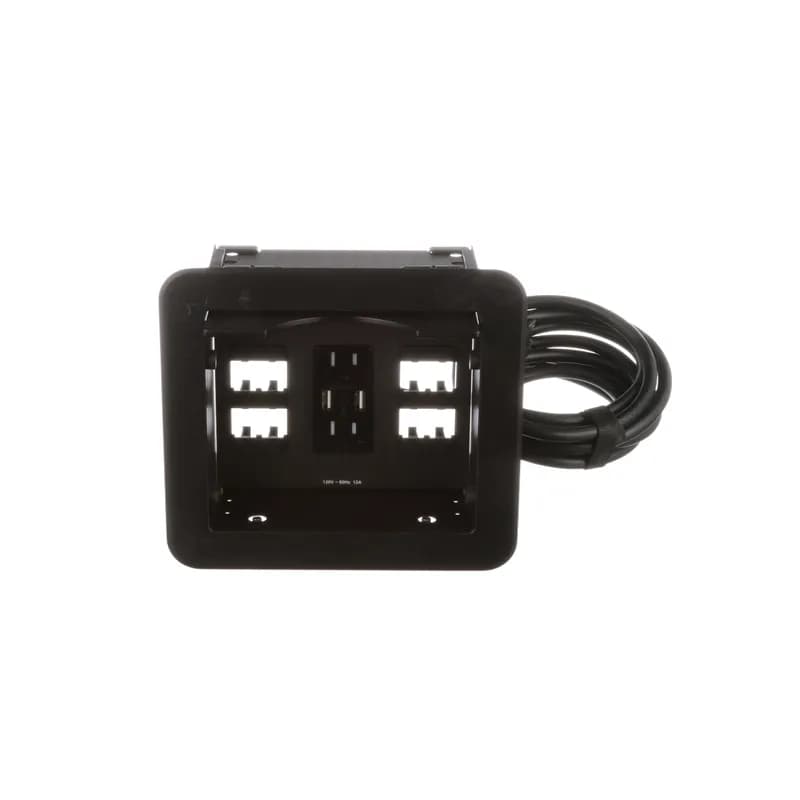
Frequently Asked Questions
What is the maximum fiber capacity per rack unit?
The HD Flex™ Fiber Cabling System supports up to 144 fibers per rack unit.
How does the split-tray design benefit serviceability?
The split-tray design allows servicing of cassettes without disturbing adjacent connections, minimizing circuit disruptions.
What types of fiber trunks are available?
Pre-terminated PanMPO™ Trunk Cable Assemblies are available in multimode or singlemode, with 12-fiber, 24-fiber, and 48-fiber options.
What is the installation requirement for the HD Flex™ system?
The HD Flex™ Fiber Cabling System can be installed by a single technician, simplifying deployment.
What is the purpose of the MPO parking feature?
The MPO parking feature reduces installation time for fiber trunks during cable plant migrations.
What is the maximum fiber capacity of the HD Fusion Fiber Splicing Enclosure?
The HD Fusion Fiber Splicing Enclosure can accommodate up to 576 single fibers and up to 864 ribbon fibers.
How many ports do the cassettes support?
Cassettes are available in either 6-port or 12-port configurations.
What is the design feature for cable management?
The system features side trunk cable management for easy access to cables and connectors.
What types of patch cords are available?
Patch cords are available with Push-Pull LC Duplex or PanMPO Interconnects in various configurations.
What configurations can the enclosures support?
Enclosures can be reconfigured to accept either 6-port or 12-port cassettes and adapter panels.
How to Install the FLEX-CM18S Cable Manager
This guide provides step-by-step instructions for installing the FLEX-CM18S cable manager onto a rack or equipment rail, ensuring optimal cable management.
Estimated time: 30m
Tools needed:
Screwdriver, Wire strippers
Supplies needed:
Mounting screws, Edge protectors
- Install the panel to the rack
Secure the panel to the rack or equipment rail using (2) #12-24 or M6 screws. Ensure the panel is mounted at least 2RU above the bottom of the lower enclosure if routing cables from above.
- Install clips to the panel
Push both fastener plungers in to secure the clips to the panel. Ensure clips are installed in a staggered pattern for optimal cable management.
- Apply edge protectors
Attach edge protectors to the top and bottom edges of the panel to prevent cable damage. Ensure they are securely adhered.
Frequently Asked Questions about Panduit
What environmental ratings do Panduit products have?
Panduit products feature comprehensive environmental ratings across multiple standards, including UL 508A Type 1, 2, 3, 4, 4X, 12, and 13; CSA Type 1, 2, 3, 4, 4X, 12, and 13; and NEMA Type 1, 2, 3, 4, 4X, 12, and 13. They meet IEC 60529 IP66 rating, providing robust protection against dust, water, and corrosion in both indoor and outdoor environments, with operating temperatures ranging from -40°C to 130°C.
What certifications and standards do Panduit products comply with?
Panduit products are certified to multiple critical industry standards, including UL (Underwriters Laboratories) in the USA and Canada, CSA (Canadian Standard Association), EN IEC 61386, LVD 2006/G5/EC, and ARRA standards. Our products meet rigorous certifications for electrical safety, environmental compliance (WEEE and RoHS), and are designed to perform in extreme temperatures ranging from -55°C to 105°C, making them suitable for demanding industrial environments.
What industries and applications are Panduit products used for?
Panduit products are engineered for critical applications across multiple industries, including commercial construction, food and beverage, oil and gas, renewable energy, transportation, and safety-critical environments. Their solutions span electrical infrastructure, wire management, cable ties, power connectors, and safety systems designed to withstand extreme conditions like high vibration, temperature variations, UV exposure, and corrosive agents. Key industries include solar and wind energy, aerospace, heavy trucking, military, commercial transportation, and industrial manufacturing.
What are the main product lines offered by Panduit?
Panduit offers a comprehensive range of electrical infrastructure products including power connectors, cable ties, grounding connectors, identification products, safety solutions, terminals, cable cleats, wiring duct, and cable tie accessories. These products are engineered for industrial environments across multiple sectors like commercial construction, food and beverage, oil and gas, renewable energy, transportation, and safety applications.
What are the key features of Panduit products?
Panduit products are engineered for robust performance in heavy-duty industrial environments, featuring a comprehensive range of solutions including cable ties, power connectors, terminals, and identification products. Key features include proven quality performance, subject matter expertise, and customer-driven innovation across multiple industrial sectors such as commercial construction, food and beverage, oil and gas, renewable energy, transportation, and safety applications. The product line is designed to maximize productivity, reliability, and safety while meeting stringent industry standards.
What is Panduit's warranty policy?
Panduit provides a comprehensive Limited Product Warranty that can be fully reviewed on their official website at www.panduit.com/warranty. All Panduit products are subject to the terms, conditions, and limitations of this current warranty. Customers are advised to review the specific warranty details for their particular product, as Panduit requires buyers to determine product suitability for their intended use and assumes all associated risks.
What technical support does Panduit offer?
Panduit offers comprehensive technical support through their dedicated customer service team, accessible via phone at 1-800-777-3300. They provide expert assistance for their full range of industrial infrastructure products, including cable ties, power connectors, terminals, and identification solutions. Customers can also access additional technical resources and product information through their website at www.panduit.com.
What accessories are available for Panduit products?
Panduit offers a wide range of accessories across multiple product lines, including cable ties, cable tie accessories, cable tie tools, identification products, cable cleats, grounding connectors, and VeriSafe accessories like the VeriSafe Network Module and Insulation Piercing Connectors. For a comprehensive view of all available accessories, customers are recommended to visit www.panduit.com for the full product catalog.
How are Panduit products typically installed?
Panduit products are engineered for comprehensive installation across industrial environments, utilizing specialized tools and techniques for precise mounting. Installation methods vary by product line - from cable ties and power connectors to terminals and identification solutions - but all are designed for robust performance in heavy-duty settings. Technicians typically use Panduit's dedicated installation tools and follow manufacturer guidelines available at www.panduit.com to ensure proper fitting and maximum infrastructure reliability.