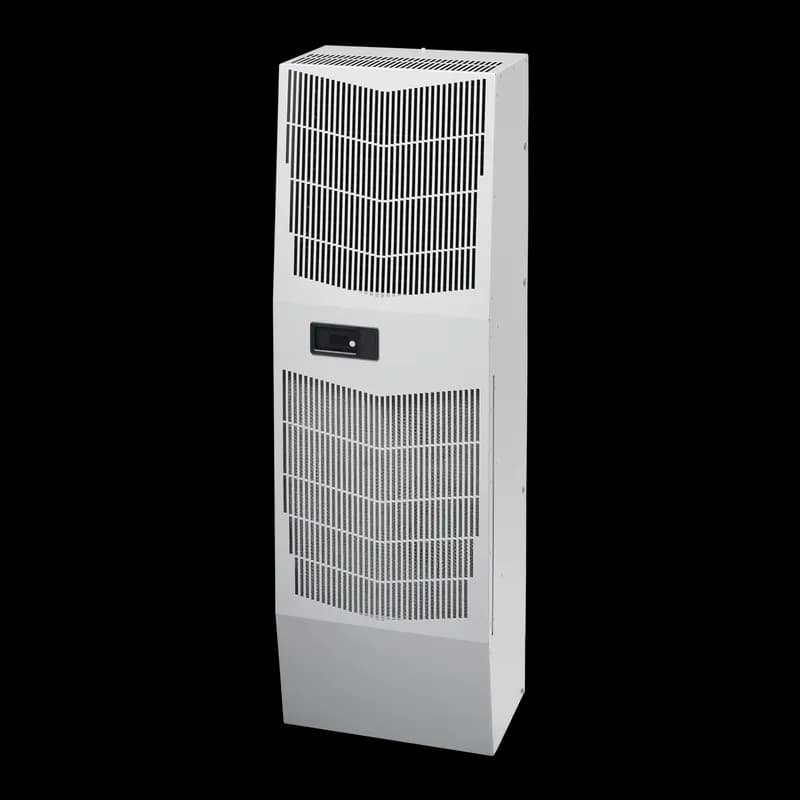
nVent G521226G360 SpectraCool Advanced Corrosion Protection Lvl 1 with RAC, 12000BTU 230V, Lt Gray, Steel
UPC: 783510356842
Documents & Media
Contact for Pricing
Call +1 (262) 252-1600 (toll-free 877-268-3700) or email [email protected] for pricing and availability.
Overview
- Attractive industrial design with minimal use of visible fasteners
- Level 1 Protection Includes: Protective coatings only applied to copper tubing and coils on the condenser (exterior facing) side as well as thermostat coatings
- Energy-efficient rotary compressor on most models
- Level 2 Protection Include: Everything that was coated in Level 1, plus protective coatings applied to the evaporator (interior facing ) side and an additional wrap around the thermostat
- Cleanable, reusable aluminum mesh filter included to protect coils for maximum cooling performance in dirty environments
- R407C, R513A or R134a refrigerants
- 115, 230 and 400/460 VAC 3-phase power input on most models
- Reliable mechanical thermostat on enclosure side of the unit
- All G-series come standard with two separate thermostats for cooling and heating when a heater is equipped
- Operating temperature range from -40 F/-40 C to 131 F/55 C
Specifications
Ambient Temperature | 40 Deg C |
Ambient Temperature | -40-131 °F |
Amperage Rating | 2297 |
Application | Controls and Drives;Corrosive Environments;Power Distribution |
Color | Gray |
Color | Lt Gray |
Color | Light Gray |
Color Code | RAL 7035 |
Corrosion Resistant | Yes |
Depth | 296 mm |
Depth | 11.66 in |
Finish | Powder Coated |
Height | 52.69 in |
Height | 1,338 mm |
Material | Mild Steel |
Material | Steel |
Max Current | 10.9 A |
Mounting | Side wall |
NEMA Rating | 4X Watertight, corrosion-resistant |
Nominal Capacity Btu/h | 12,000 Btu/h |
Nominal Capacity Watts | 3,500 W |
Nominal Voltage | 230 V |
Number Of Phases | 1 |
Operating Temperature | -40-55 °C |
Operating Temperature | -40-131 |
Operating Temperature | -40-55 |
Outdoor Installation | Yes |
Poles | 1P |
Product Family | SpectraCool |
Protection Rating | NEMA Type 4X |
Refrigerant | R513A |
Remote Access Control | Yes |
Series | SpectraCool |
Size | 12000BTU |
Thickness | 1.21 mm |
Thickness | 18 ga |
Thickness | 51.40mm (2.024") |
Type | Air Conditioners |
Voltage AC | 200-250 V |
Voltage Rating | 230 V |
Weight | 59.4 kg |
Weight | 128 lb |
Width | 17.12 in |
Width | 435 mm |
Package Dimensions (L x W x H) | 52.7 IN x 17.14 IN x 11.65 IN |
Package Dimensions (L x W x H) | 133.858 cm x 43.5356 cm x 29.591 cm |
Package Weight (Imperial) | 128.000 L |
Package Weight (Metric) | 58.061 kg |
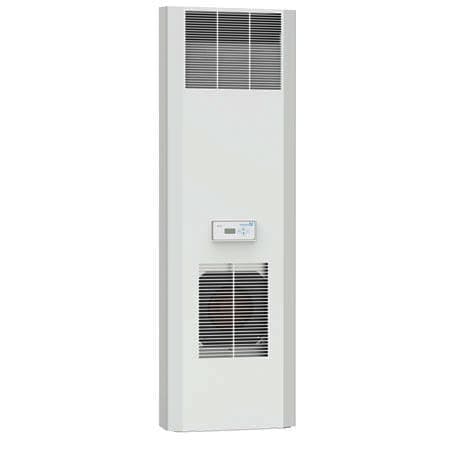
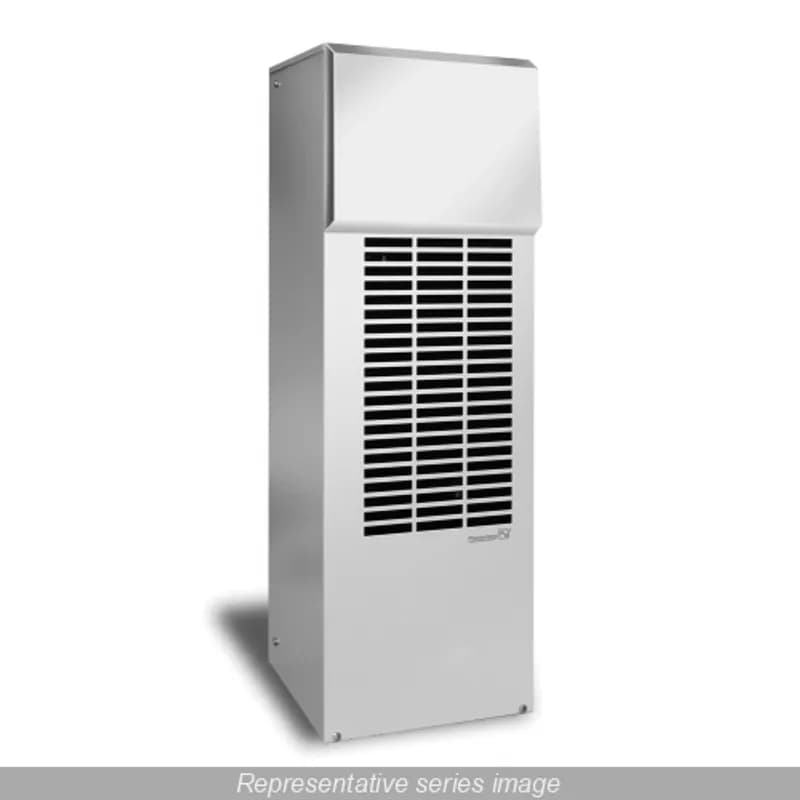

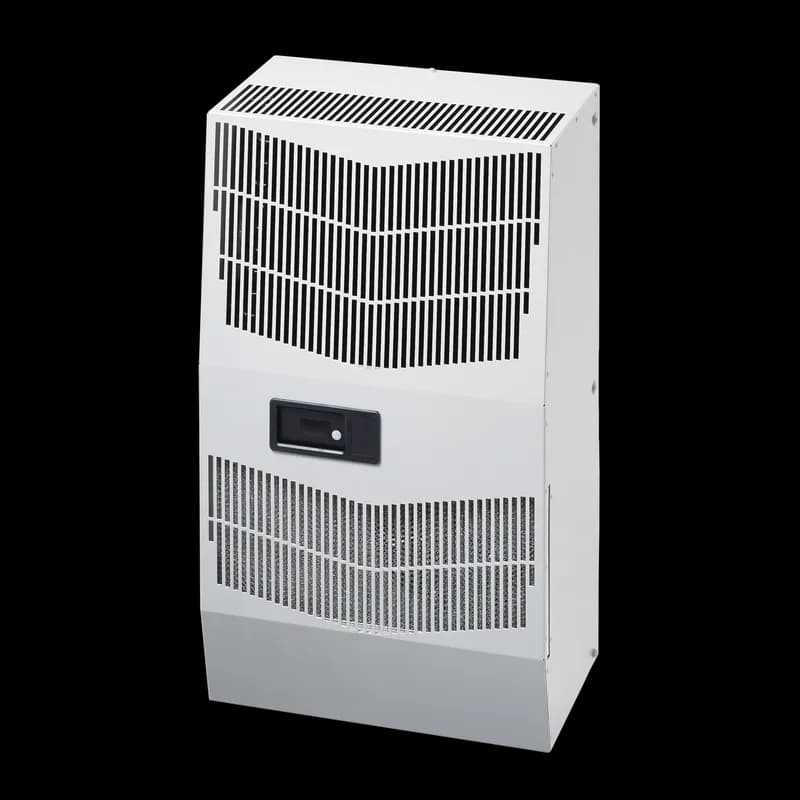
How to Install the G521226G360 Air Conditioner
Instructions for installing and testing the G521226G360 Air Conditioner, including mounting and wiring.
Estimated time: 30m
Tools needed:
Screwdriver, Wrench, Ratchet driver
Supplies needed:
Mounting gasket kit, Copper conductors
- Inspect and Test Functionality
Inspect the air conditioner for any damage. Verify correct functionality before mounting. If the unit has been in a horizontal position, ensure it is placed upright for at least five (5) minutes before operating. Do not operate the air conditioner while it is horizontal or on its side, back, or front, as this can cause permanent damage and void the warranty.
- Prepare for Mounting
Install the mounting gasket to the air conditioner using the provided mounting gasket kit. Ensure the gasket is properly seated to maintain a watertight seal.
- Mount the Air Conditioner
Mount the air conditioner onto the enclosure, being careful not to damage the mounting gasket. Start mounting bolts by hand to avoid cross-threading, then tighten with a wrench or ratchet driver.
- Connect Power Supply
Refer to the unit's nameplate for electrical requirements. Wire the unit to a properly grounded power supply using only copper conductors. The electrical circuit should be fused with a slow-blow fuse or a HACR circuit breaker. Ensure the minimum circuit ampacity is at least 125% of the amperage shown on the unit nameplate. Do not connect other equipment to this circuit to prevent overloading.
- Wire Thermostat (if applicable)
If your air conditioner requires a remote-mounted thermostat, wire the thermostat outputs to the appropriate terminals on the 24 VAC terminal strip according to the correct wiring diagram.
- Set Thermostat
Set the thermostat to the required cabinet temperature. Refer to the 'Sequence of Operation' section for details on thermostat adjustment and operation. Note: Do not set the enclosure thermostat to a temperature lower than 70 F for normal operation to prevent coil freeze-ups and potential unit damage.
- Verify Operation
Immediately after applying power, the evaporator blower should start. Operate the air conditioner with the compressor running for five (5) to ten (10) minutes by setting the cooling thermostat or controller setpoint below the ambient temperature. Condenser air temperatures should become warmer than normal room temperatures within a few minutes after the condenser impellers start.
Frequently Asked Questions about nVent
What industries and applications are nVent products used for?
nVent products are engineered for critical infrastructure and industrial applications across multiple demanding sectors. Key markets include Construction, Data Centers, Defense, Healthcare, Mining, Oil & Gas Refineries, Power Plants, Rail/Transit, Renewable Energy, Security, Ship Building, Steel Mills, Telecom, and Utilities. Their solutions are designed to withstand extreme environmental conditions, with temperature ranges from -55°C to 105°C and specialized features like UV resistance, oil resistance, and flame resistance.
What environmental ratings do nVent products have?
nVent enclosures feature comprehensive environmental ratings, including UL 508A, CSA, and NEMA Type 1, 2, 3, 4, 4X, 12, and 13 certifications. They are rated IEC 60529 IP66, providing robust protection against dust, water, and corrosion in both indoor and outdoor environments. These products operate effectively in temperatures ranging from -40°F to 266°F, with enhanced UV inhibitors for outdoor weathering and oil-resistant gaskets for superior sealing.
What accessories are available for nVent products?
nVent offers a comprehensive range of accessories across multiple product lines, including EMC accessories like bonding cable clamps and strain reliefs, inline accessories such as lock inserts and mounting brackets, CONCEPT accessories including panel conversion kits and rack-mount angles, and seismic accessories for specialized mounting requirements. Key accessory categories include grounding kits, DIN rail mounting solutions, panel supports, handles, and various mounting hardware compatible with different enclosure types.
What certifications and standards do nVent products comply with?
nVent products meet critical international certifications including UL (United States), CSA (Canada), CE (European Community), and EAC (Russia). Our products are designed to comply with rigorous industrial standards such as NEMA enclosure ratings, IEC 60529 IP ratings, and international safety standards across multiple industrial markets including oil & gas, power, manufacturing, and infrastructure.
What is nVent's warranty policy?
nVent offers a standard 18-month warranty from invoicing date for most automation products, covering defects in workmanship and materials. The warranty requires proper transportation, handling, storage, and installation within specified environmental conditions. Warranty coverage includes repair or replacement at nVent's discretion, with certain conditions such as authorized service repairs and operation within designed capacity limits.
What technical support does nVent offer?
nVent offers comprehensive technical support through multiple global contact centers across North America, South America, Europe, Middle East, India, and Asia. Customers can reach technical experts by phone at regional numbers, with the North American headquarters in Minneapolis, MN providing primary support at +1.763.421.2240. Additionally, nVent provides online support resources through their website, including CAD drawing downloads and an 'Ask The Expert' feature to assist with product technical inquiries.