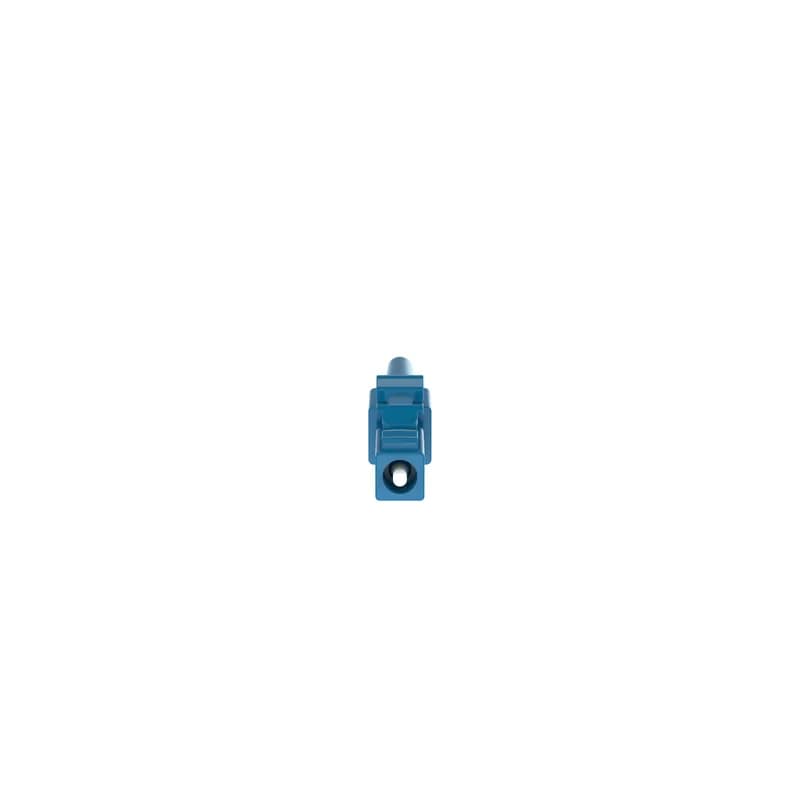
Contact for Pricing
Minimum Qty: 12
Multiplier: 12
*Contact for lower quantities*
Overview
- Singlemode 9/125µm OS2 simplex fiber connector
- Termination in approximately two minutes on common splice machines
- Meets or exceeds ISO/IEC 11801 and ANSI/TIA-568.3-D standards
- Includes ferrule assembly, blue front/rear housing with boot, and splice protection sleeve
- RoHS compliant and manufactured in the US
Specifications
Boot Color* | Blue |
Color | Blue |
Connection | Fusion Splice |
Fiber Type | OS2 |
Insertion Loss | 0.3 dB |
Temperature Rating, Maximum | 167 F |
Temperature Rating, Maximum | 75 C |
Temperature Rating, Minimum | 167 F |
Temperature Rating, Minimum | 75 C |
Package Dimensions (L x W x H) | 12.5 IN x 9 IN x 10.1 IN |
Package Dimensions (L x W x H) | 31.75 cm x 22.86 cm x 25.654 cm |
Package Weight (Imperial) | 19.9200 L |
Package Weight (Metric) | 9.0357 kg |
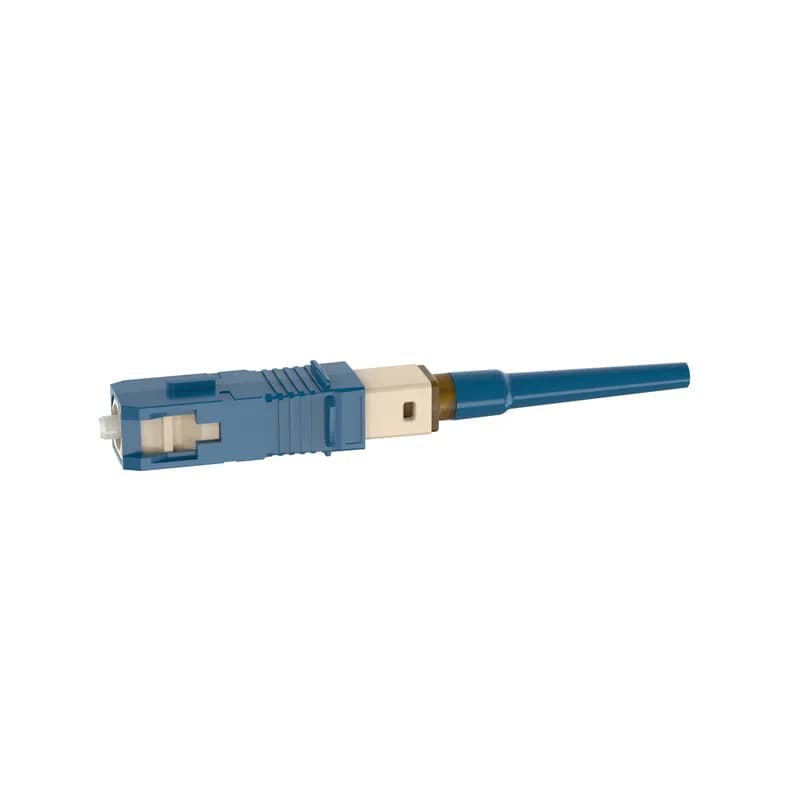
FSOCSC9
The OmniSplice SC-UPC Fiber Optic Connector is a singlemode 9/125?m OS2 simplex fiber connector. Termination can be done in about two minutes on several common splice machine brands. The connector consists of a ferrule assembly with a bare fiber stub, a blue front housing, a rear housing with integral blue boot, and a splice protection sleeve.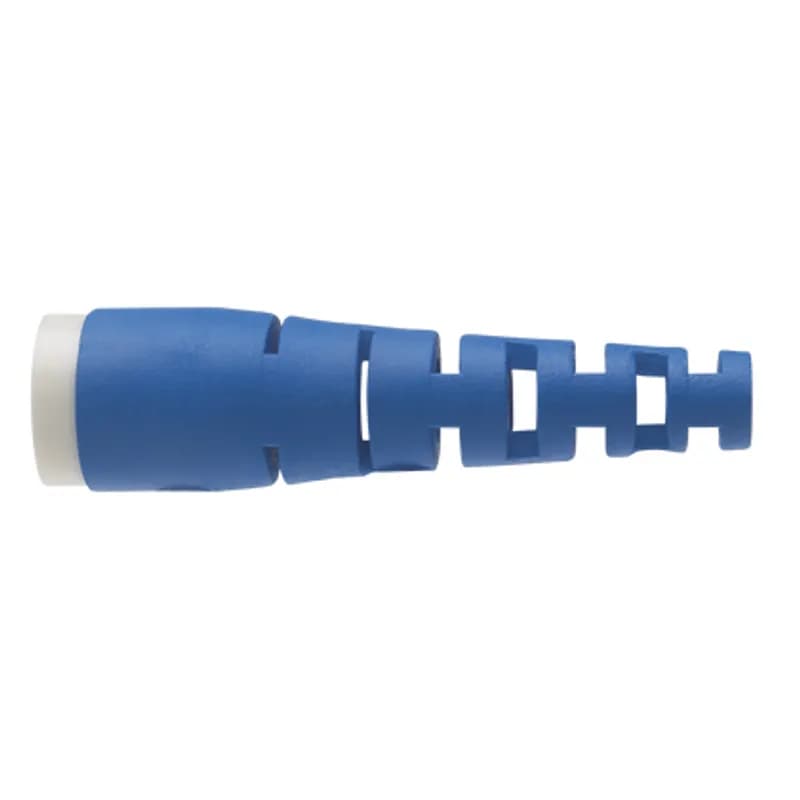
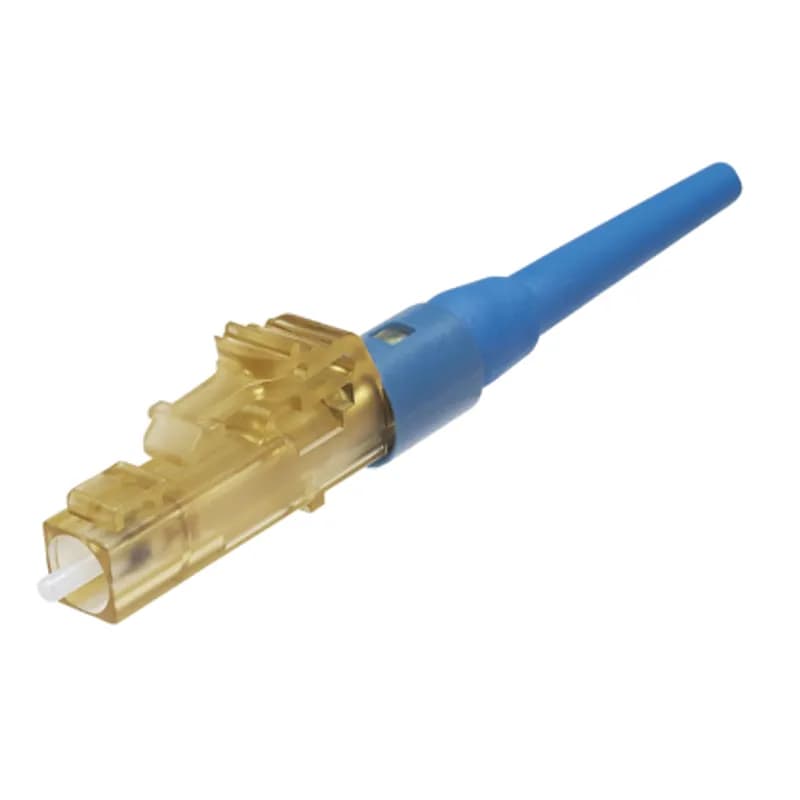
FLCSSCBUY
The OptiCam LC Fiber Optic Connector is a singlemode 9/125?m OS1/OS2 simplex fiber connector, intended for 900-micron tight-buffered fiber installation. Field termination can be done in about two minutes using the OptiCam 2 Termination Tool. The pre-polished fiber endface eliminates time-consuming field polishing, reducing installation costs. The LC connector has a natural-colored body with a blue-colored backbone and 900?m boot.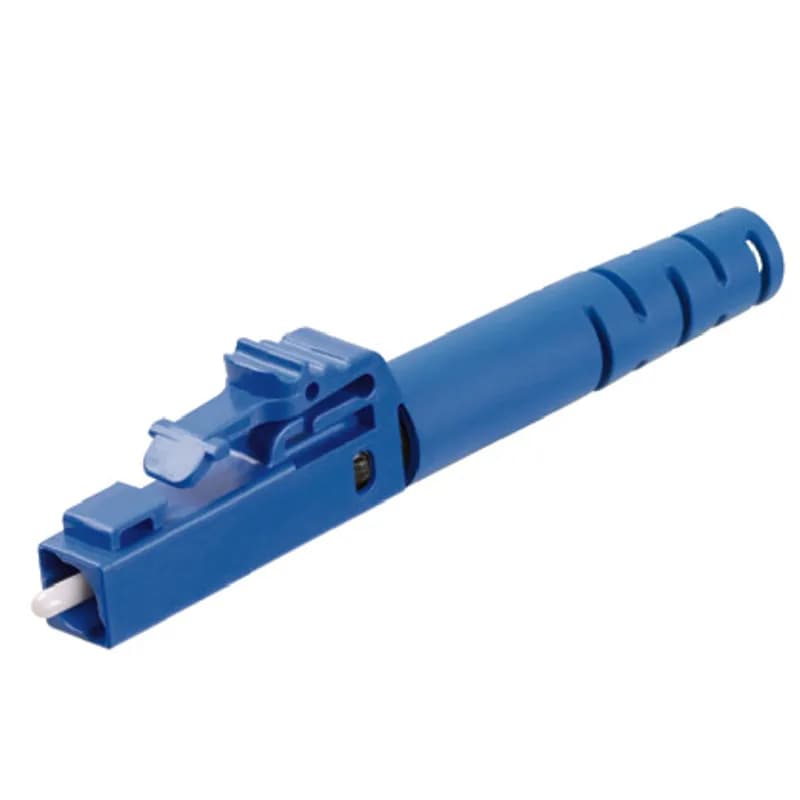
FLCSS3.0BU
The simplex field polish LC Fiber Optic Connector is intended for installation onto singlemode 9/125?m, 3mm jacketed fiber. The LC connector has a blue body with a blue 3mm boot.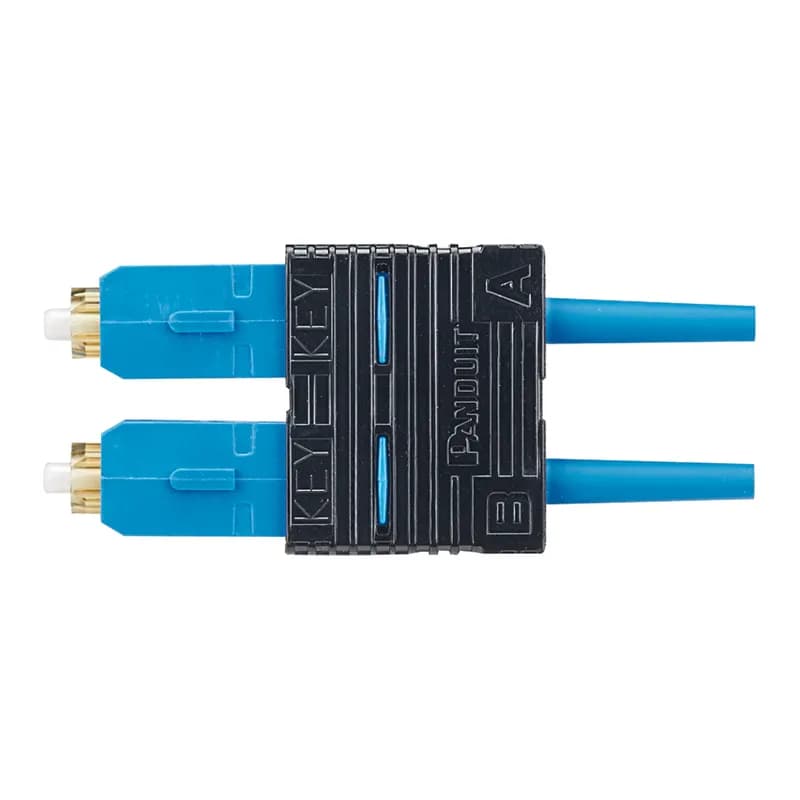
FSC2DSCBU
The OptiCam SC Fiber Optic Connector is a singlemode 9/125?m OS1/OS2 duplex fiber connector, intended for 900-micron tight-buffered fiber installation. Field termination can be done in about two minutes using the OptiCam 2 Termination Tool. The pre-polished fiber endface eliminates time-consuming field polishing, reducing installation costs. The SC connector has a natural-colored body with a blue-colored backbone, outer housing, and 900?m boot.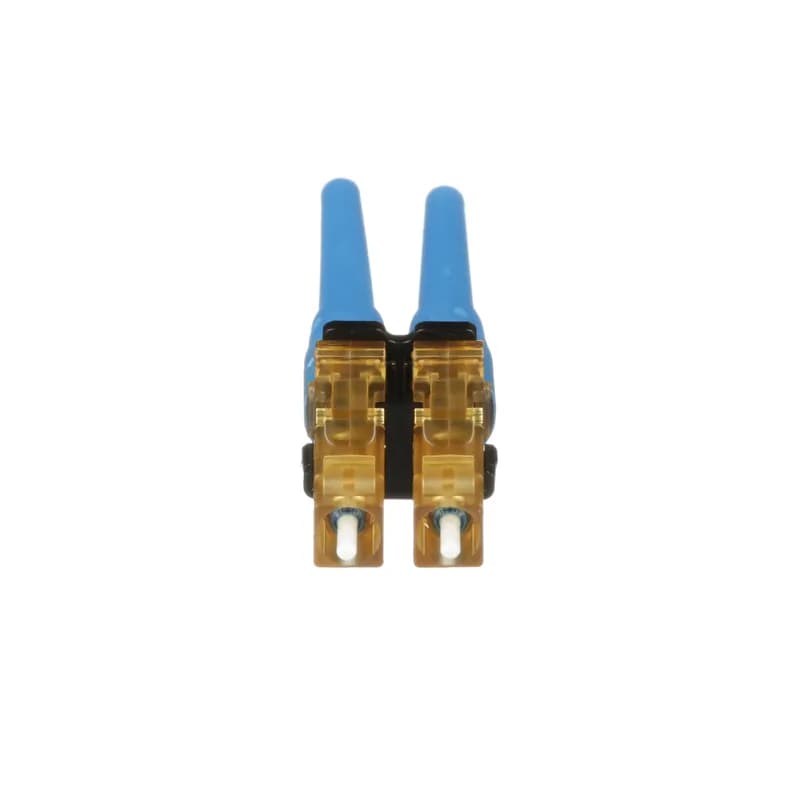
FLCDSCBUY
The OptiCam LC Fiber Optic Connector is a singlemode 9/125?m OS1/OS2 duplex fiber connector, intended for 900-micron tight-buffered fiber installation. Field termination can be done in about two minutes using the OptiCam 2 Termination Tool. The pre-polished fiber endface eliminates time-consuming field polishing, reducing installation costs. The LC connector has a natural-colored body with a blue-colored backbone and 900?m boot.
FST2SCBU
The OptiCam ST Fiber Optic Connector is a singlemode 9/125?m OS1/OS2 fiber connector, intended for 900-micron tight-buffered fiber installation. Field termination can be done in about two minutes using the OptiCam 2 Termination Tool. The pre-polished fiber endface eliminates time-consuming field polishing, reducing installation costs. The ST connector has a natural-colored body and backbone, and blue-colored 900?m boot.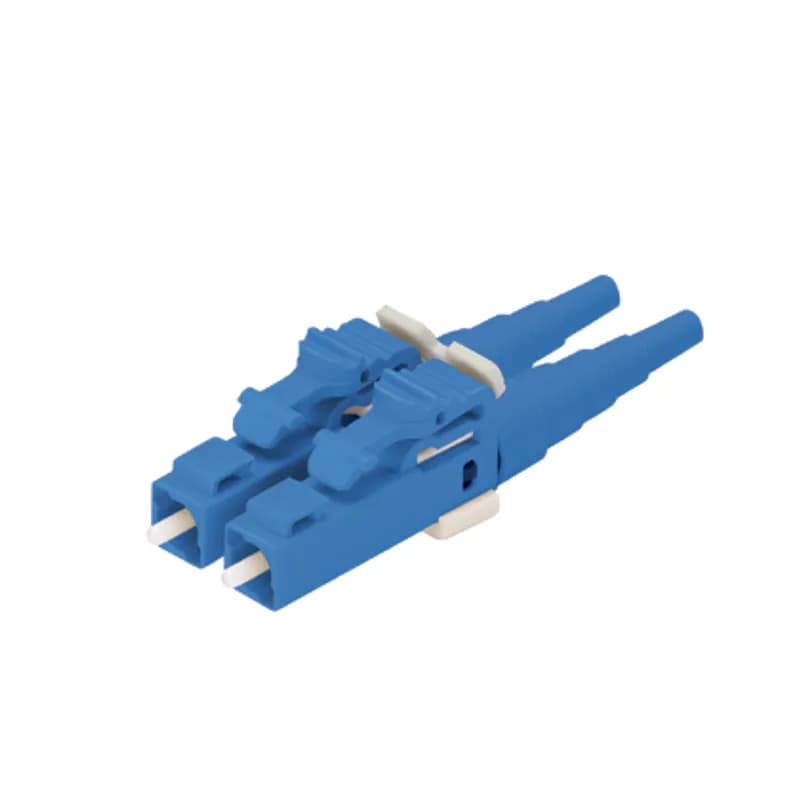
FLCDS900BUY
The duplex field polish LC Fiber Optic Connector is intended for installation onto singlemode 9/125?m, 900 m tight-buffered fiber. The LC connector has a blue body with a blue 900 m boot.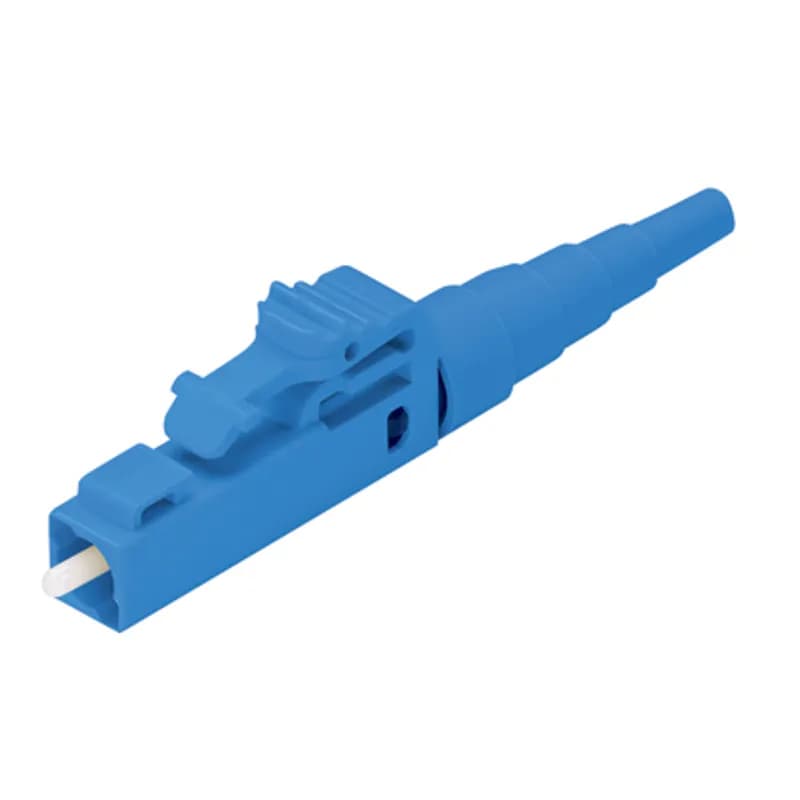
FLCSSBUY
The field polish LC fiber optic connector is a singlemode 9/125?m OS1/OS2 simplex fiber connector, intended for 900-micron tight-buffered fiber installation. The LC connector has a blue-colored body, backbone, and 900?m boot.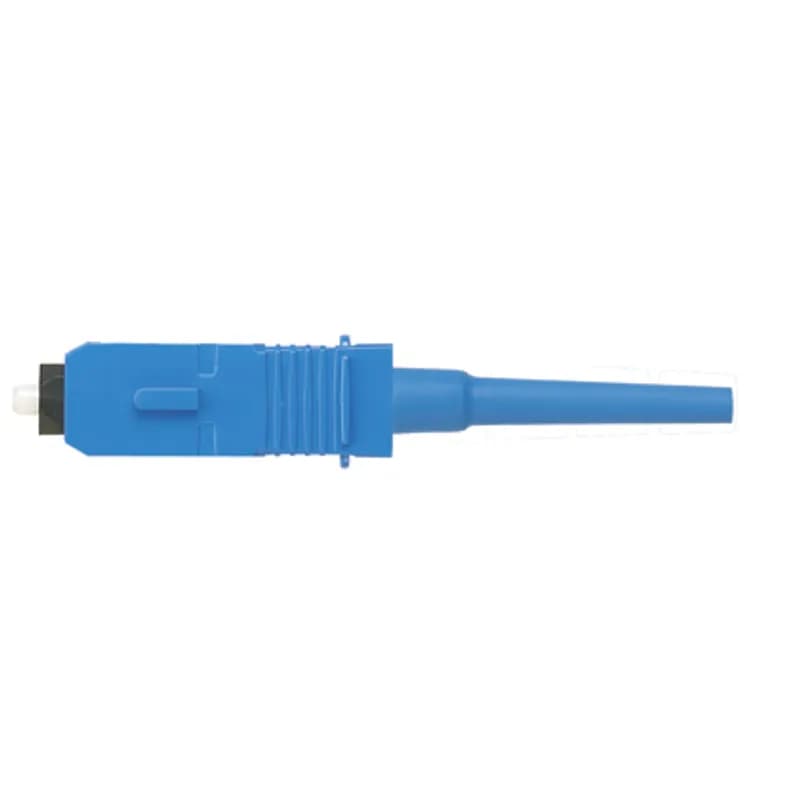
FSC2SCBU-C
The OptiCam SC Fiber Optic Connector is a singlemode 9/125?m OS1/OS2 duplex fiber connector, intended for 900-micron tight-buffered fiber installation. Field termination can be done in about two minutes using the OptiCam 2 Termination Tool. The pre-polished fiber endface eliminates time-consuming field polishing, reducing installation costs. The SC connector has a natural-colored body with a blue-colored backbone, outer housing, and 900?m boot. Sold as a pack of 100.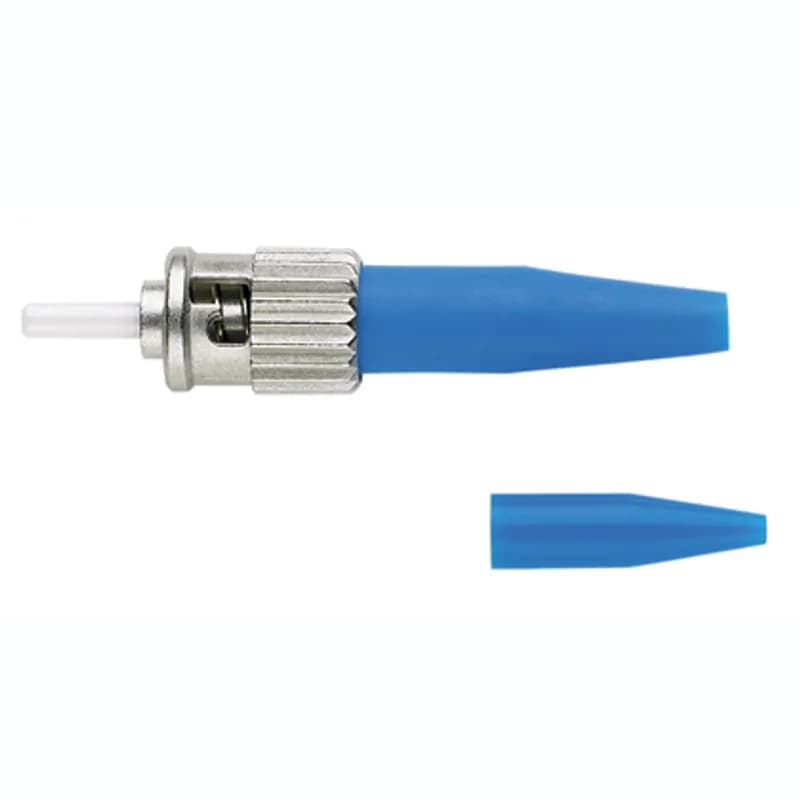
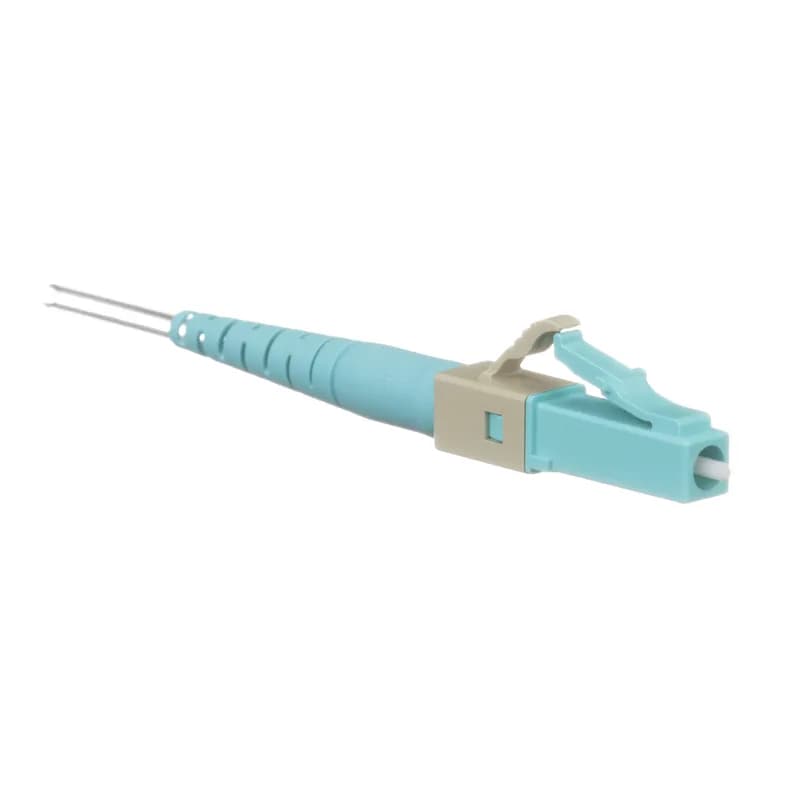
FLCS2/9SOCPXAQ
The fusion splice LC Fiber Optic Connector is a multimode 50/125?m OM3/OM4/OM5 fiber connector, intended for 900-micron tight-buffered or 250um loose-tube fiber installation. Field termination can be done in about two minutes using common fusion splice machines (not sold by Panduit). The pre-polished fiber endface eliminates time-consuming field polishing, reducing installation costs. The LC connector has an aqua- and grey-colored front assembly and rear assembly/boot.Frequently Asked Questions
What fusion splicer brands are compatible with OmniSplice?
OmniSplice connectors are compatible with common fusion splice brands like AFL (Fujikura), Fiber Fox, Sumitomo, and UCL Swift.
What is the operating temperature range for OmniSplice?
OmniSplice connectors have a functional temperature range from -40°C to 75°C.
What performance standards do OmniSplice connectors meet?
OmniSplice connectors are tested to Telcordia GR-326-CORE and exceed ANSI/TIA-568-E.3 performance requirements for IL and RL.
What fiber types are compatible with OmniSplice connectors?
OmniSplice connectors are compatible with 9/125μm Singlemode (OS1/OS2) and 50/125μm Multimode (OM2, OM3, OM4) fibers.
What fiber sizes and types do OmniSplice connectors support?
OmniSplice connectors support 900μm tight-buffered, 250μm loose-tube, and 250μm with 900μm build-up tubing fiber.
What is the insertion loss for OmniSplice connectors?
Singlemode fiber has an average insertion loss of 0.15dB (max 0.30dB), while multimode fiber has an average of 0.10dB (max 0.25dB).
What is the return loss for OmniSplice connectors?
Singlemode fiber has a return loss of >55dB (UPC) or >65dB (APC), and multimode fiber has >30dB (UPC).
What type of connector is the FSOCLC9?
The FSOCLC9 is an LC-UPC Simplex connector designed for 9μm OS1/OS2 singlemode fiber.
How long does it take to install an OmniSplice connector?
OmniSplice LC and SC splice-on connectors can be terminated in an average of about two minutes per connector.
What is important for OmniSplice connector installation?
Review installation instructions to ensure correct splice and heat settings are followed for the specific splice machine used.
How to Install the FSOCLC9 OmniSplice Connector
This guide provides step-by-step instructions for installing the FSOCLC9 OmniSplice Connector, ensuring proper termination of optical fibers.
Estimated time: 45m
Tools needed:
Screwdriver, Wire strippers, Multimeter
Supplies needed:
Mounting screws, Terminal connectors, Lint-free wipes, Fiber cleaning solution
- Open the connector package
Gently push the tray bottom tab down while lifting the tray lid tab up to open the blister pack. Remove the connector assembly by the handling stick, avoiding contact with the fiber stub end.
- Prepare the fiber
Mark and strip approximately 35mm of buffer and acrylate from the fiber. Clean the bare fiber with lint-free wipes and fiber cleaning solution, following safety precautions.
- Cleave the fiber
Cleave the bare fiber to 10mm. Ensure all acrylate coating has been removed for a successful cleave.
- Insert the fiber into the splice machine
Place the cleaved fiber into the left-side fiber holder of the splice machine according to the specific instructions for your machine.
- Set up the OmniHolder
Place the OmniHolder on the right side of the splice stage. Ensure it is properly positioned for the splice process.
- Insert the connector assembly
Place the connector assembly into the OmniHolder with the fiber stub protruding to the left and the handling stick to the right. Ensure the metal portion is flush against the holder.
- Initiate the splice process
Close the wind cover of the splice stage. Depending on the machine, the splice process may start automatically or require pressing a start button.
- Complete the splice
After the splice is completed, wait for the machine to provide an estimated insertion loss value. Do not touch the fiber or connector assembly until the tension test is complete.
- Prepare for heating
Gently slide the splice protection sleeve up to the rear of the fiber holder and open the fiber holder.
- Heat the splice
Place the splice point in the heater of the splice machine, ensuring the splice protection sleeve is centered. Close the heater cover and start the heating process if required.
- Assemble the connector
Once the heating and cooling cycle is complete, carefully remove the assembly from the heating area. Align the side tabs and snap the front housing together with the rear housing.
- Finalize the installation
Cut off the handling stick to remove it from the dust cap if desired. Ensure the connector is fully assembled and ready for use.
Frequently Asked Questions about Panduit
What environmental ratings do Panduit products have?
Panduit products feature comprehensive environmental ratings across multiple standards, including UL 508A Type 1, 2, 3, 4, 4X, 12, and 13; CSA Type 1, 2, 3, 4, 4X, 12, and 13; and NEMA Type 1, 2, 3, 4, 4X, 12, and 13. They meet IEC 60529 IP66 rating, providing robust protection against dust, water, and corrosion in both indoor and outdoor environments, with operating temperatures ranging from -40°C to 130°C.
What certifications and standards do Panduit products comply with?
Panduit products are certified to multiple critical industry standards, including UL (Underwriters Laboratories) in the USA and Canada, CSA (Canadian Standard Association), EN IEC 61386, LVD 2006/G5/EC, and ARRA standards. Our products meet rigorous certifications for electrical safety, environmental compliance (WEEE and RoHS), and are designed to perform in extreme temperatures ranging from -55°C to 105°C, making them suitable for demanding industrial environments.
What industries and applications are Panduit products used for?
Panduit products are engineered for critical applications across multiple industries, including commercial construction, food and beverage, oil and gas, renewable energy, transportation, and safety-critical environments. Their solutions span electrical infrastructure, wire management, cable ties, power connectors, and safety systems designed to withstand extreme conditions like high vibration, temperature variations, UV exposure, and corrosive agents. Key industries include solar and wind energy, aerospace, heavy trucking, military, commercial transportation, and industrial manufacturing.
What are the main product lines offered by Panduit?
Panduit offers a comprehensive range of electrical infrastructure products including power connectors, cable ties, grounding connectors, identification products, safety solutions, terminals, cable cleats, wiring duct, and cable tie accessories. These products are engineered for industrial environments across multiple sectors like commercial construction, food and beverage, oil and gas, renewable energy, transportation, and safety applications.
What are the key features of Panduit products?
Panduit products are engineered for robust performance in heavy-duty industrial environments, featuring a comprehensive range of solutions including cable ties, power connectors, terminals, and identification products. Key features include proven quality performance, subject matter expertise, and customer-driven innovation across multiple industrial sectors such as commercial construction, food and beverage, oil and gas, renewable energy, transportation, and safety applications. The product line is designed to maximize productivity, reliability, and safety while meeting stringent industry standards.
What is Panduit's warranty policy?
Panduit provides a comprehensive Limited Product Warranty that can be fully reviewed on their official website at www.panduit.com/warranty. All Panduit products are subject to the terms, conditions, and limitations of this current warranty. Customers are advised to review the specific warranty details for their particular product, as Panduit requires buyers to determine product suitability for their intended use and assumes all associated risks.
What technical support does Panduit offer?
Panduit offers comprehensive technical support through their dedicated customer service team, accessible via phone at 1-800-777-3300. They provide expert assistance for their full range of industrial infrastructure products, including cable ties, power connectors, terminals, and identification solutions. Customers can also access additional technical resources and product information through their website at www.panduit.com.
What accessories are available for Panduit products?
Panduit offers a wide range of accessories across multiple product lines, including cable ties, cable tie accessories, cable tie tools, identification products, cable cleats, grounding connectors, and VeriSafe accessories like the VeriSafe Network Module and Insulation Piercing Connectors. For a comprehensive view of all available accessories, customers are recommended to visit www.panduit.com for the full product catalog.
How are Panduit products typically installed?
Panduit products are engineered for comprehensive installation across industrial environments, utilizing specialized tools and techniques for precise mounting. Installation methods vary by product line - from cable ties and power connectors to terminals and identification solutions - but all are designed for robust performance in heavy-duty settings. Technicians typically use Panduit's dedicated installation tools and follow manufacturer guidelines available at www.panduit.com to ensure proper fitting and maximum infrastructure reliability.