Contact for Pricing
Overview
- For use with Ultrx Series Products
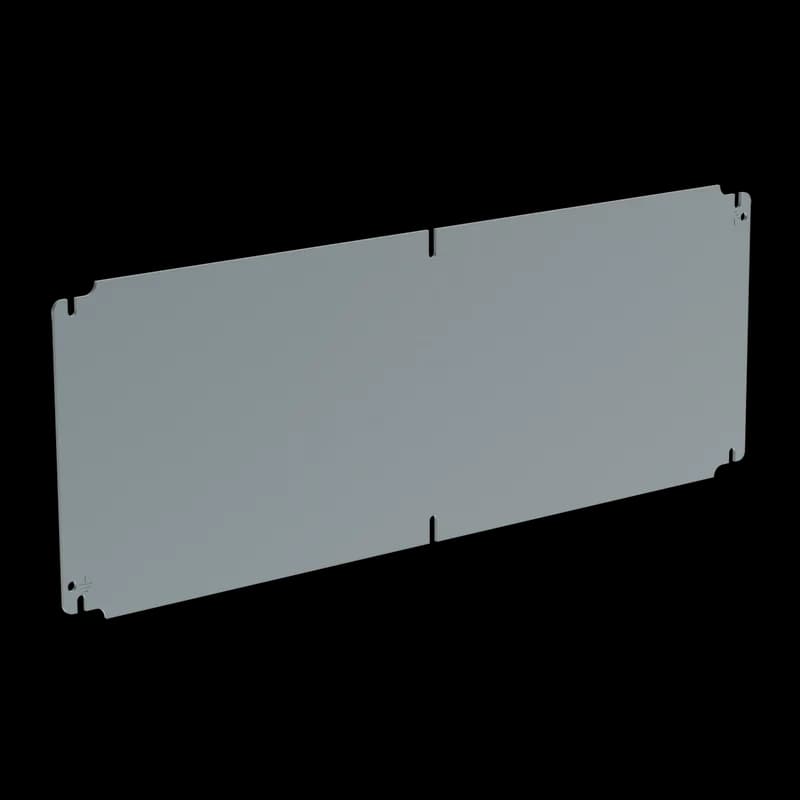
- Panel dimensions: 625x612mm (24.61x24.09 inches).
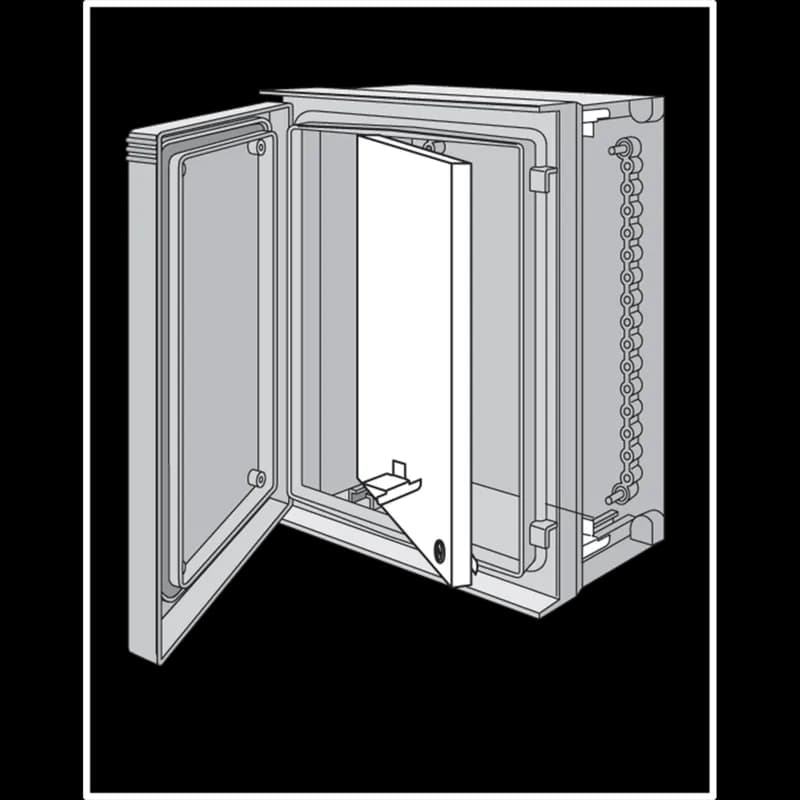
- Front-mounted design for easy access to internal equipment.
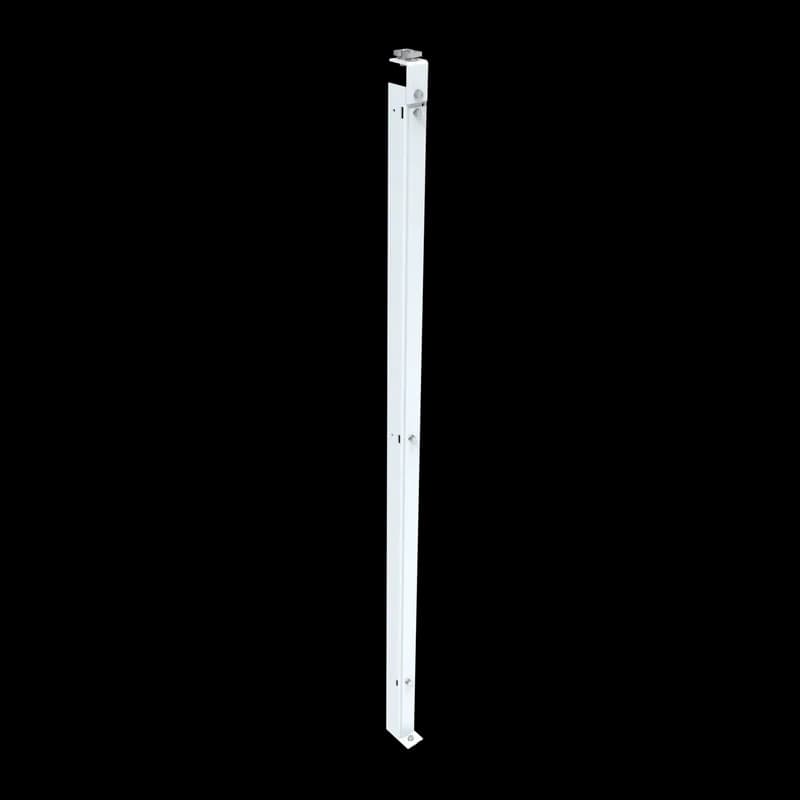
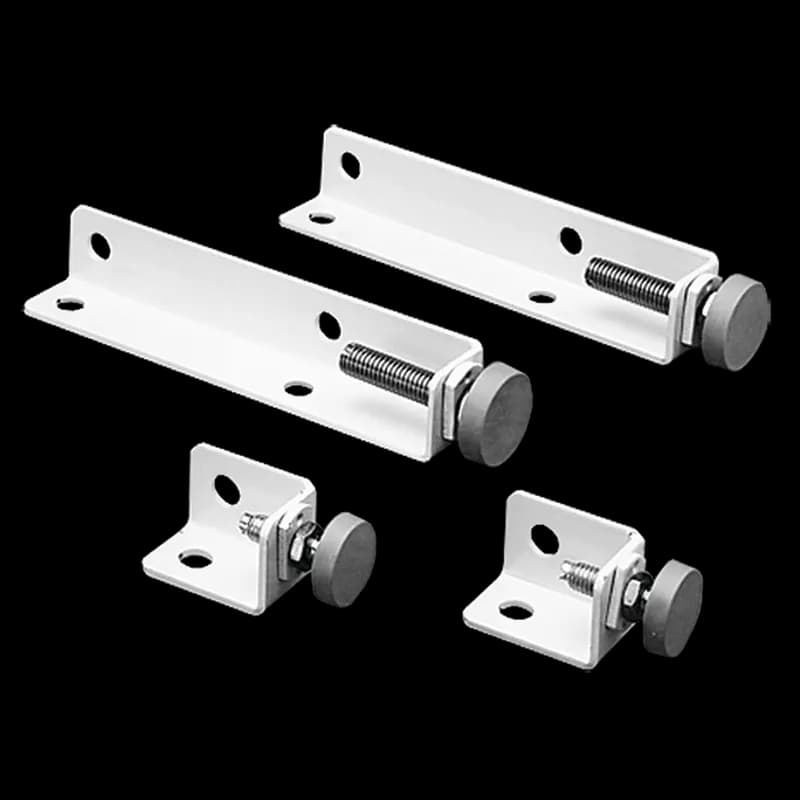
- Requires UUPB Ultrx Panel Bracket Kit for adjustable mounting.
- Manufactured in the USA for reliable performance.
Specifications
Application | Controls and Drives;Corrosive Environments |
Color | White |
Finish | Powder Coated |
Fits | 24.61 x 24.09 in |
Fits | 625 x 612 mm |
Material | Steel |
Material | Mild Steel |
Material | Mild Steel;Steel |
Modification Services | Yes |
Mounting Type | Front‑mounted (requires UUPB Ultrx Panel Bracket Kit) |
Product Family | Ultrx |
Series | ULTRX |
Size | fits 625x612mm |
Size | 625x612mm |
Thickness | 1.52 mm |
Thickness | 16 ga |
Thickness | 51.40mm (2.024") |
Type | Networking Accessories |
Weight | 12.1 lb |
Package Dimensions (L x W x H) | 24.5 IN x 24.5 IN x 2.6 IN |
Package Dimensions (L x W x H) | 62.23 cm x 62.23 cm x 6.604 cm |
Package Weight (Imperial) | 12.100 L |
Package Weight (Metric) | 5.489 kg |
How to Install the UU6060SP Controller
This guide provides step-by-step instructions for installing and configuring the UU6060SP Controller on a DIN rail.
Estimated time: 45m
Tools needed:
Screwdriver, Wire strippers, Multimeter
Supplies needed:
Mounting screws, Terminal connectors
- Mount the controller
Secure the UU6060SP Controller to the DIN rail using the integrated clips. Ensure the controller is level and firmly attached.
- Connect the power supply
Use terminal connectors to connect the power supply wires to the designated terminals on the controller. Ensure the connections are tight and secure.
- Verify the connections
Use a multimeter to check the voltage at the power terminals to ensure proper voltage is supplied to the controller. Confirm that all connections are correct before powering on.
- Configure the controller settings
Access the controller's configuration interface and set the desired parameters according to your application requirements. Save the settings before exiting.
- Calibrate the controller
Follow the calibration procedure outlined in the user manual to ensure the controller operates within the specified parameters. Adjust settings as necessary.
Frequently Asked Questions about nVent
What industries and applications are nVent products used for?
nVent products are engineered for critical infrastructure and industrial applications across multiple demanding sectors. Key markets include Construction, Data Centers, Defense, Healthcare, Mining, Oil & Gas Refineries, Power Plants, Rail/Transit, Renewable Energy, Security, Ship Building, Steel Mills, Telecom, and Utilities. Their solutions are designed to withstand extreme environmental conditions, with temperature ranges from -55°C to 105°C and specialized features like UV resistance, oil resistance, and flame resistance.
What environmental ratings do nVent products have?
nVent enclosures feature comprehensive environmental ratings, including UL 508A, CSA, and NEMA Type 1, 2, 3, 4, 4X, 12, and 13 certifications. They are rated IEC 60529 IP66, providing robust protection against dust, water, and corrosion in both indoor and outdoor environments. These products operate effectively in temperatures ranging from -40°F to 266°F, with enhanced UV inhibitors for outdoor weathering and oil-resistant gaskets for superior sealing.
What accessories are available for nVent products?
nVent offers a comprehensive range of accessories across multiple product lines, including EMC accessories like bonding cable clamps and strain reliefs, inline accessories such as lock inserts and mounting brackets, CONCEPT accessories including panel conversion kits and rack-mount angles, and seismic accessories for specialized mounting requirements. Key accessory categories include grounding kits, DIN rail mounting solutions, panel supports, handles, and various mounting hardware compatible with different enclosure types.
What certifications and standards do nVent products comply with?
nVent products meet critical international certifications including UL (United States), CSA (Canada), CE (European Community), and EAC (Russia). Our products are designed to comply with rigorous industrial standards such as NEMA enclosure ratings, IEC 60529 IP ratings, and international safety standards across multiple industrial markets including oil & gas, power, manufacturing, and infrastructure.
What is nVent's warranty policy?
nVent offers a standard 18-month warranty from invoicing date for most automation products, covering defects in workmanship and materials. The warranty requires proper transportation, handling, storage, and installation within specified environmental conditions. Warranty coverage includes repair or replacement at nVent's discretion, with certain conditions such as authorized service repairs and operation within designed capacity limits.
What technical support does nVent offer?
nVent offers comprehensive technical support through multiple global contact centers across North America, South America, Europe, Middle East, India, and Asia. Customers can reach technical experts by phone at regional numbers, with the North American headquarters in Minneapolis, MN providing primary support at +1.763.421.2240. Additionally, nVent provides online support resources through their website, including CAD drawing downloads and an 'Ask The Expert' feature to assist with product technical inquiries.